Turn the knob slowly.
Press one of the buttons and release it immediately.
[27] Enjoying Video and Sound Listening to the radio
Listening to FM/AM radio
You can listen to FM and AM broadcasts through the built-in tuner. Before operation, be
sure you have connected the FM and AM antennas (aerials) to the receiver.
1. Select [Listen] - [FM TUNER] or [AM TUNER] from the home menu.
The FM/AM screen appears.
To switch the screen mode, press OPTIONS and select [Simple] or [Full] in [FM/AM
Display] from the options menu.
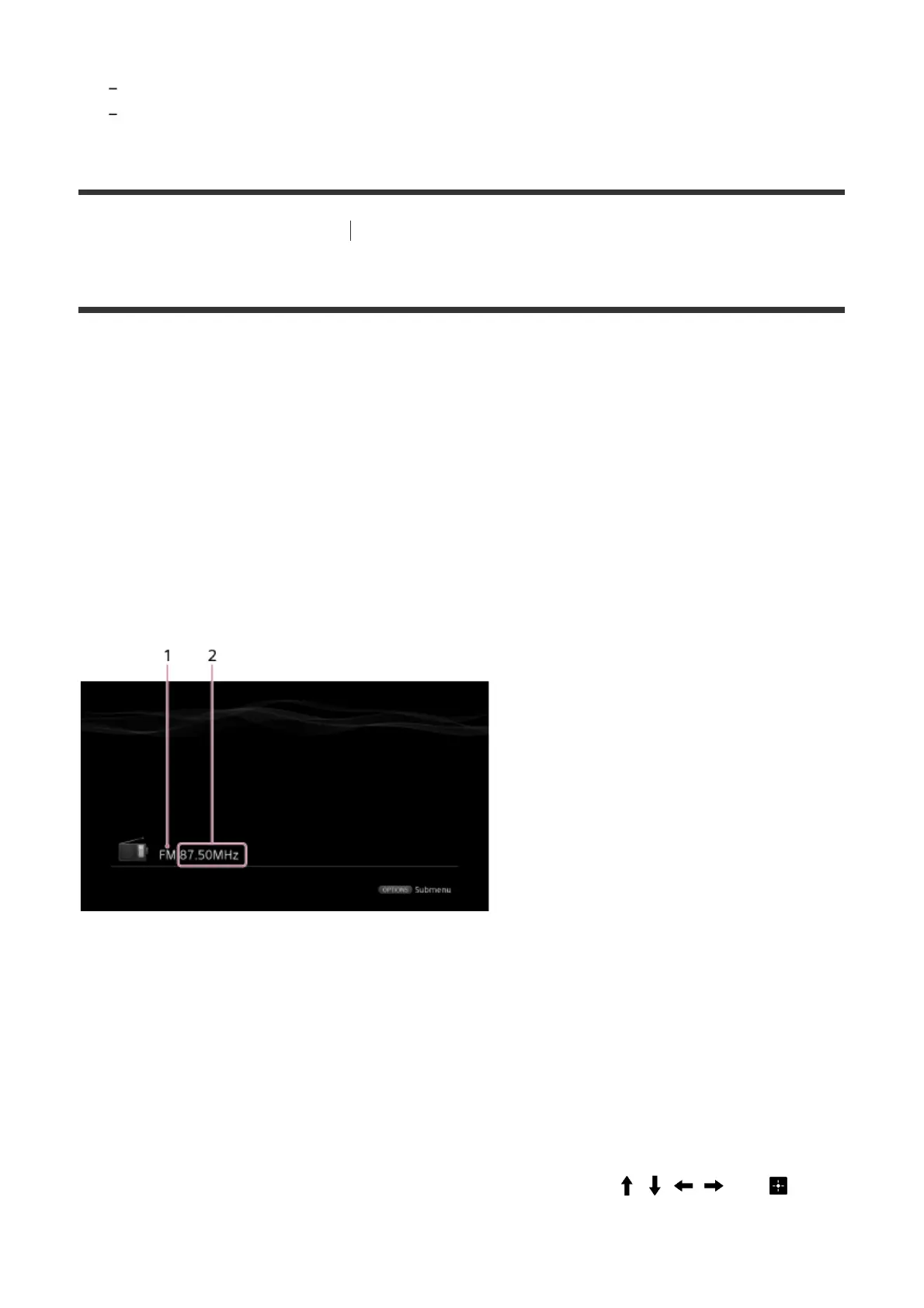
FM/AM screen (Simple mode)
The Simple mode screen appears in the default setting.
1. Band indication
You can select [FM] or [AM] by pressing the FM or AM.
2. Frequency indication
You can tune to a station automatically by pressing TUNING +/-. The receiver stops
scanning whenever a station is received.
You can also select a preset station by pressing PRESET +/-.
FM/AM screen (Full mode)
You can select and operate each item on the screen by pressing / / / and .



 To Next Page