13
Installation
II. Artisan
TM
Color Reference Sensor
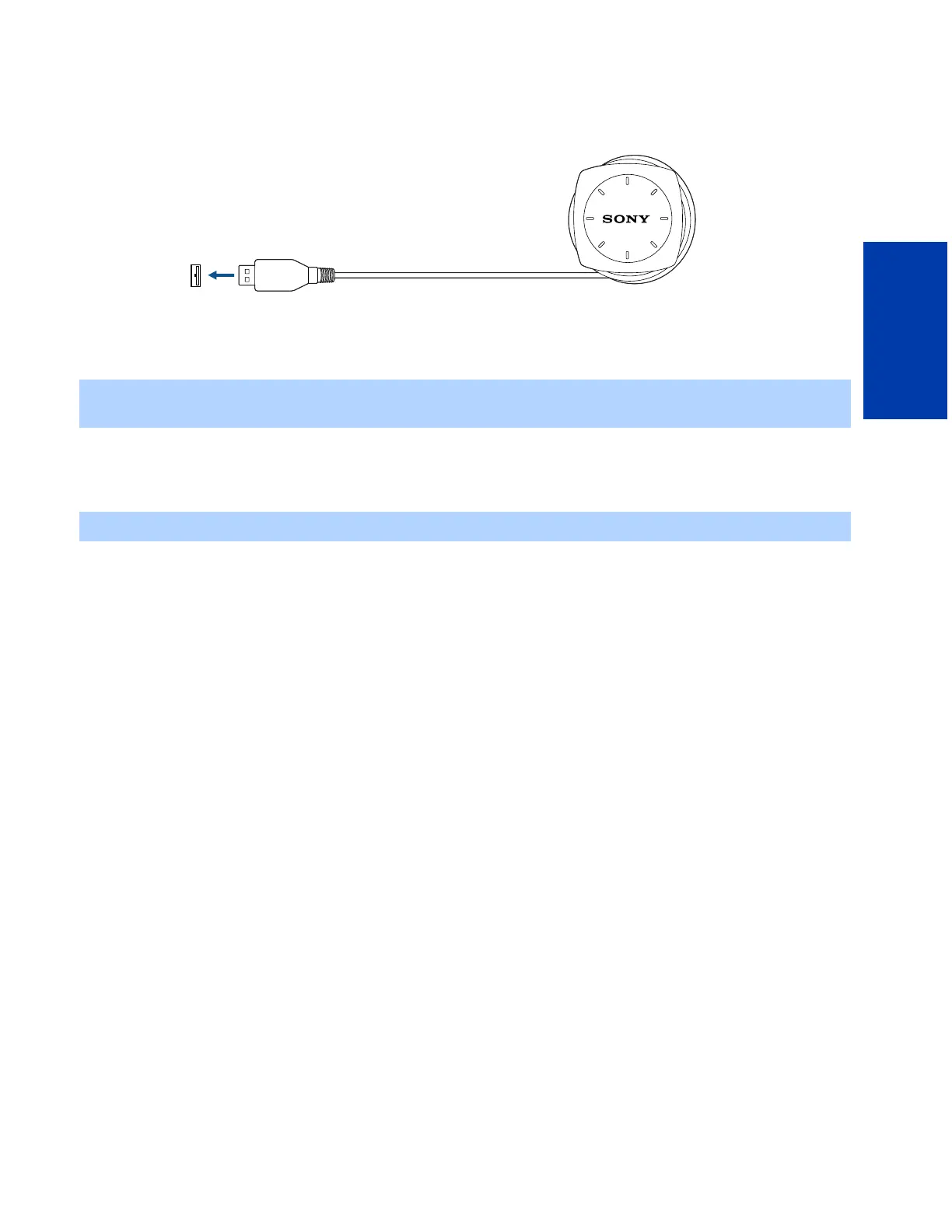
This device measures the chromaticity and luminance of your display. It should be connected to any free USB port on or
connected to your computer through a peripheral device.
1 Connect the USB end of the Artisan
TM
Color Reference Sensor to an open USB port either on your computer or
connected to it through a peripheral device (such as a keyboard or USB hub).
2 Make sure that the Artisan
TM
Color Reference Sensor can be placed easily over the center of your display’s screen, and
that its cord is not stretched during this action. If it does not easily reach, connect the sensor to a USB port that is closer
to the display.
✍ If you care connecting your Artisan
TM
Sensor to a USB hub, the hub must comply with USB standards. Macintosh users
can connect the Artisan
TM
Sensor to a USB port on their keyboard.
✍ The sensor must be connected before the Artisan
TM
Software is started.
USB port
USB jack
Artisan
TM
Color
Reference Sensor
1











 To Next Page