EasyManua.ls Logo

Sony Trinitron KV-13VM30 - Page 36

Sony Trinitron KV-13VM30
116 pages
Print Icon
To Next Page IconTo Next Page
To Previous Page IconTo Previous Page
Loading...
Using
the
Play
On
Functions
36
Zz
ee]
test
a
i
o
LEE!
OW
vu
ca
c
=
no]
ELECT
OOO
0
Oe
OO
{
C120
fa)
°
¢
z
|
a
zB
<
ie}
~
CI)
tNOEX
MARK
ERASE
SLOW
——
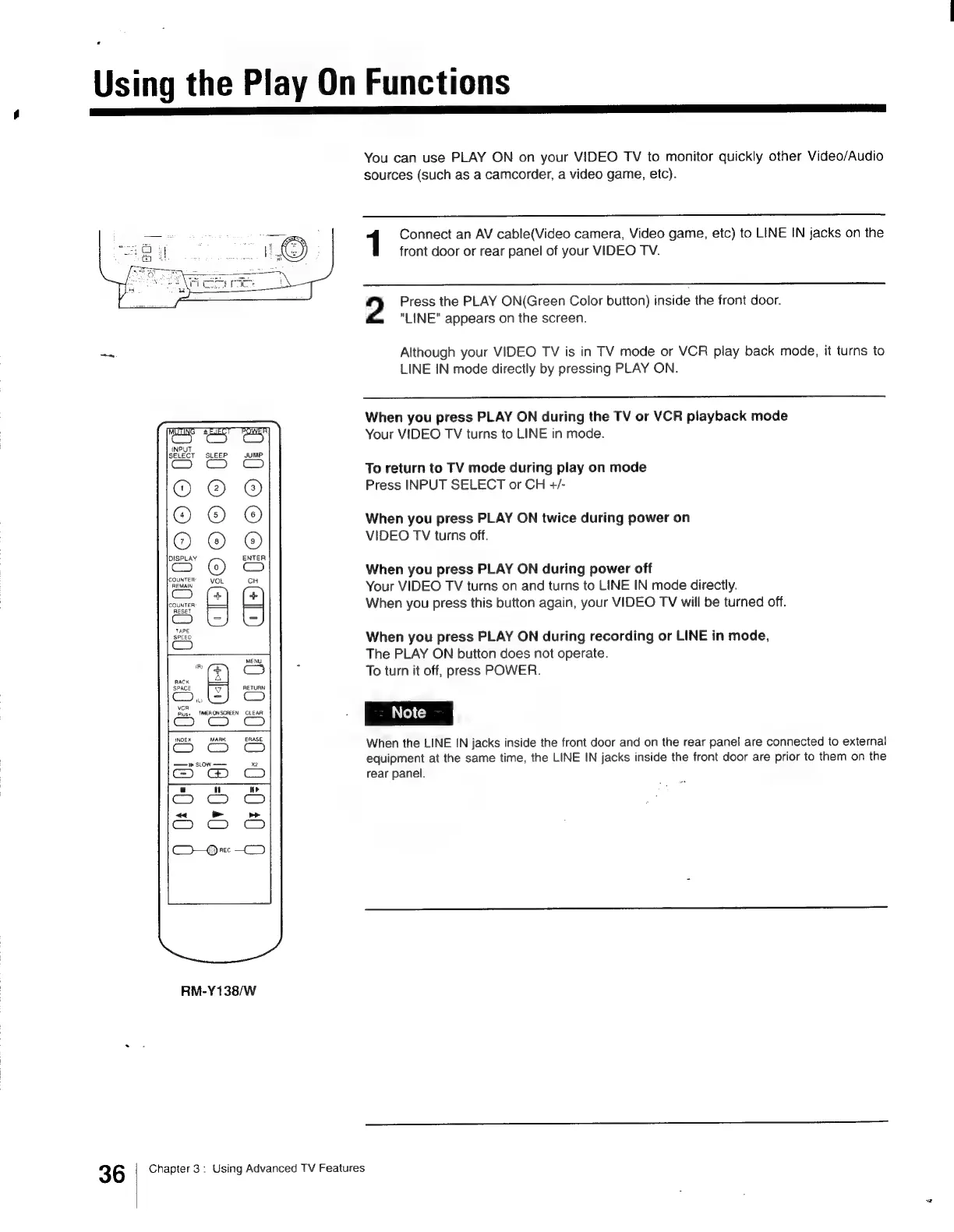
RM-Y138/W
Chapter
3:
Using
Advanced
TV
Features
You
can use
PLAY
ON
on
your
VIDEO
TV
to
monitor
quickly
other
Video/Audio
sources
(such
as
a
camcorder,
a
video
game,
etc).
1
Connect
an
AV
cable(Video
camera,
Video
game,
etc)
to
LINE
IN
jacks
on
the
front
door
or
rear
panel
of
your
VIDEO
TV.
2
Press
the
PLAY
ON(Green
Color
button)
inside
the
front
door.
"LINE"
appears
on
the
screen.
Although
your
VIDEO
TV
is
in
TV
mode
or
VCR
play
back
mode,
it
turns
to
LINE
IN
mode
directly
by
pressing
PLAY
ON.
When
you
press
PLAY
ON
during
the
TV
or
VCR
playback
mode
Your
VIDEO
TV
turns
to
LINE
in
mode.
To
return
to
TV
mode
during
play
on
mode
Press
INPUT
SELECT
or
CH
+/-
When
you
press
PLAY
ON
twice
during
power
on
VIDEO
TV
turns
off.
When
you
press
PLAY
ON
during
power
off
Your
VIDEO
TV
turns
on
and
turns
to
LINE
IN
mode
directly.
When
you
press
this
button
again,
your
VIDEO
TV
will
be
turned
off.
When
you
press
PLAY
ON
during
recording
or
LINE
in
mode,
The
PLAY
ON
button
does
not
operate.
To
turn
it
off,
press
POWER.
When
the
LINE
IN
jacks
inside
the
front
door
and
on
the
rear
panel
are
connected
to
external
equipment
at
the
same
time,
the
LINE
IN
jacks
inside
the
front
door
are
prior
to
them
on
the
rear
panel.
Se.
O08
Cl
a
ww

Other manuals for Sony Trinitron KV-13VM30

Related product manuals