EasyManua.ls Logo

Sony Trinitron KV-13VM30 - Page 38

Sony Trinitron KV-13VM30
116 pages
Print Icon
To Next Page IconTo Next Page
To Previous Page IconTo Previous Page
Loading...
Playing
Back
a
Video
Tape
38
SP
0:00:00
Chapter
4
:
Using
Basic
VCR
Features
To
record
on
a
cassette
with
the
safety
tab
broken
off,
simply
cover
the
tab
hole
with
adhesive
tape.
Adhesive
tape
Maximum
recording
time
of
a
tape
The
quality
of
tape
you
use
greatly
affects
record/playback
quality
and
the
life
of
the
VIDEO
TV.
Use
only
cassette
tapes
that
have
the
official
VHS
logo.
High-grade
tapes
give
the
best
results,
especially
at
the
EP
speed.
They
also
have
a
better
oxide
coating
that
helps
prevent
dirty
video
heads.
Although
T-160
tapes
offer
the
longest
recording
time,
they
contain
thinner
tape
that
is
more
likely
to
stretch
or
cause
tape
jams.
We
suggest
that
you
use
T-120
or
shorter
tapes.
Recording
in
the
SP
or
EP
mode
is
possible
with
this
unit.
When
recording,
select
the
desired
recording
mode
(SP
or
EP)
with
TAPE
SPEED
on
the
Commander.
During
playback,
the
unit
automatically
detects
the
recording
format,
and
then
plays
back
the
tape
in
the
appropriate
mode.
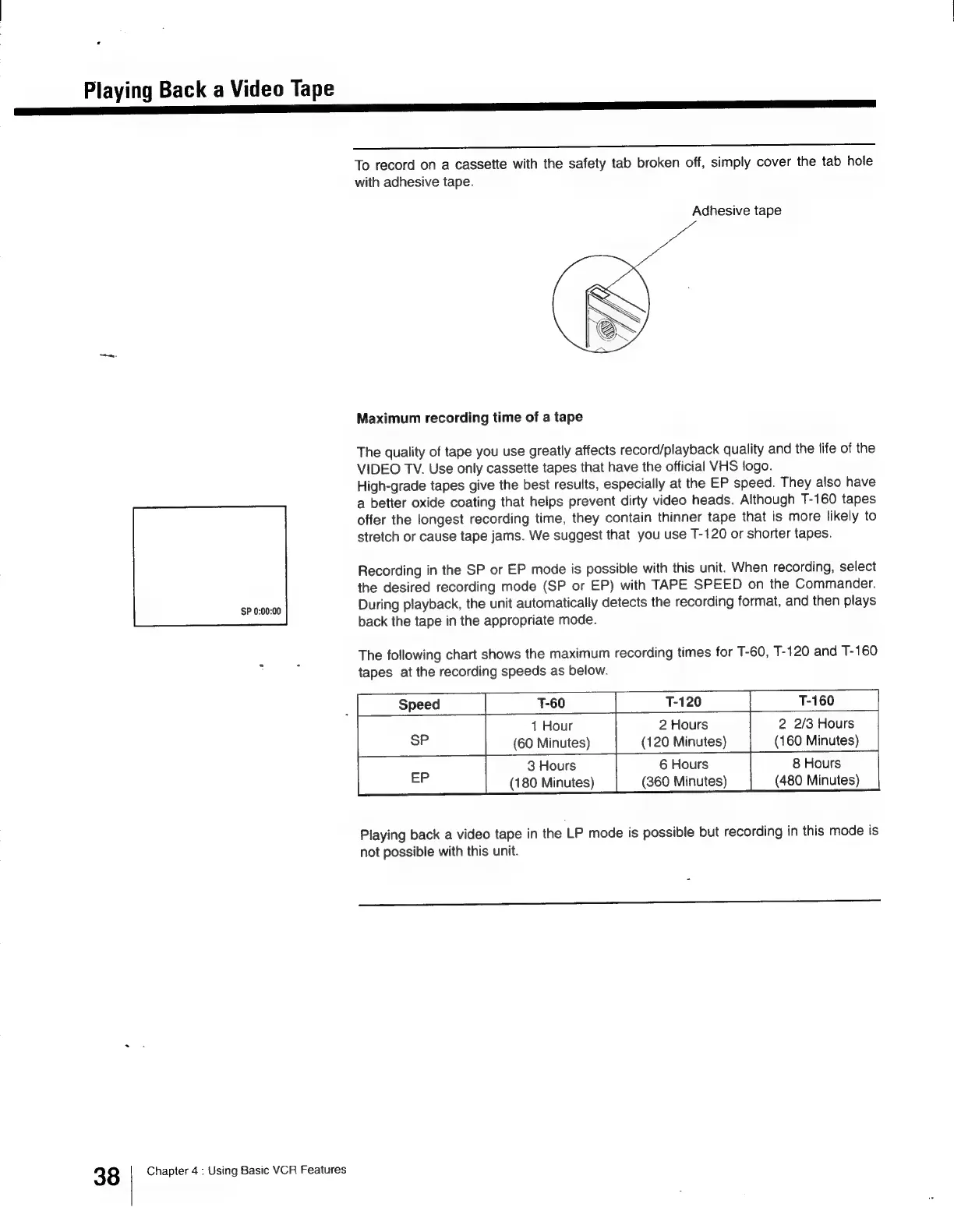
The
following
chart
shows
the
maximum
recording
times
for
T-60,
T-120
and
T-160
tapes
at
the
recording
speeds
as
below.
T-60
|
T-120 T-160
‘|
1
Hour
2
Hours
2
2/3
Hours
(60
Minutes)
(120
Minutes)
(160
Minutes)
3
Hours
6
Hours
8
Hours
(180
Minutes)
(360
Minutes)
(480
Minutes)
Playing
back
a
video
tape
in
the
LP
mode
is
possible
but
recording
in
this
mode
is
not
possible
with
this
unit.

Other manuals for Sony Trinitron KV-13VM30

Related product manuals