– 10 –
KV-DA29M81
RM-W105
SECTION 4
ADVANCE OPERATION
4-1. "RESET" FUNCTION
1. Purpose
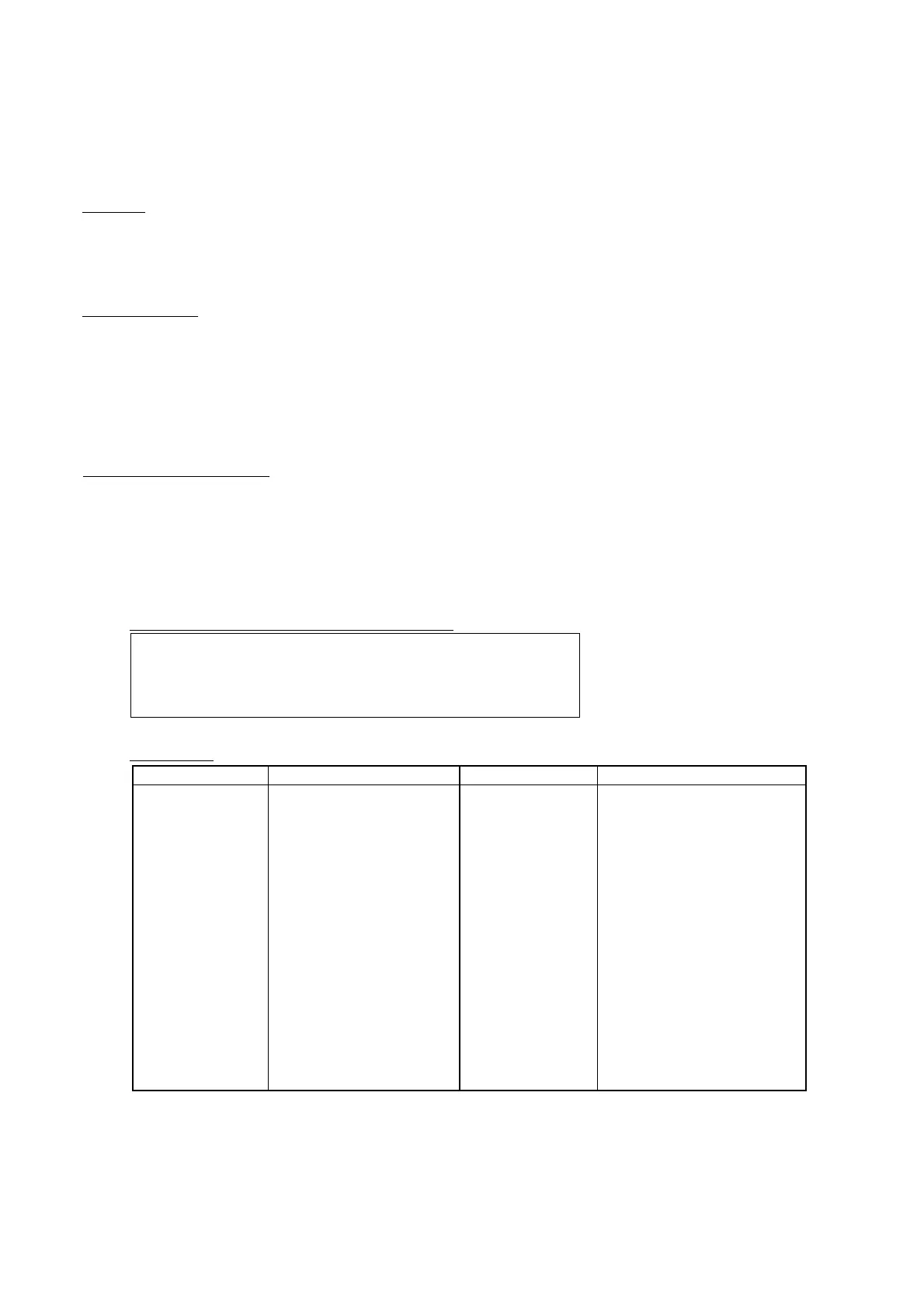
If a customer faces some setting problem that cannot be solved, using the "RESET" function some items
will be reset to its original setting (shipping condition)
2. How to Operate
There are 2 ways to access to the "RESET" Function:-
a) By pressing "RESET" button on the Remote Commander.
b) By pressing "MENU" button on the Front Key Input and hold it down for 5 seconds.
(DAXXMXX doesn't have this function anymore.)
(DAXXNXX, DAXXKXX still have it.)
3. Subsequent of Operation
Sequential to the resetting operation, TV set would shut down once and automatically turn on again. The
power-off duration is expected to be about 500msec. Initial Setup Menu is displayed.
As a result, some items will be reset to an initial condition (shipment condition) wheareas some other
remains at the last selection by user.
Items that remains at the last selection by user
Reset Items
Program No., PICTURE POSITION (included PICTURE
ROTATION and PICTURE V-POSITION), OSD Language, Fine
tuning,TV System, Skip, Program label, Program sorting, Video
label, Program block (NTSC model)
Video input RF user last setting
Volume 25
DRC-MF DRC1250
Picture mode DYNAMIC
3D Intelligent Picture ON
Sound mode DYNAMIC
Intelligent volume OFF
Surround OFF
Wide mode 4.3
Auto wide ON
Twin OFF
Program Index OFF
* Program Block Reset particular channel to
unblock
WEGA Theatre Setup
Direct Input Video 1
Speaker Main
Game mode OFF (Video) *Not available in RF
mode
Color System Reset to Auto at the CH, others
keep user setting
Eco mode OFF
Wide mode Wide zoom
Auto wide ON
4.3 Default Wide zoom
V Center 00
V Size 00
Picture mode RF user last setting
Mute OFF
OSD Display status OFF
Main volume 25
Center-in volume 25
(Remote button)
Center speaker Main or center in (No menu display)
(UNDER WEGA (Selected only when WTM turns on)
THEATRE SETUP MENU)
Initial setup menu Reactivate/ON
Twin size Center
*= Reset only during watching time
- For Multi model only
- Not reset for NTSC model
Category Default Category Default



 To Next Page