26 Menu Adjustment
Sony KV-DA34M81 Group E1 (GB, FR, PR, AR)_2-186-712-11 (3)
Select
End
Multi Picture
Swap
Program Index
Twin: Off
Confirm
x
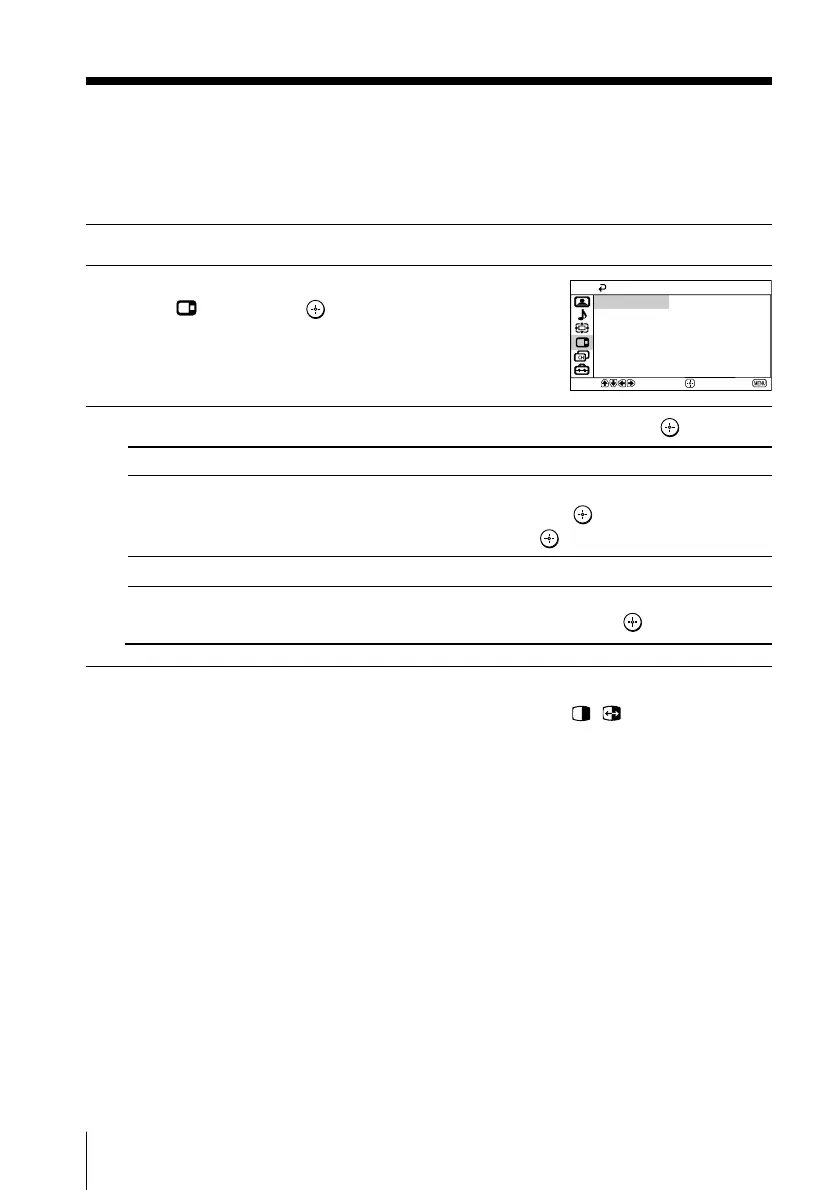
Changing the “Multi Picture” setting
B KV-DA34M86/DA29M86 only
The “Multi Picture” menu allows you to view two pictures on the screen at the
same time, swap the picture of twin screen and display Program Index.
1
Press MENU.
2
Press V or v to select the “Multi Picture”
icon (
), then press .
3
Press V or v to select the desired item (e.g., “Twin”), then press .
Tip
• You can also display or cancel the settings directly by pressing the
, or PROG INDEX
buttons on the remote control (see pages 15 and 16).
Select
“Twin”
“Swap”
“Program Index”
To
display a different TV program beside the main picture.
Press V or v to select “On”, then press .
To cancel, select “Off”, then press .
swap the left and right pictures of the twin screen.
view multiple programs on the sub-screens.
To cancel, select “Program Index”, then press
.
01GB06ADJ-STMME.p65 9/7/04, 1:36 PM26
Black








 To Next Page