5 (GB)
Connections
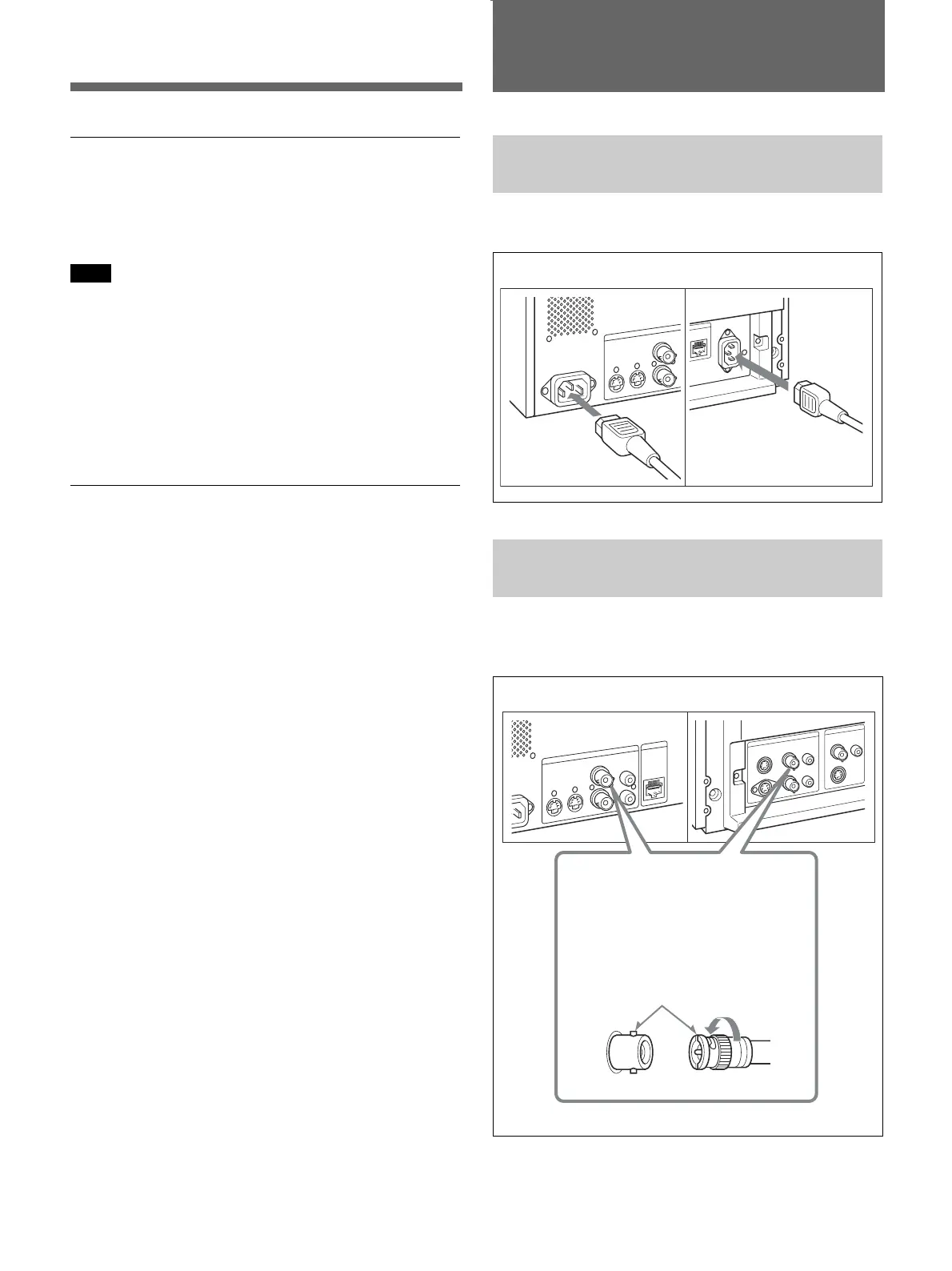
How to Connect the AC Power
Cord
Plug the AC power cord into the AC IN socket.
How to Connect a Cable to a
BNC Connector
Connect the coaxial cable with the BNC plugs to the
BNC connectors on the rear panel as illustrated below.
PVM-9L1
PVM-14L1/PVM-20L1
Insert the BNC plug into the
connector on the rear panel,
matching the slit and pin, and turn
the BNC clockwise to secure the
connection.
PVM-9L1
PVM-14L1/PVM-20L1
Functions
16:9 mode
You can precisely monitor a signal whose aspect ratio
is 16:9, in addition to a 4:3 signal.
Note
With a 16:9 mode display, red, blue and green
scanning lines can be seen at the upper edge of the
screen, but this is due to internal operations of the unit
itself.
On-screen menus
You can set monitor operation settings by using the
on-screen menus.
Options
EIA 19-inch rack mount bracket available
The monitor can be mounted on an EIA-standard
19-inch rack, using the following mounting brackets or
slide rails.
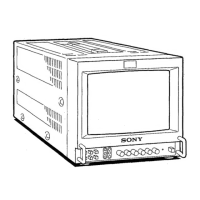
For the PVM-9L1: MB-520
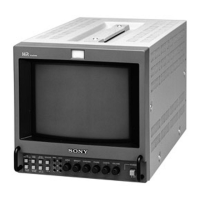
For the PVM-14L1: MB-502B (In Europe, use the
MB-502C)
For the PVM-20L1: SLR-103A (In Europe, use the
SLR-103C)
For details on mounting the monitor on the rack, refer to the
user’s manual of the mounting bracket or slide rail.










 To Next Page