7 (GB)
IN OUT OUT
IN
VIDEO
Y/C
~ AC IN
LINE
PARALLEL
REMOTE
IN
AUDIO
OUT
OUT OUTOUT
IN
VIDEO
IN
VIDEO
IN
AUDIO
IN
AUDIO
Y/C
Y/C
IN
IN
~ AC IN
LINE A LINE B
PARALLEL
REMOTE
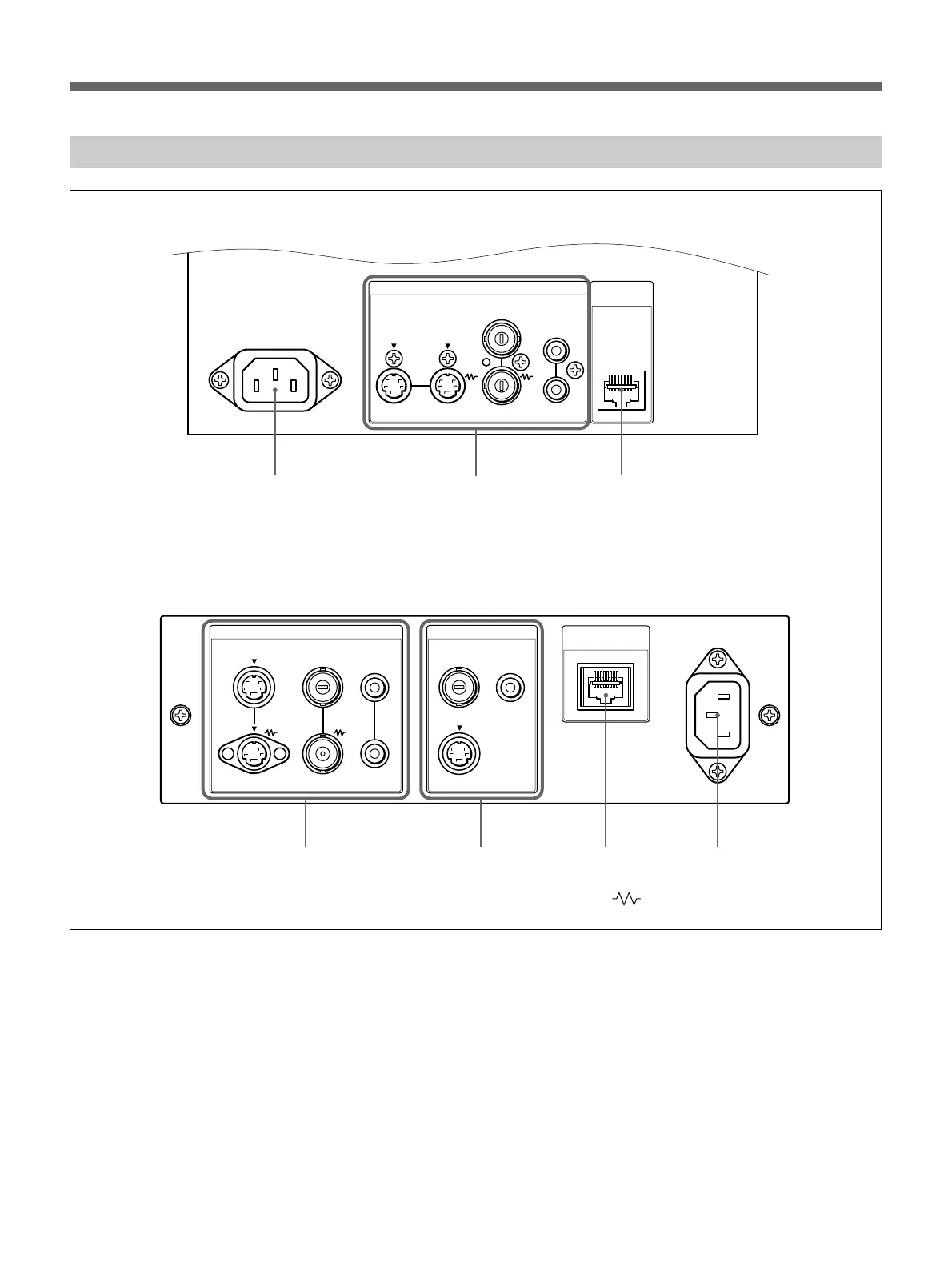
Rear Panel
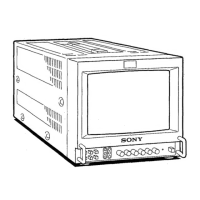
PVM-9L1
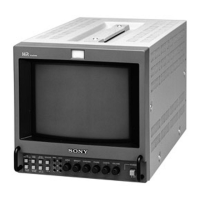
PVM-14L1/PVM-20L1
123
1
2
34
(The mark indicates automatic termination.)
1 -AC IN socket
Connect the supplied AC power cord to this socket and
then to a wall outlet.
2 LINE connectors (PVM-9L1)
LINE A connectors (PVM-14L1/PVM-20L1)
Line input connectors for Y/C separate, composite
video and audio signals and their loop-through output
connectors.
When using the PVM-14L1/PVM-20L1, press the
LINE A button on the control panel to monitor the
input signal through these connectors.
If you input signals to both Y/C IN and VIDEO IN, the
signal input to the Y/C IN is selected.
Y/C IN/OUT (4-pin mini-DIN)
These are the input/output connectors for a Y/C
separate signal. Connect them to the Y/C separate
input/output connectors on equipment such as a
VCR, video camera, or another monitor.










 To Next Page