Miscellaneous
Troubleshooting
43
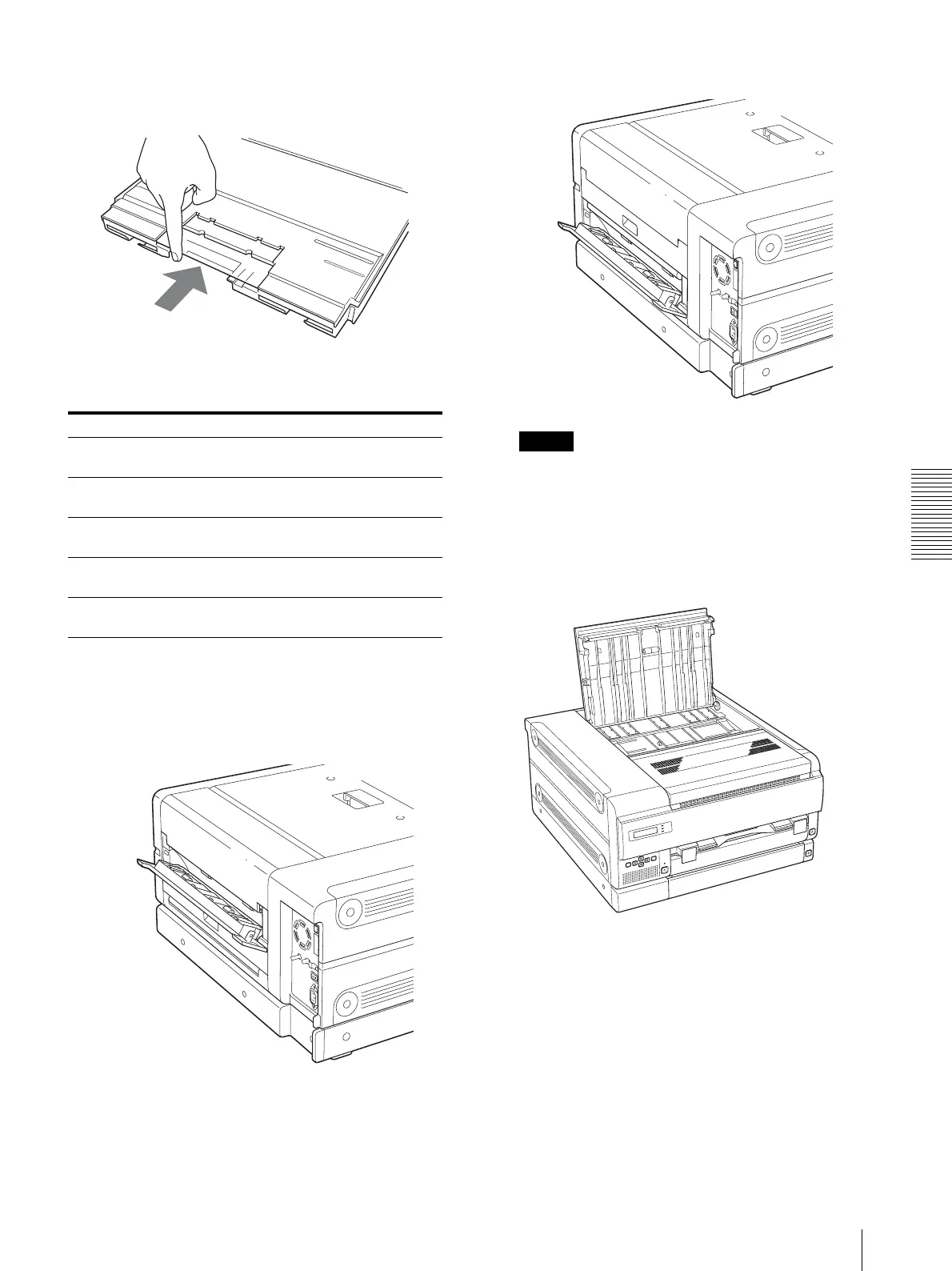
inside the film tray by pushing them with your fingers,
as shown.
When one of the following messages appears
1
Open the cover indicated in the message and
remove the jammed film sheet slowly while holding
the film with both hands.
When rear cover 1 is opened
When rear cover 2 is opened
Note
When you have to open rear cover 1 and rear cover
2 at the same time, open the rear covers, open rear
cover 2 first, and then rear cover 1. When you close
the rear covers, close rear cover 2 first, and then rear
cover 1.
When the top cover is opened
Message Cover to be opened
REMOVE FILM
REAR 1 OR 2
Rear cover 1 or rear cover 2
REMOVE FILM
TOP
Top cover
REMOVE FILM
FRONT
Front cover
REMOVE FILM
TOP & INNER 1
Top cover and inner cover 1
REMOVE FILM
TOP & INNER 2
Top cover, inner cover 1. and inner
cover 2



 To Next Page