Miscellaneous
Troubleshooting
44
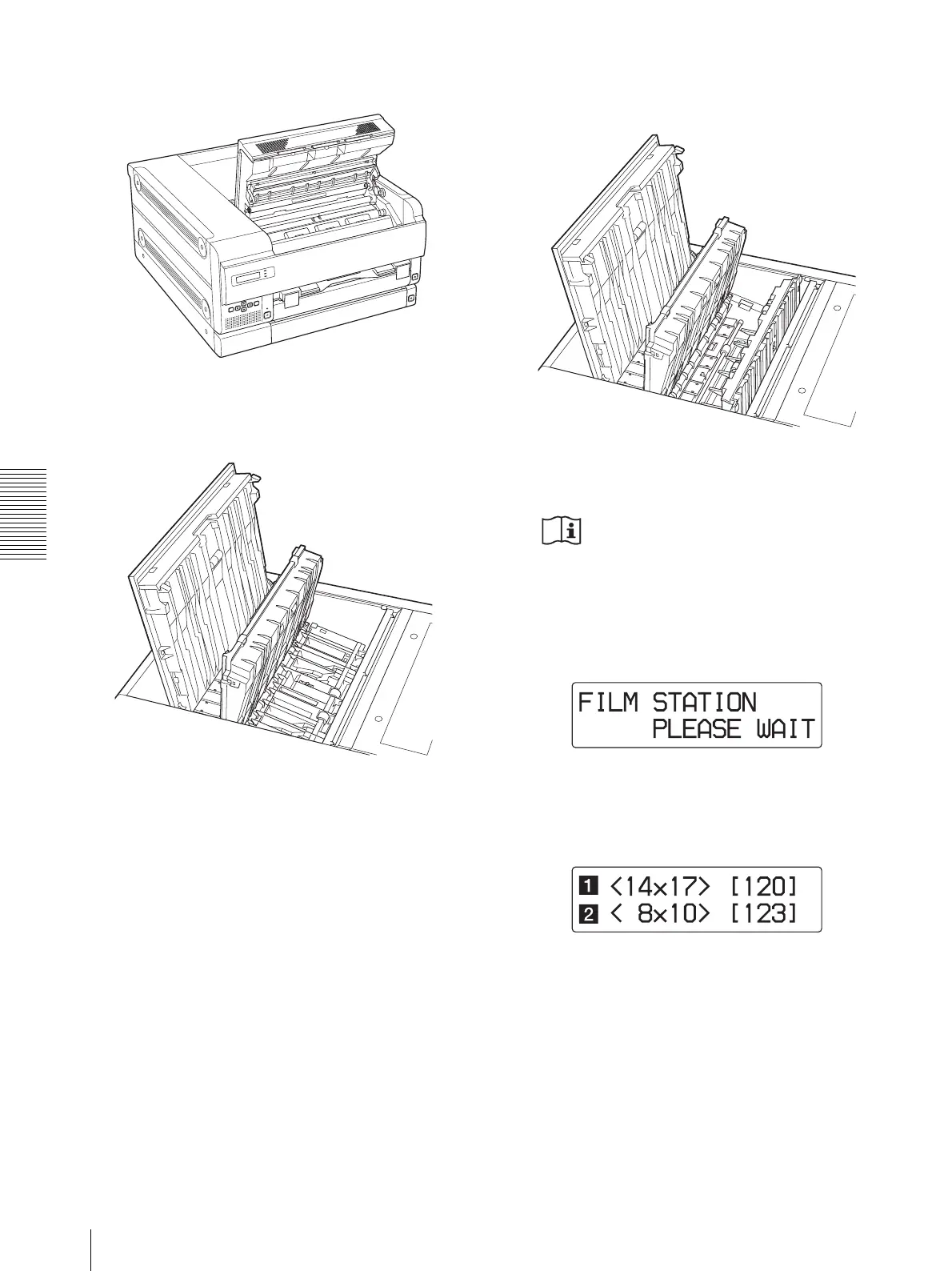
When the front cover is opened
When the top cover and inner cover 1 are
opened
When the top cover, inner cover 1, and
inner cover 2 are opened
2
Close the opened cover(s) firmly.
Caution
When you close the cover, be careful not to catch
your fingers or your hand with the front cover.
The following message appears on the LCD.
Wait until the message disappears.
When the unit enters standby status, the following
message appears.



 To Next Page