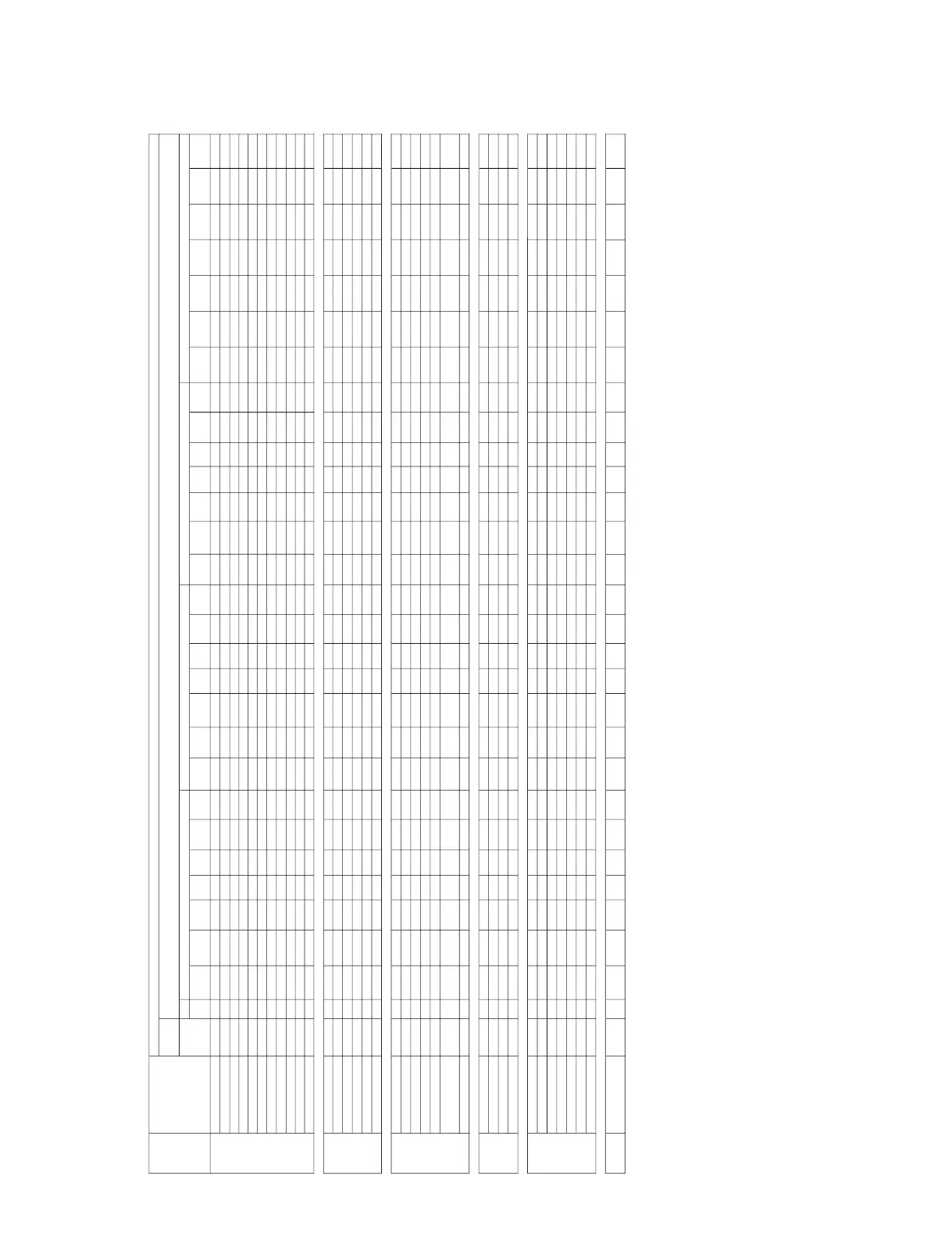
2-1. Initial Values of Adjustment Items
Y No.).
There are some adjustment items that cannot be adjusted, depending on the input signal.
Set
Memory
Dynamic Standard N
atural
Game Living Cinema
Presen-
tation Dynamic N
atural
Standard Game Living Cinema
Presen-
tation Dynamic Standard N
atural
Game Living Cinema
Presen-
tation Dynamic N
atural
Standard Game Living Cinema
Presen-
tation
Picture Mode * * * *
Adjust Picture
Contrast
90 80 85 90 90 75 85 90 75 80 90 90 75 75 90 80 85 90 90 75 85 90 85 80 90 90 60 85
Bright
60 50 55 60 50 50 55 60 55 50 60 50 50 55 60 50 55 60 50 50 55 60 55 50 60 50 50 55
Color
50 50 50 68 60 58 50 50 50 50 68 60 58 50 50 50 50 68 60 58 50
Hue
50 50 50 50 50 50 50 50 50 50 50 50 50 50
Sharp
ness 60 30 50 50 50 30 50 60 40 30 40 40 30 40 60 30 40 40 40 30 40
DDE
Film Film Film Film Film Film Film Film Film Film Film Film Film Film Film Film Film Film Film Film Film
Gamma Mode
Graphics Graphics
Color Temp
High Low Mid High Low Low High High Mid Low Low Low Low Mid Low Low Mid Low Low
Volume
30
Adjust Signal
Dot Phase 31
H Size
Shift
W
ild Mode OFF OFF OFF OFF OFF ON OFF OFF OFF OFF OFF OFF ON OFF OFF OFF OFF OFF OFF ON OFF
Scan Conv ON ON ON ON ON ON ON
Smart APA On
Auto Input Search Off
Input-A Signal Sel. Auto
Color System Auto
Power Saving Mode Off
IR Receiver
Front &
Rear
Panel Key Lock Off
Status On
Language English
Menu Position Center
Start Up Image On
V Keystone 0
Image Flip Off
Background Blue
Lamp Mode Standard
High Altitude Mode Off
Security Lock Off
Key Enter x 4
INFOR-
MATION
All information is
display only
Picture Memory
INPUT
SETTING
SET
SETTING
MENU
SETTING
INSTALL
SETTING
VIDEO INPUT A (
Component
/VideoGBR)
INPUT A (
Computer
)
, INPUT B (Computer)
PICTURE
SETTING
S VIDEO
Menu
Title
ItemName
MemoryName
High High High High High High High High High
Graphics Graphics Graphics Graphics Graphics



 To Next Page