20 Step 3: Adjusting the Picture Size and Position
When you use the horizontal and vertical lens shift features at the same time, you
can move the picture vertically by a maximum of half of the screen size.
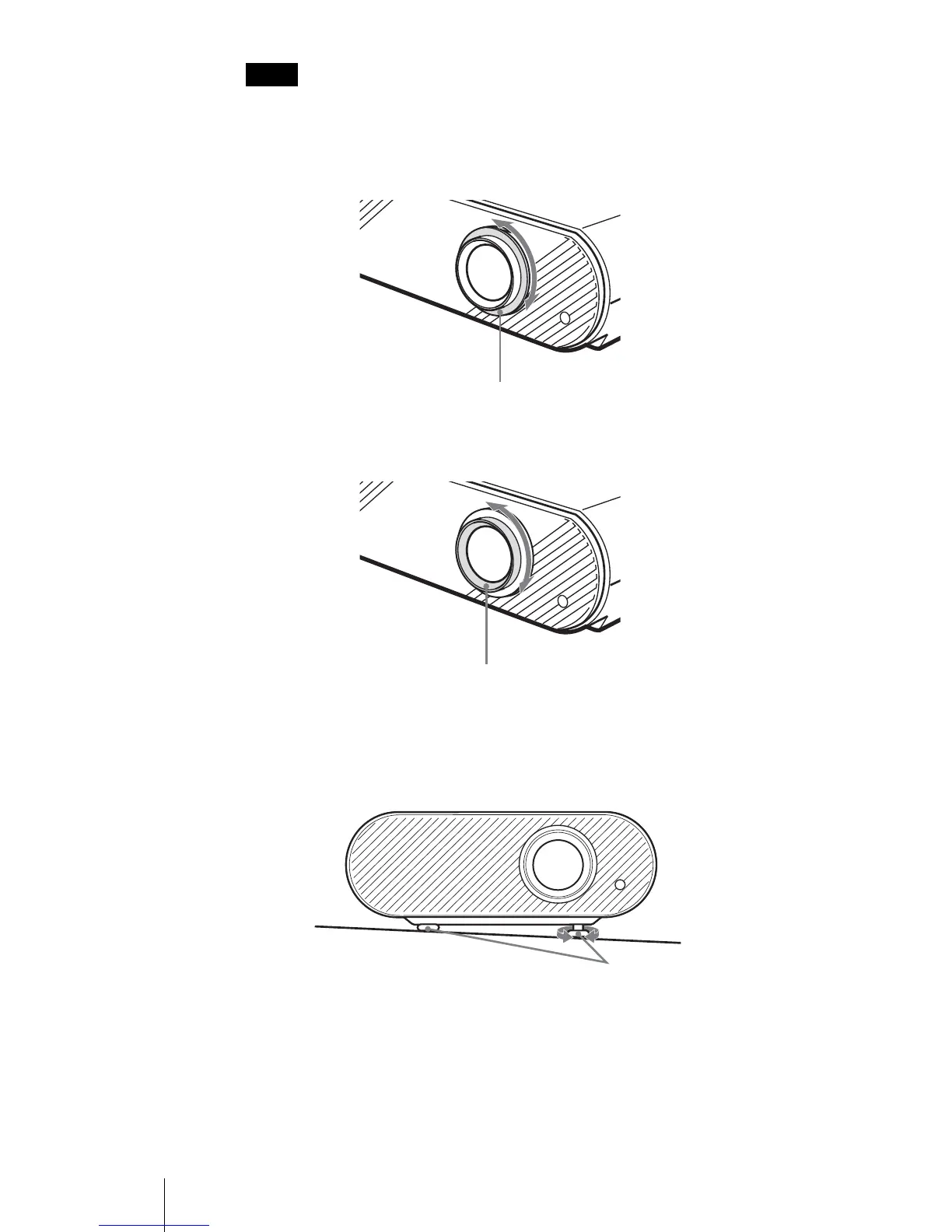
6 Adjust the picture size using the zoom ring.
7 Adjust the focus using the focus ring.
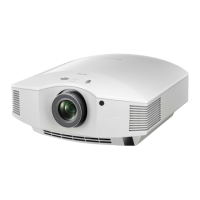
To adjust the tilt of the installation surface
If the projector is installed on an uneven surface, use the adjusters to keep the
projector level.
Note
Zoom ring
Focus ring
Adjusters
Turn to adjust.



 To Next Page