User Controls | 29 28 | User Controls
5.4 Volume Control Indicators
Your SoundGear devices are configured with
audible indicators, which highlight the current
volume position.
5.5 Battery Indicators
An indicator will sound when the battery
voltage is low. You have approximately 30
minutes* of battery life remaining. An indicator
may also sound just before the battery stops
working.
* Actual time between low battery indicator and shutdown will
vary depending on environmental noise levels and your use of
the product.
Volume Level
Tone
Volume Max
5 Short Beeps •••••
Volume Step
One Short Beep •
Volume Min 1 Long Tone –
5.6 Memory Change and Memory
Indicators
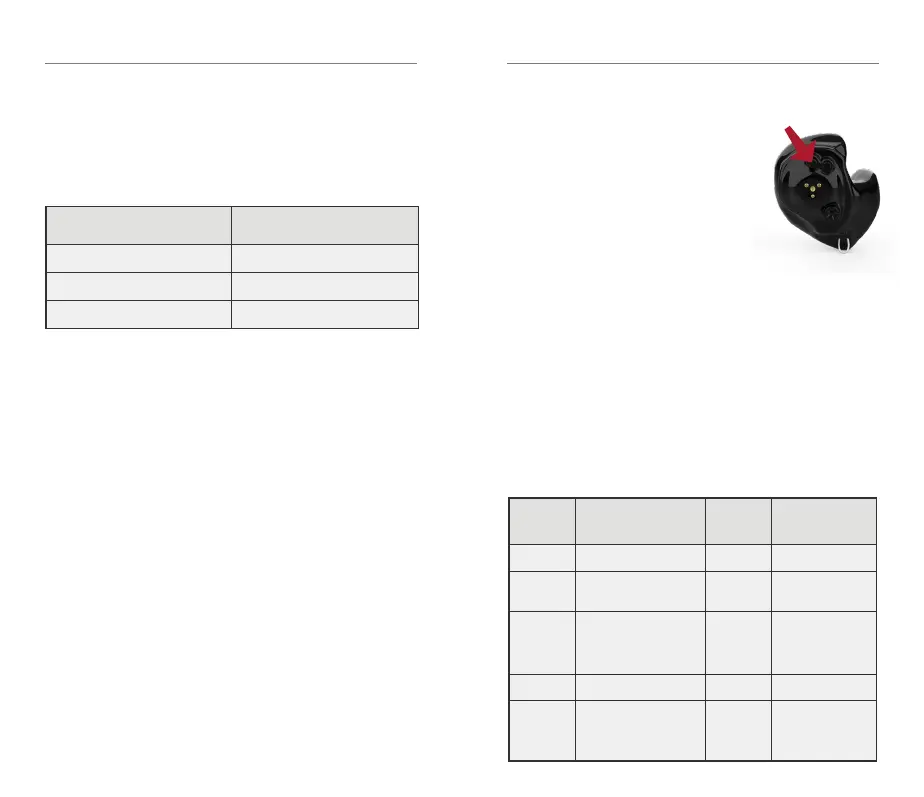
Your SoundGear devices are
configured with 4 memories.
You can access these
memories by using the push
button on your SoundGear
device to increment through
the memories.
You will hear an audible indicator when
making a memory change, identifying which
memory your SoundGear devices are in.
See table below for a description of the
memories and the audible memory indicator.
Memory
Name
Memory
indicator
Description
1
Normal + Max Wind “ONE”
Normal use, outdoor
or indoor
2
Max Compression +
Max Wind
“TWO”
Increased
compression for
shooting
3
High Frequency Boost +
Max Wind
“THREE”
Designed for
individuals with
existing high
frequency hearing
loss
4
Mute “MUTE”
Mutes device
microphones
Streaming memory none
Automatic memory
when streaming
starts (phone calls,
music, etc)



 To Next Page