MOBILE LINK X2 FUNCTION
MOBILELINK
X2
FUNCTION CAN ONLY
BE
AVAILABLE:
*Connect
your
cell
phone
with
the
unit
via BLUETOOTH.
*
Install
and
run
APK
software(MOBILELINK X2)
by
smartphone.
Bluetooth
Connection
Step
Click
BT icon in main menu to set Bluetooth
ON; Open
Bluetooth in your
cell
phone to search
"Phone Pairing", click "Phone
Pairing" and enter
into the password
"1234"
to connect
cellphone
with the unit;
Mobilelink
Software
Installing
Method
1 :Scan APK QR code
in
the unit main menu2(or scan
below
QR code) to download and
install MOBILELINK
X2 software to your
cellphone;
Method
2:
Search MOBILELINK X2 in Google
Play
and install
to your
cell phone.
It will
show the right
icon
in
your
cellphone
after successful
installing
Mobilelink
X2
function
Operation
APK
1. RUN
APK:
Click Mobilelink X2
in
your Smartphone and you
will
see in
smartphone:
"Please
connect your
Mobilelink
cable".
2.
LINK:
Mobilelink
port insert to unit
Mobilelink
pigtail; USB port insert
to unit USB pigtail; Mini port connect with
cellphone.
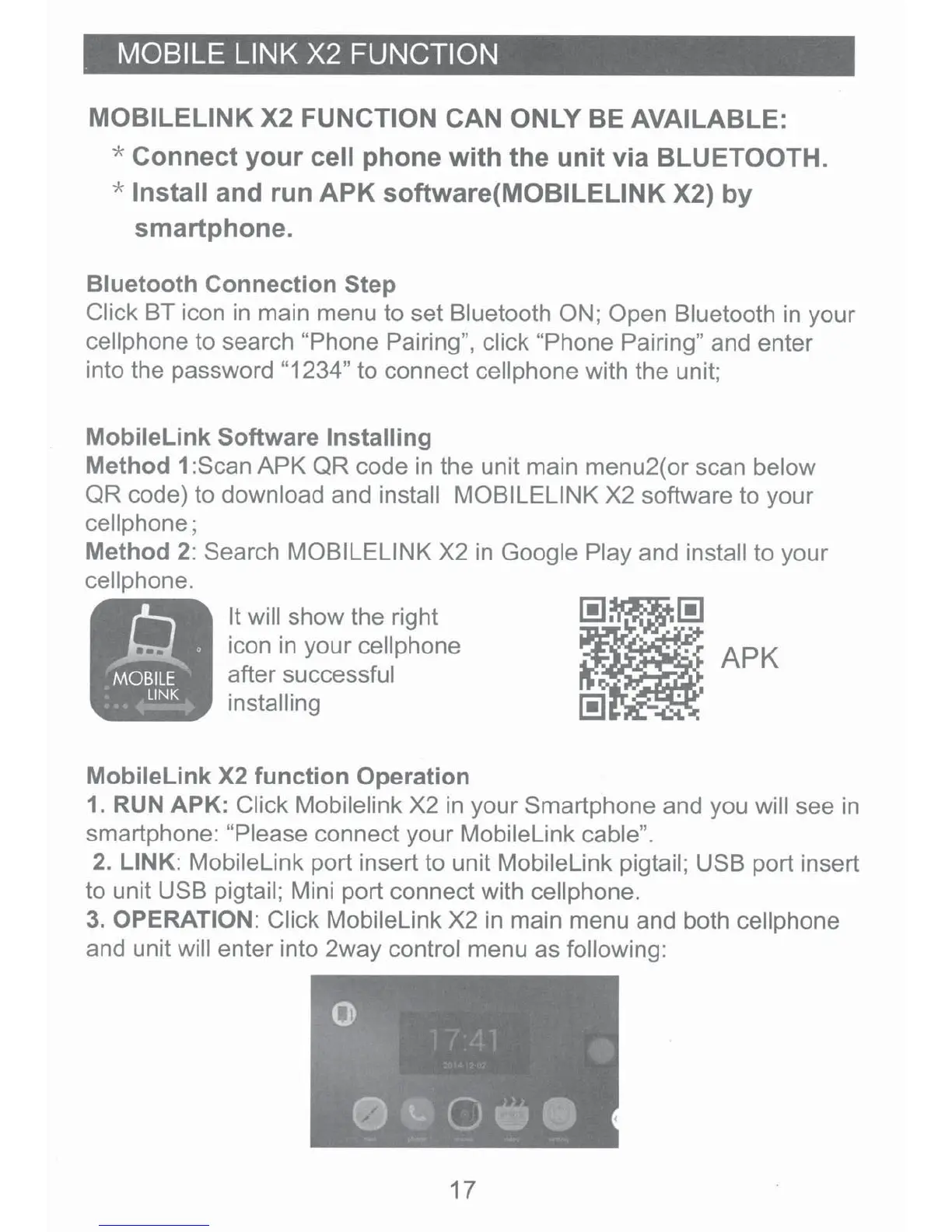
3.
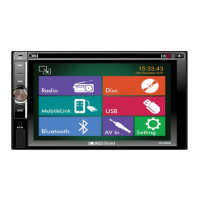
OPERATION: Click
Mobilelink
X2
in
main menu and both
cellphone
and unit will
enter into 2way control menu as
following:
17



 To Next Page