DVR-IP4CF
40
9.2.1 Online using Intranet or Fixed IP
Setup similar to “9.1 Network DVR Setup” .
9.2.2 Online using ADSL (PPPoE) Router
Setup similar to “9.4.3.3 Connect to ADSL by PPPoE mode”.
9.2.3 Online using DDNS Server
The DDNS service provides the dynamic IP to users to gain access to resources
connected to the Internet via a cable or DSL connection. Once you’ve decided to
apply this function, please register your domain name at http://www.dyndns.org
(this website supports register free service). Paid DDNS service is applied to
long-term users. For more information, please refer to “9.4.4 DDNS Setup”.
9.2.4 Online Connection
Start Internet Explorer, enter the IP Address of the Network DVR into the Address
field, such as 192.168.1.31 or click twice on IPEdit.
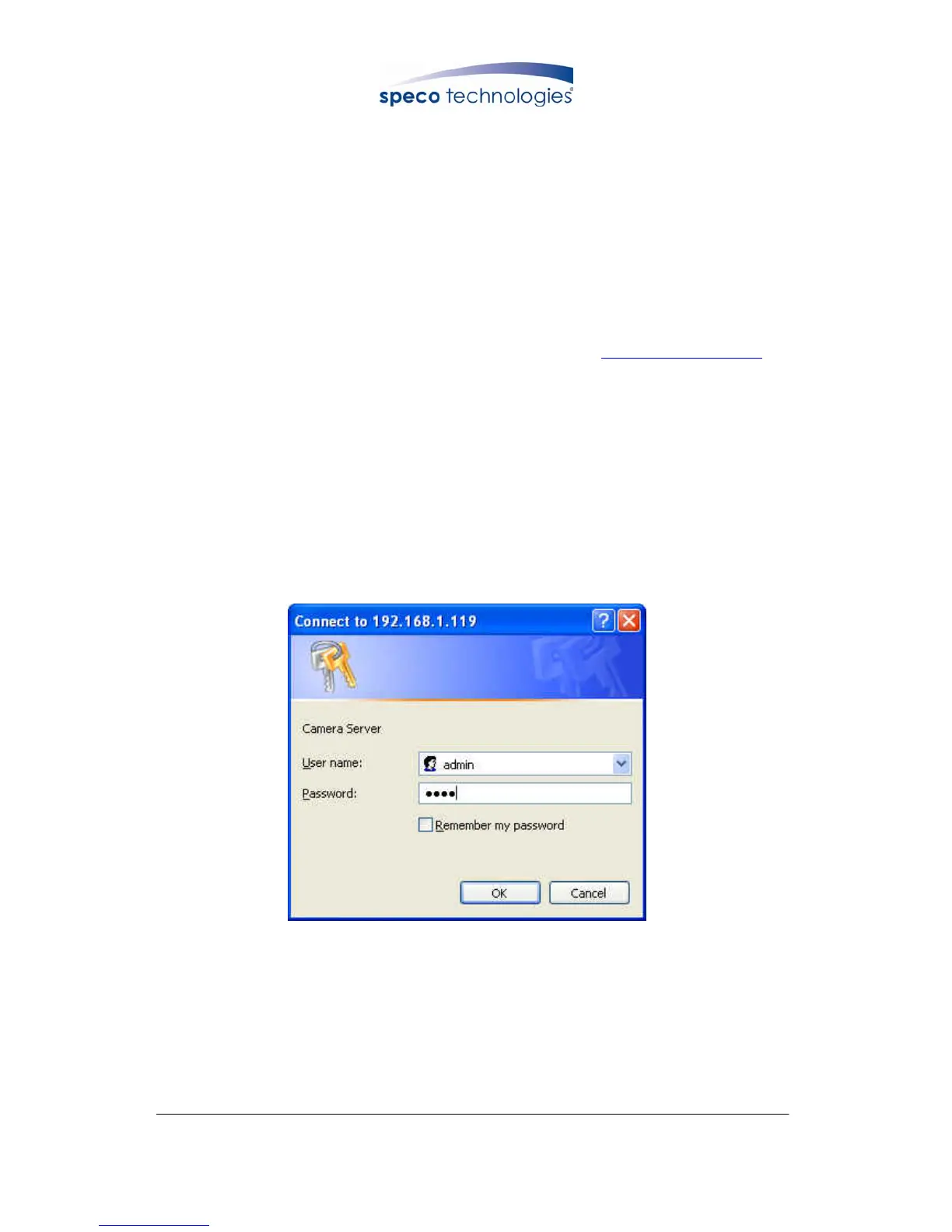
Before connection, “User name” and “Password” will be requested:
Default User Name: admin
Default Password: 1234



 To Next Page