DVR-IP4CF
49
z Reboot DVR: The system need 20 seconds to reboot the DVR (Rebooting
does not effect the recording function).
z FirmWare update (Please refer to 6.7).
z ReStore Factory Default
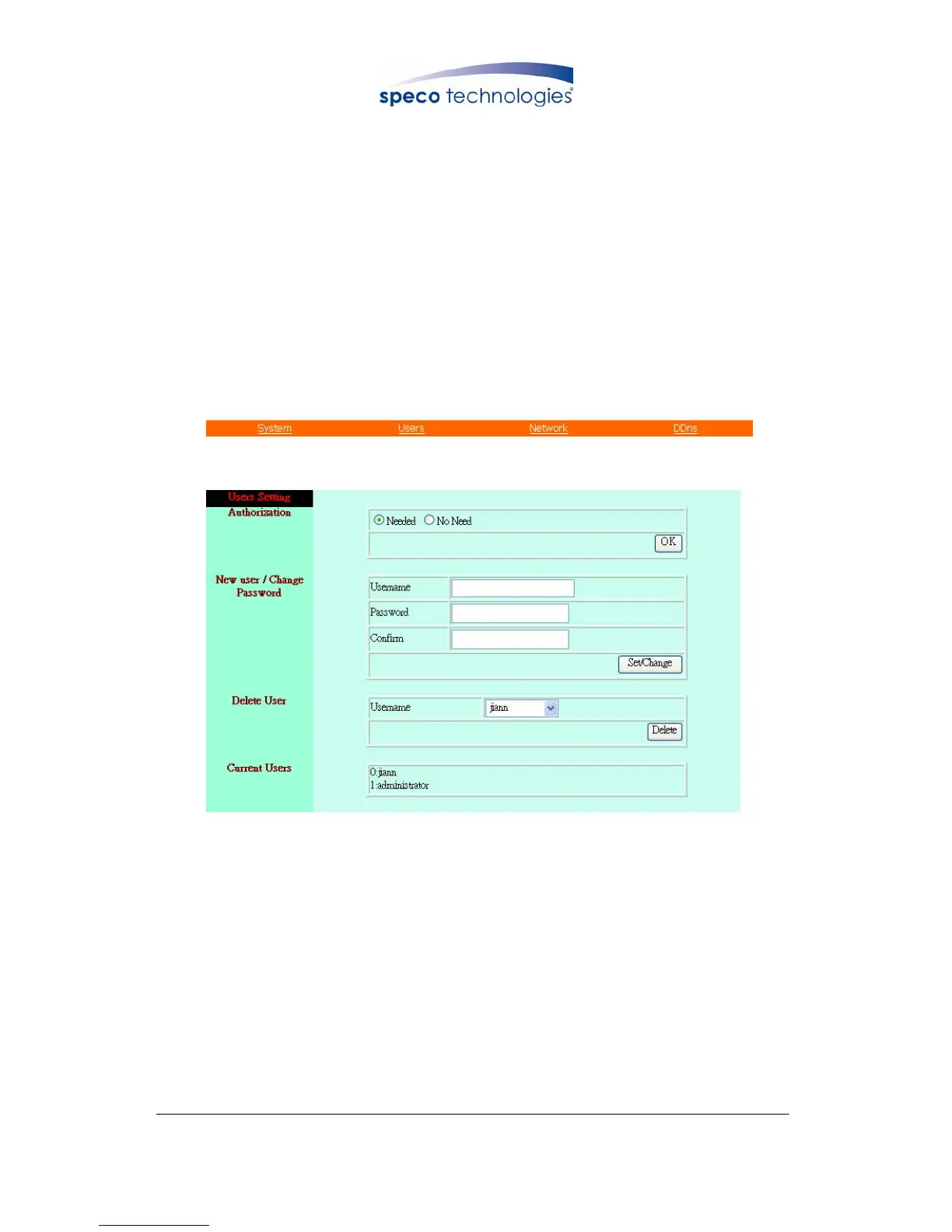
9.4.2 User Setting
z User Authorization Setting
z Add User or Change Password
z Delete User Account
z Current Users
User Setting Display
9.4.2.1 User Authorization Setting
Select item “Needed” to enable user authorization function, then each time before
login to Network DVR the Login window will request for “Username” and
“Password”. To disable user authorization function, select item “No Need”.



 To Next Page