DVR-IP4CF
48
9.3.8 Resolution Setting
Network DVR provides six resolution settings. The user can select the quality
setting from the “Resolution” list box.
z 176x144
z 160x120
z 320x240
z 352x288
z 640x480
z 704x576
Note! The device supports auto video system detection (NTSC/ PAL).
9.3.9 Advance Settings
Network DVR provides the advanced settings for the following:
z Brightness
z Contrast
z Saturation
z Hue
9.4. Configuration
Only the administrator can select the “Configuration”; the ordinary user account
does not have this privilege to access this function.
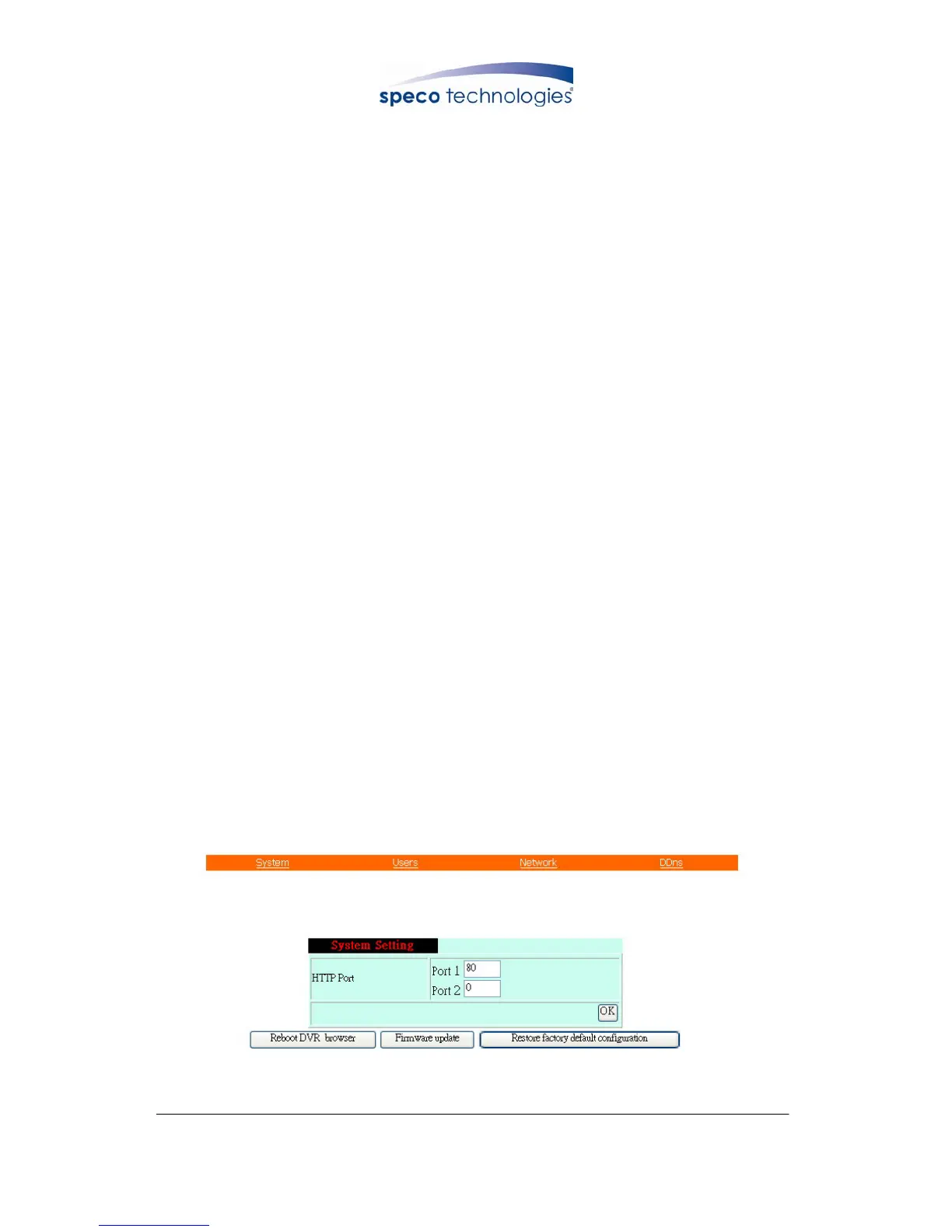
9.4.1 System Setting
The number on Port 1 and Port 2 may be changed, press “OK” button to save the
setting.
System Setting Display



 To Next Page