DVR-IP4CF
44
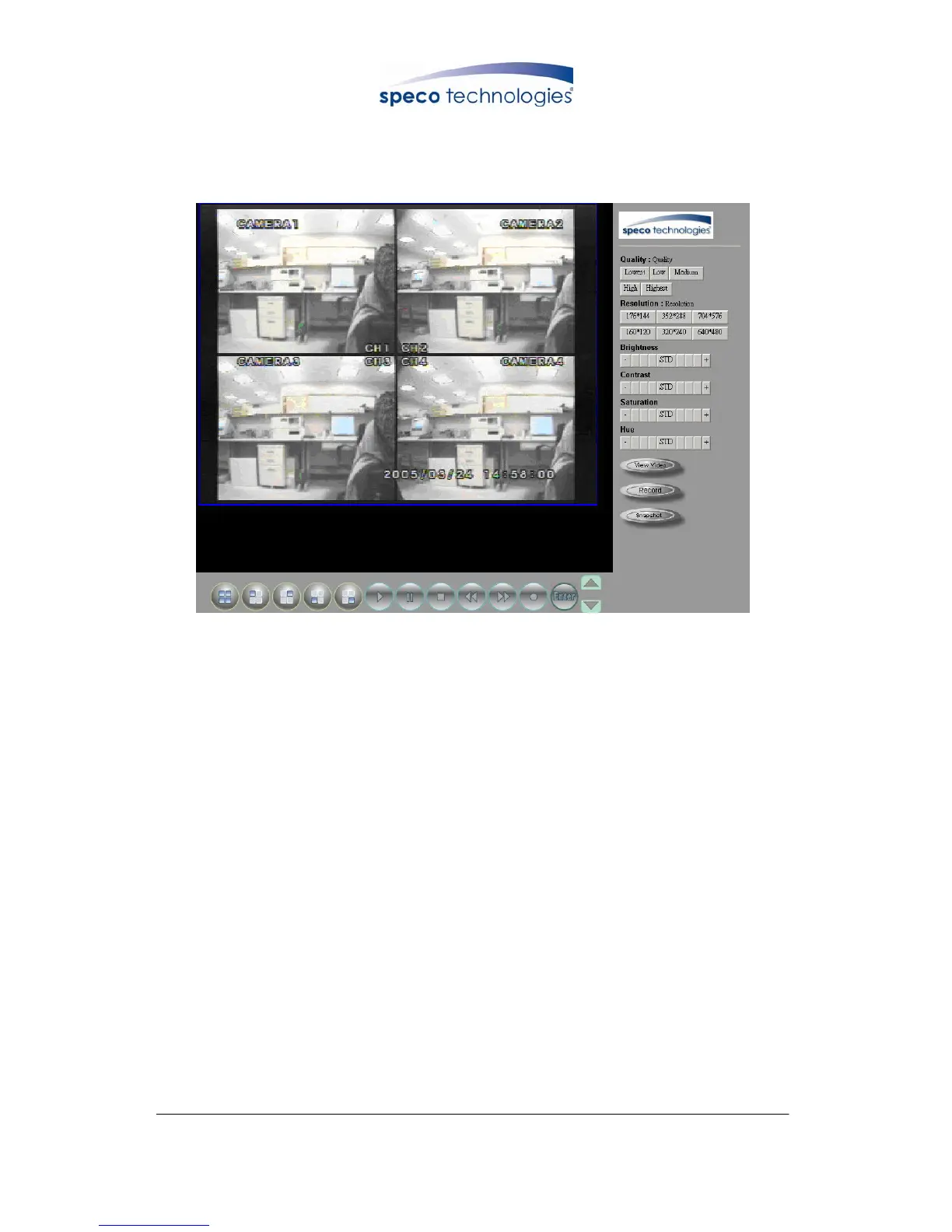
Live display under ActiveX mode
9.3 Main Display
Remote control DVR - Main Menu
○
1
Live Display
○
2
DVR Control Button
○
3
Video Setup
○
4
Configuration: Enter detail setup
Recording: Displays recording setup menu (for video recording).
Snapshot: Pop-up window displays live images, right mouse click to save.
Note! To view complete interface, PC resolution must be adjusted to 1024*768.
9.3.1 Live Display
z View/ Make changes on image display
z Rotate/ Make changes on image direction
z Image Recording/ Record function setup
z Save Current Picture/ Save the current image
z Welcome! Administrator/ Display current user name
z About/ Version description
Move the cursor inside the image range, right mouse click to display 9 function selections:
○
1
○
2
○
3
○
4



 To Next Page