DVR-IP4CF
45
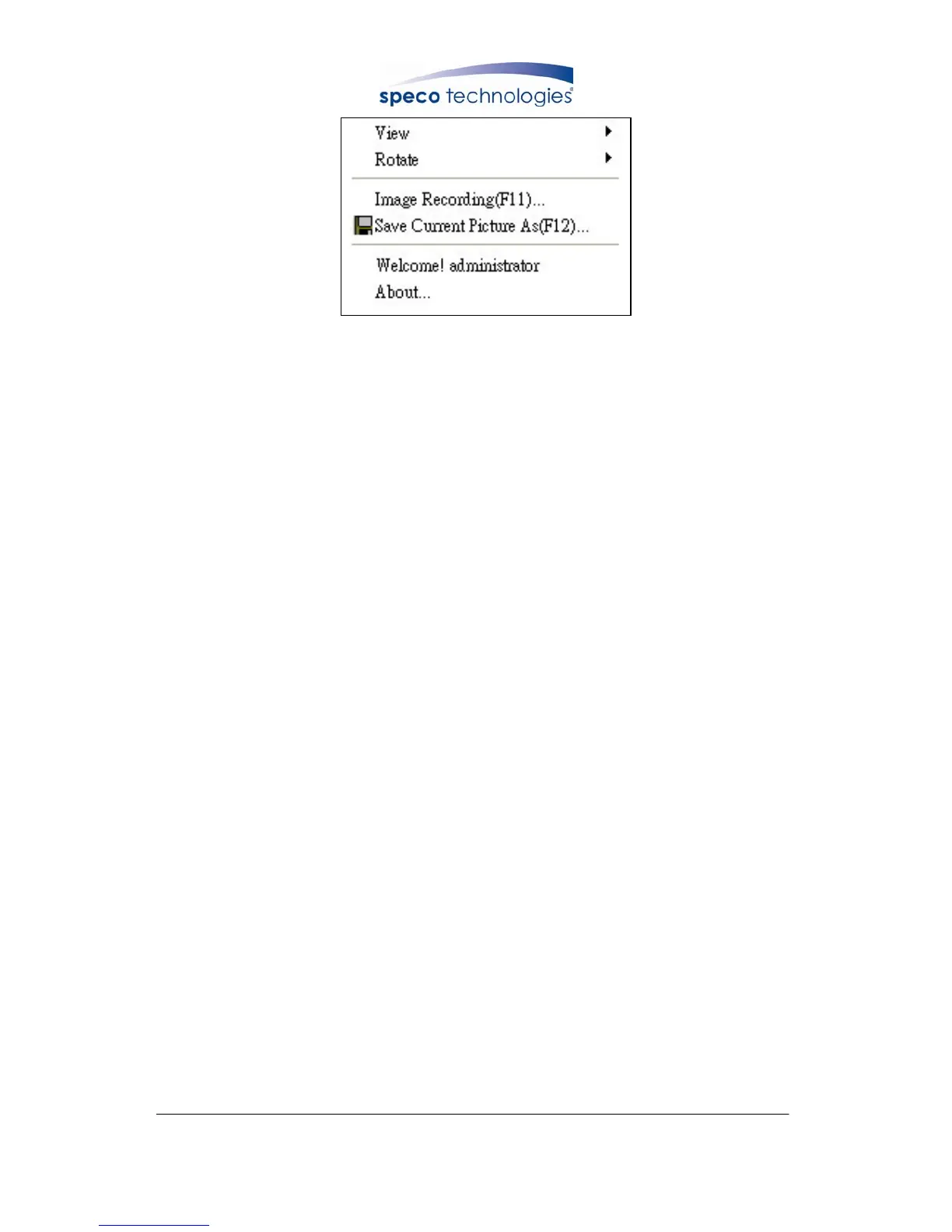
9.3.2 View
Two types of display method:
a. Resizable: Adjustable image size.
b. Actual size: The actual image size.
9.3.3 Rotate
Four types of rotate settings:
a. Rotate 0: Default state
b. Rotate 180: Rotate the image by 180 degrees.
c. Flip horizontal: Image flips horizontally
d. Flip vertical: Image flips vertically



 To Next Page