DVR-IP4CF
55
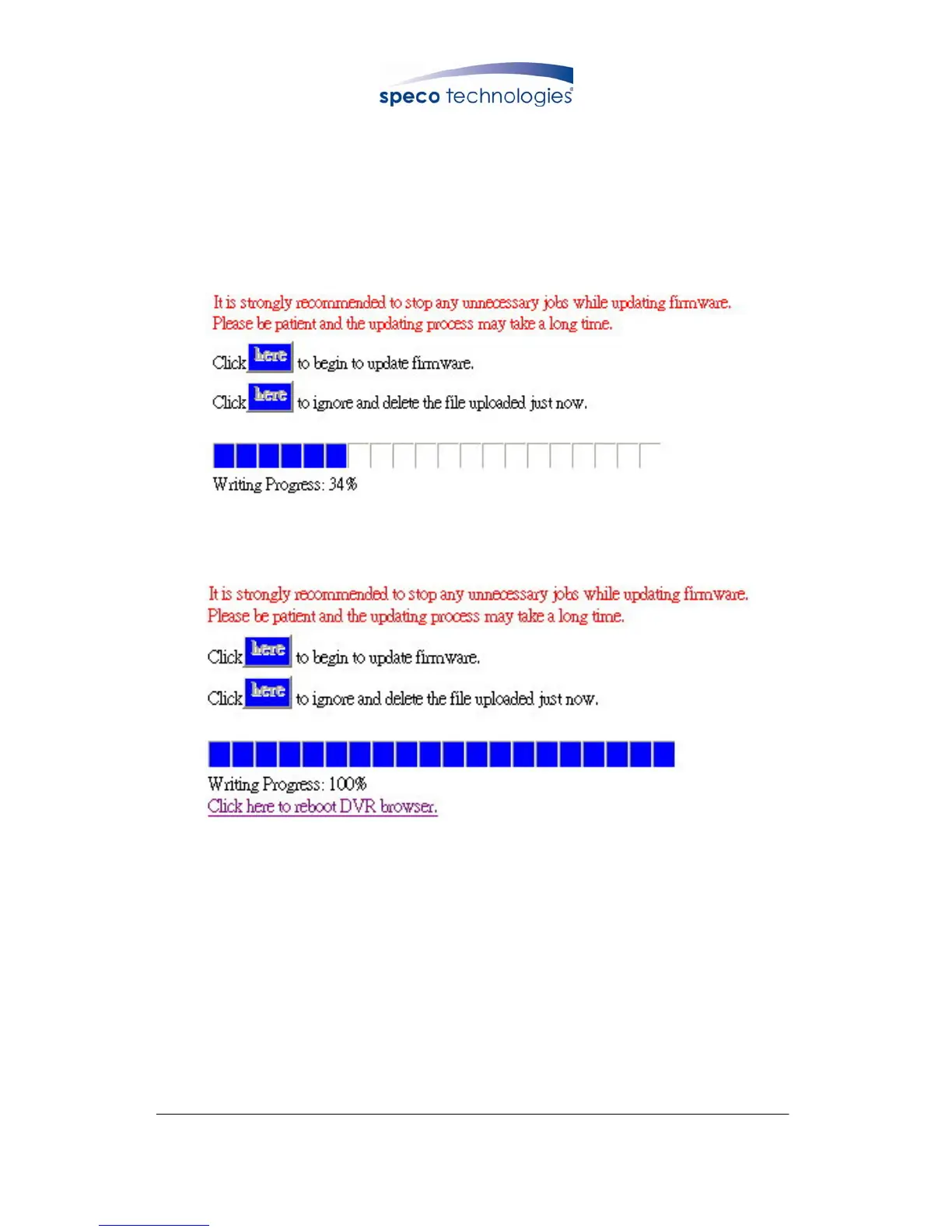
Press “here” button (1) to update Firmware. Press “here” button (2) to delete the
file. The message below displays the writing progress of the firmware update.
When Firmware update is completed, it will show 100%, and a message “Click
here to reboot DVR browser” will be displayed, requesting to restart the Network
DVR.
Firmware Update Display
Firmware Update Completed, prompt to restart the device.



 To Next Page