Page 40
Note: Once pumping starts ensure to click Continue within 3 minutes. If not, a message will appear
informing that the calibration was unsuccessful. Then close the SphygmoCor XCEL Calibration Software,
turn off/on the module and repeat the calibration procedures from Step 1. Please refer to Restarting the
Calibration Procedure Section in the Calibration Troubleshooting section.
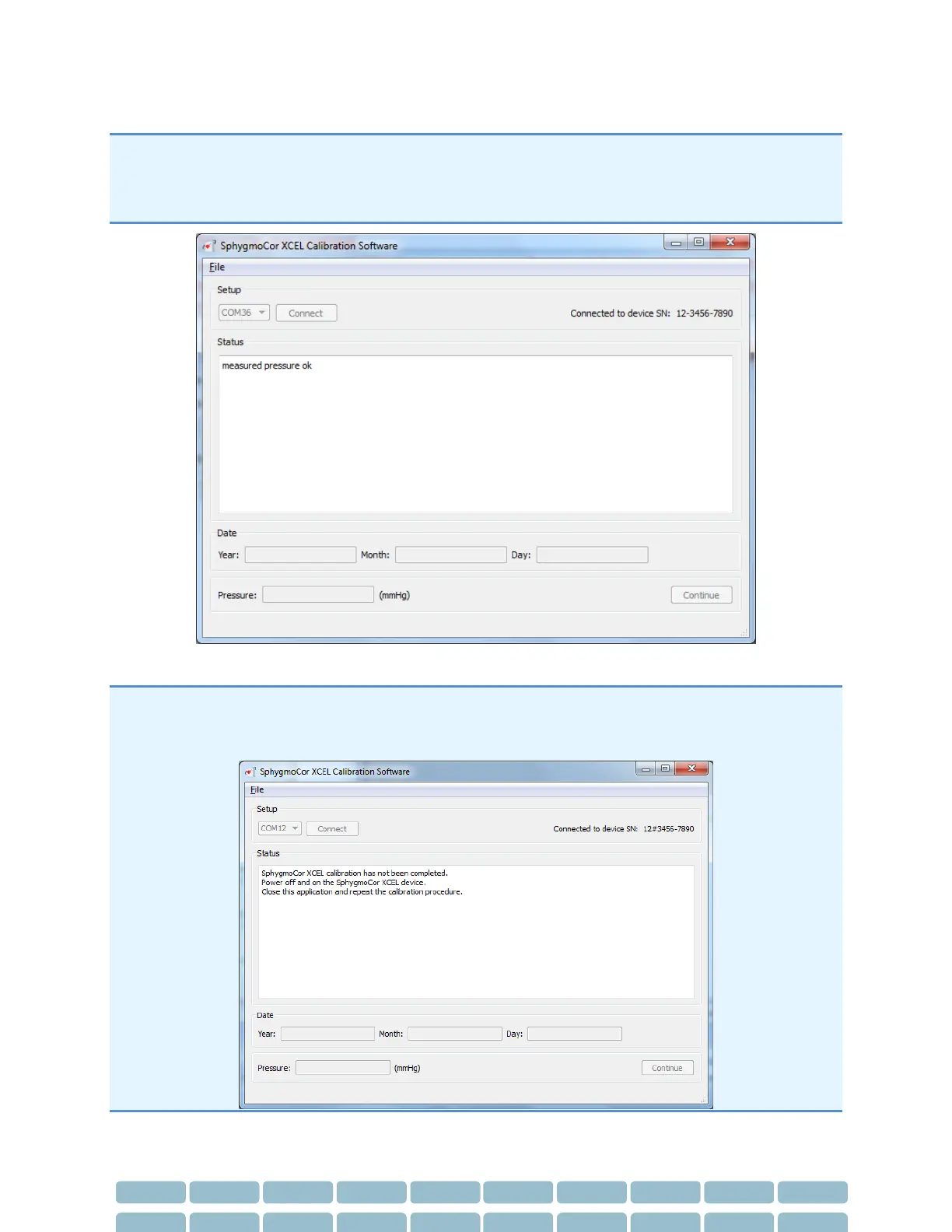
27- The software will display this message.
Note: If this message appears (calibration was unsuccessful), then turn OFF and ON the device and close
the SphygmoCor® XCEL Calibration Software and repeat the calibration procedures from step 1. Please
refer to Restarting the Calibration Procedure Section in the Calibration Troubleshooting section.


 To Next Page