17
HIIT PROGRAM
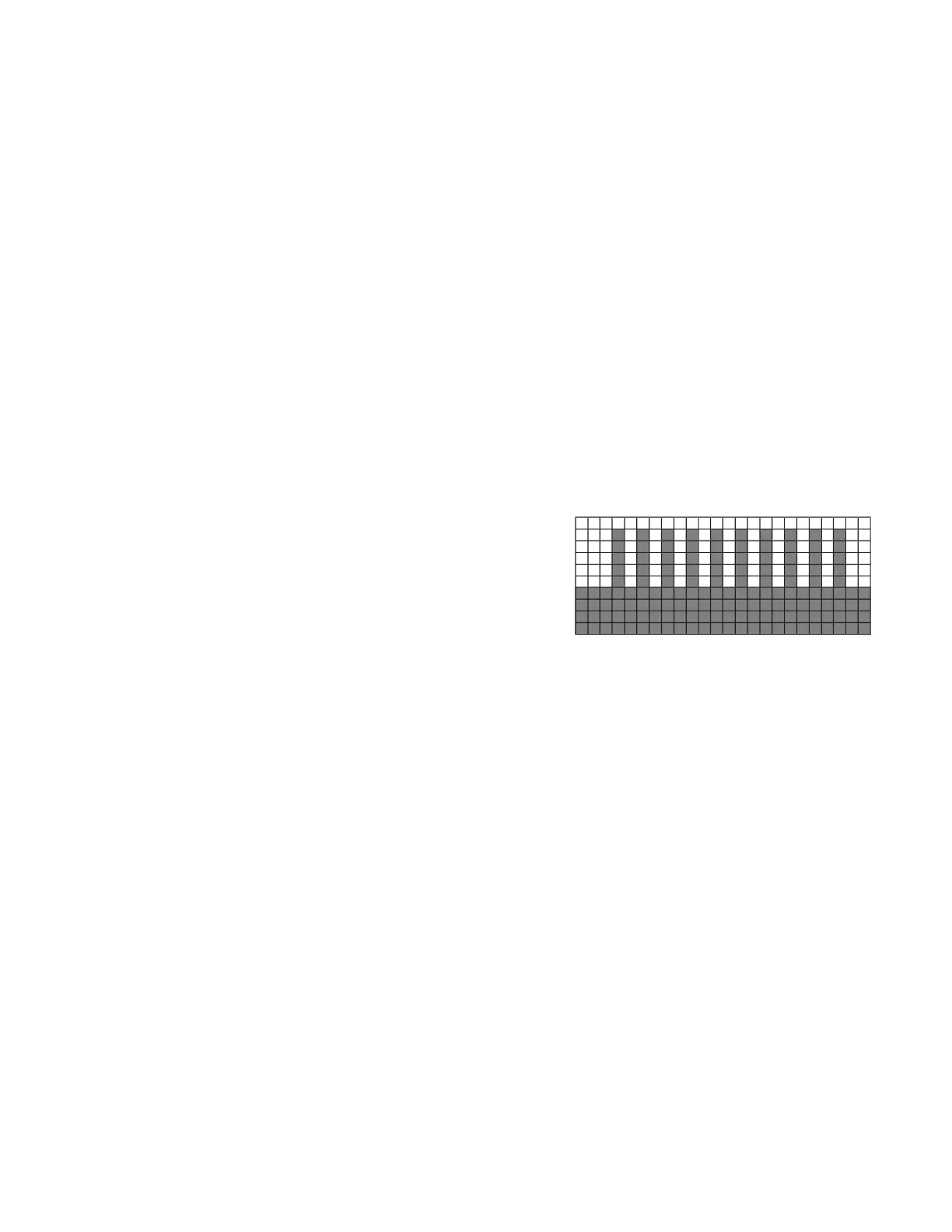
The HIIT, or High Intensity Interval Training, program takes advantage of the latest trend in fitness.
During the pro -gram you will perform short bursts of high intensity sprinting followed by short rest
periods. HIIT is a fully customizable interval training program. You can enter the number of intervals,
time of each interval Sprint and Rest periods and the work intensity of the levels.
1. Using the Program button choose the HIIT program then press Enter. The Dot Matrix Message
Center will ask you to enter your Age. You may enter your Age, using the Up and Down keys,
then press the Enter key to accept the new number and proceed on to the next screen.
2. You are now asked to enter your Weight. You may adjust the Weight number using the Up and
Down keys then press Enter to continue.
3. Next you are asked for the number of intervals you want to do. The default is 10 and the range
available is 3 to 15. One interval equals 1 Sprint and 1 Rest segment.
4. Now you are asked to adjust the Sprint Level. This is the resistance level you will experience
during the Sprint segments of the program. Adjust the level and then press Enter.
5. Now you are asked to adjust the Rest Level. This is the resistance level you will experience
during the Rest segments of the program. Adjust the level and then press Enter.
6. Next is entering the Interval time. The Dot Matrix Message Center shows: Sprint Time:30 and
Rest Time:30. The Sprint time will be blinking. You may
use the Up/Down keys to adjust the Sprint time from 20
to 60 seconds then press Enter. The time for the Rest
period will blink and you can adjust the time using the up
and down keys and press Enter.


 To Next Page