Page
Product description
08
0:00 30:00
0:0 N/A
N/A
0
0 50
Set Up Range
8:00-99:00
N/A
N/A
1.0-99.00
20-990
0:00-99:59
1.0-20
0-15
0.0-99.9
0
-999.9
0:0 1:00
4. Console Operation Ins
truction
A\ Technical Parameter
B\ Console Operation
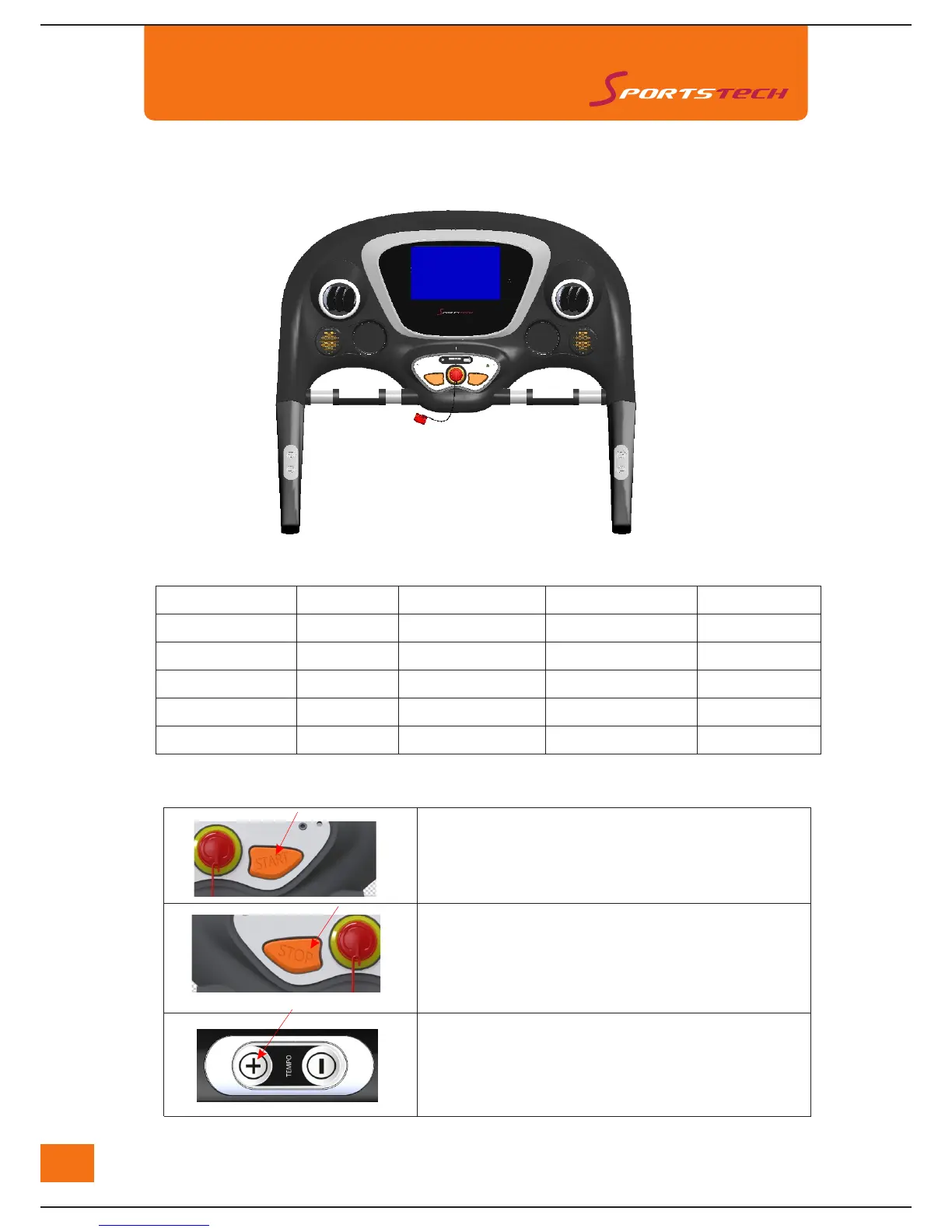
"START" Button
"STOP" Button
Initial Data Display Range
Set Initial Data
Press "START" button to run the treadmill.
Press "STOP" button to stop the treadmill.
Hold "STOP" button for a few seconds to reset
the computer.
Then press "START" button to continue exercise.
Speed adjustment button on right handle bar
Press "+" or "-" to increase or decrease the speed.
Time(MIN:SEC)
Speed(KM/H)
Incline(%)
Distance(KM)
Calorie(KCAL)



 To Next Page