Page
Product description
13
8. Share Th
e Work Out Rec
ords
a) C
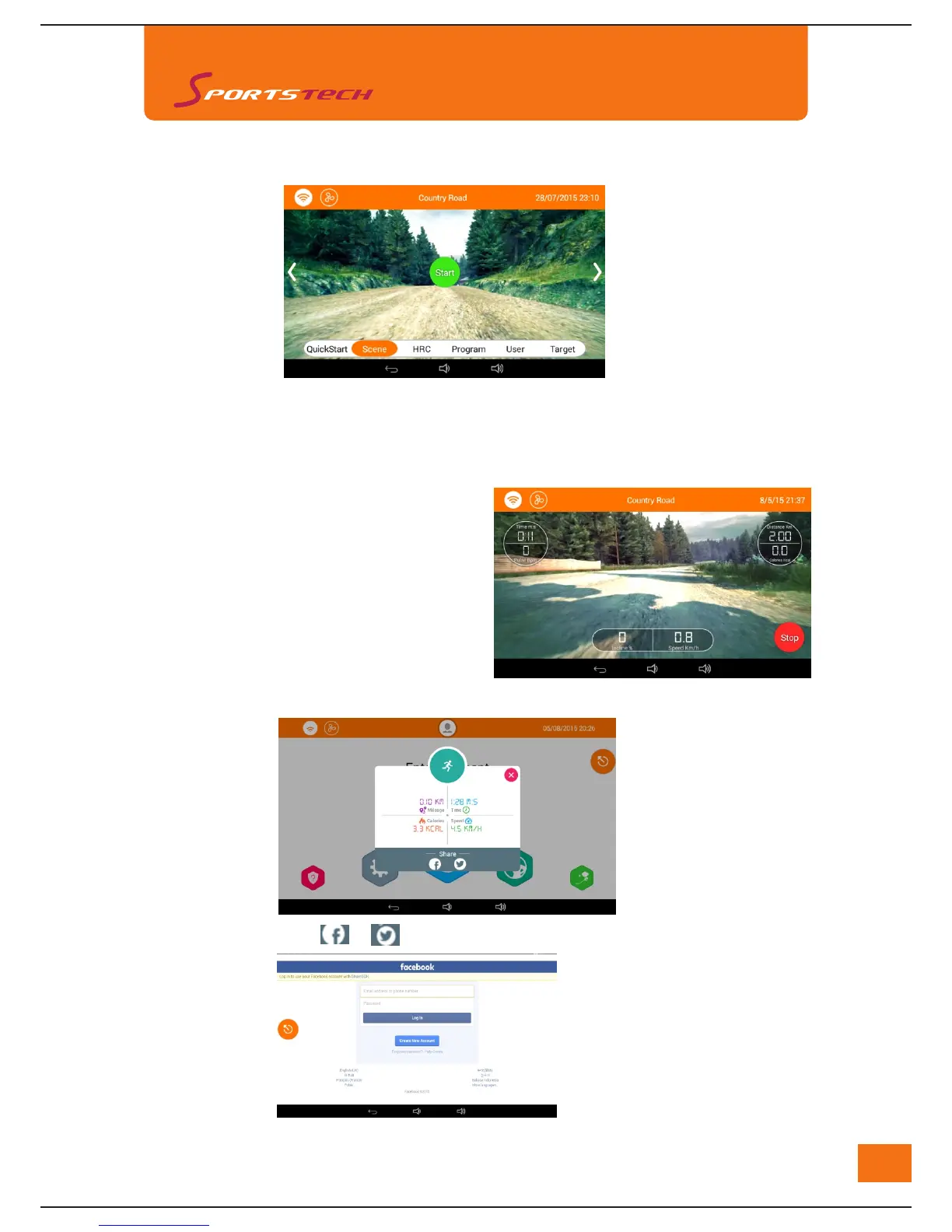
ountry Road (2.0KM counting down, machine will stop when distance whole distance completed or
user can stop the training manually)
b) Open Valley (3.0KM counting down, machine will stop when distance whole distance completed or user
can stop the training manually)
c) City Street (4.0KM counting down, machine will stop when distance whole distance completed or user
can stop the training manually)
User can adjust speed and incline through
touching the icons on screen or buttons
on handle bars
2) Touch "Start" to start scene training
3) Adjust Speed and Incline
After work out, touchh rr o share the records with your friends
Log in with right access and code of users' facebook account and work out record will be shared
7. T
ouch "Scene" To Enter Scene Training Mode
1) Slide the screent to choose different scenes: :Country Road、Open Valley、City Street



 To Next Page