In the SOUND page of SETUP menu, repeatedly touch the or icon to highlight one setting
item of TREBLE, BASS, BALANCE, FADE, SUBWOOFER, LOUDNESS, RADIO LOC/DX(entering
Source Menu in radio mode), RADIO STEREO(entering Source Menu in radio mode) and BUZZER
ON/OFF. After highlighting a desired setting item, touch the or icon to set it.
3) SETTING TIME
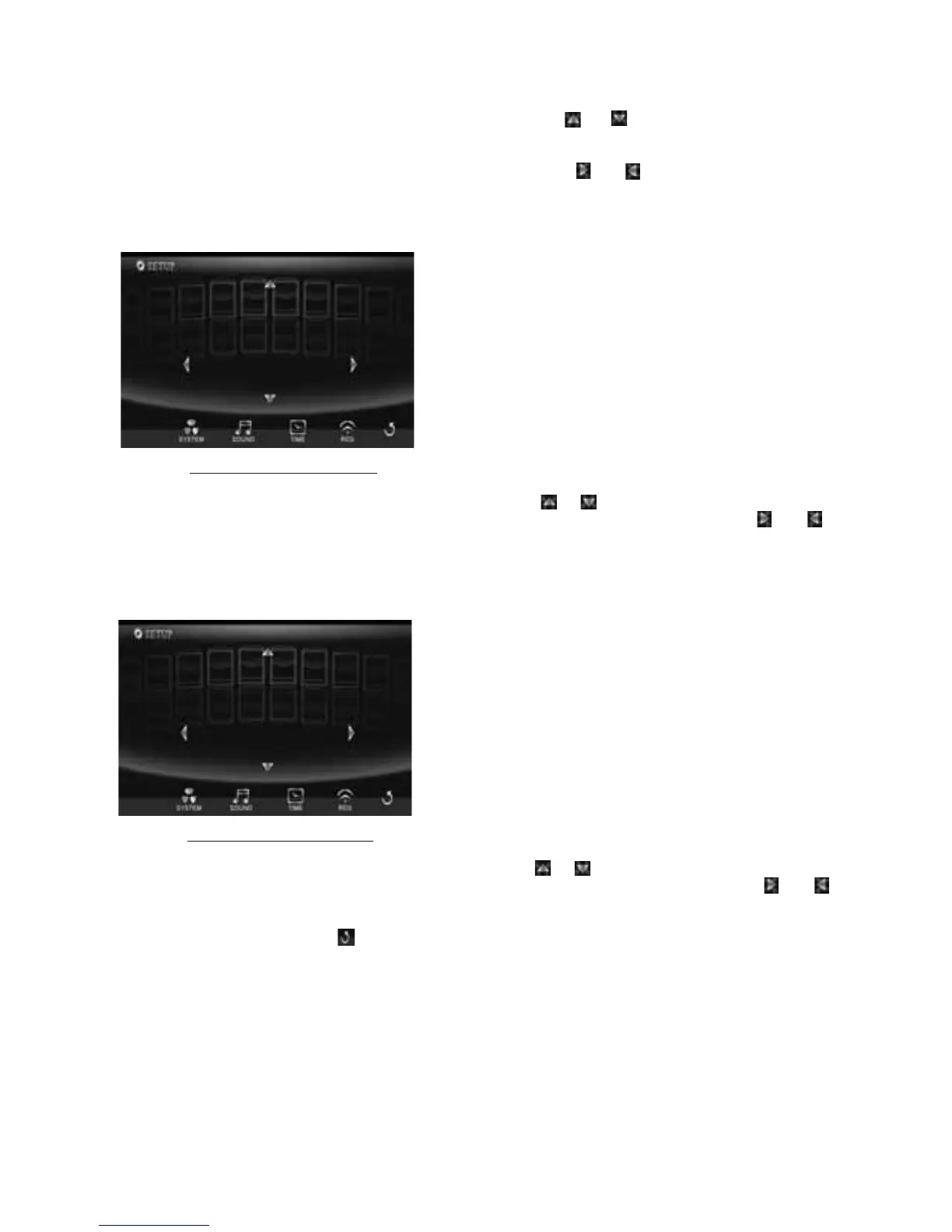
In CLOCK menu, touch TIME icon to display TIME page of SETUP menu as follows:
In the TIME page of
SETUP menu, repeatedly touch the or icon to highlight one setting item
of HOUR, MINUTE and 24H/12H. After highlighting a desired setting item, touch the or
icon to set it.
4) SETTING RDS
In
RDS menu, touch RDS icon to display RDS page of SETUP menu as follows:
In the RDS page of SETUP menu, repeatedly touch the or icon to highlight one setting item
of REGION and PI SOUND/MUTE. After highlighting a desired setting item,
touch the or
icon to set it.
After finishing setting, touch icon to return back to normal playback.
11.OPEN button
press OPEN button on control panel to flip down the control panel.
12.REL button
Press
REL button on control panel to detach the control panel, then hold the right part of the
control panel to lift up a little and pull it rightwards to remove it.
13.RESET button
When LCD displays wrongly or some buttons are not available or sound is distorted,
use the
sharp end of a pointed object to press RESET button to reset the program to zero.
-10-
Ti me page of SETUP menu
HOUR
MINUTE
24H/12H
08:13 AM
RDS page of SETUP menu
REGION
PI SOUND/MUTE
MUTE



 To Next Page