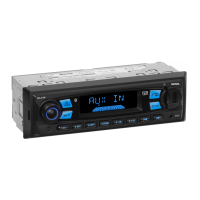
3. Function of controls on the touch screen/main unit/remote control
1. icon or button
During playback, use it to pause playback; in pause mode, use it to resume play-
back.
In CD interface, the icon displays as .
2. icon or button
During Digital Video/CD(Video)/CD/MP3/WMA playback, tapping or pressing it
pre-stop or pause playback; in pre-stop or pause mode, use icon or button to
resume playback.
During playback, tapping or pressing it twice
to fully stop playback; in fully stop
mode, use icon or button to start playback from the beginning of the media.
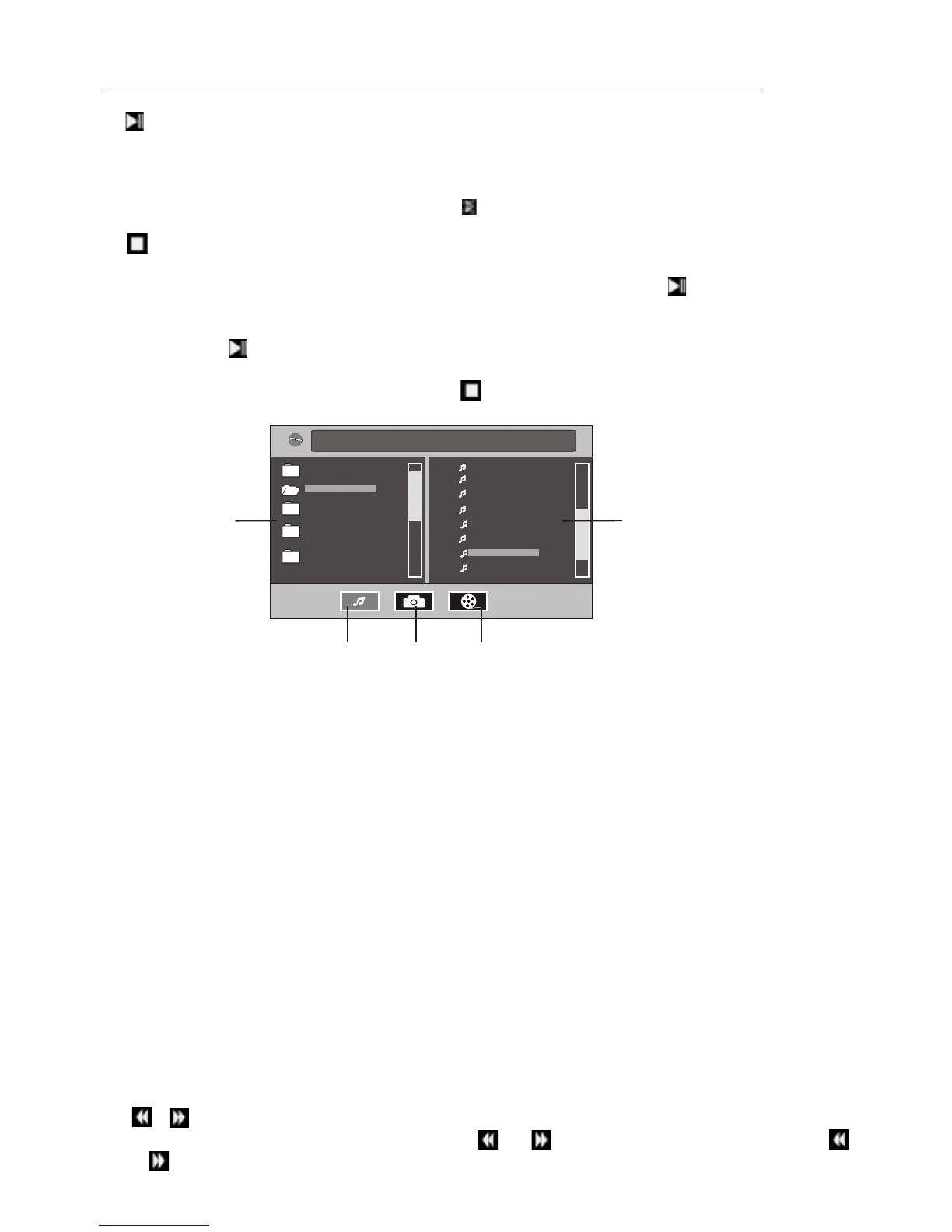
During MPEG4/image playback, use icon or button to display root menu as
follows:
During MP3/WMA playback, the root menu above displays all the time.
/chapter
* Tapping folder icon, track icon or kind icon can execute the operation above.
3. / icons or buttons
During playback, continuously tapping or
icon or continuously pressing
or button can fast backwards or forwards at the following multiple of normal
When displaying root menu, use < or > button to highlight the current chapter/
track, the current folder or the kind icons.
* If there are no track for a kind icon, you can’t highlight the kind icon.
When highlighting a kind icon, press ENTER button to enter it.
When highlighting the current folder, use v or ^ button to highlight other folders
and then press ENTER button to enter it.
When highlighting the current track, use v or ^button to highlight other tracks and
then press ENTER button to play it.
* For image, after highlighting a track, press ENTER button to display only the high-
lighted track; press >|| button to display all tracks step by step from the highlighted
track.



 To Next Page