Shenzhen Sincevision Technology Co.Ltd
www.cnsszn.com
19
/
43
Quick Start Guide of SR Series ©2021 SSZN All Right Reserved
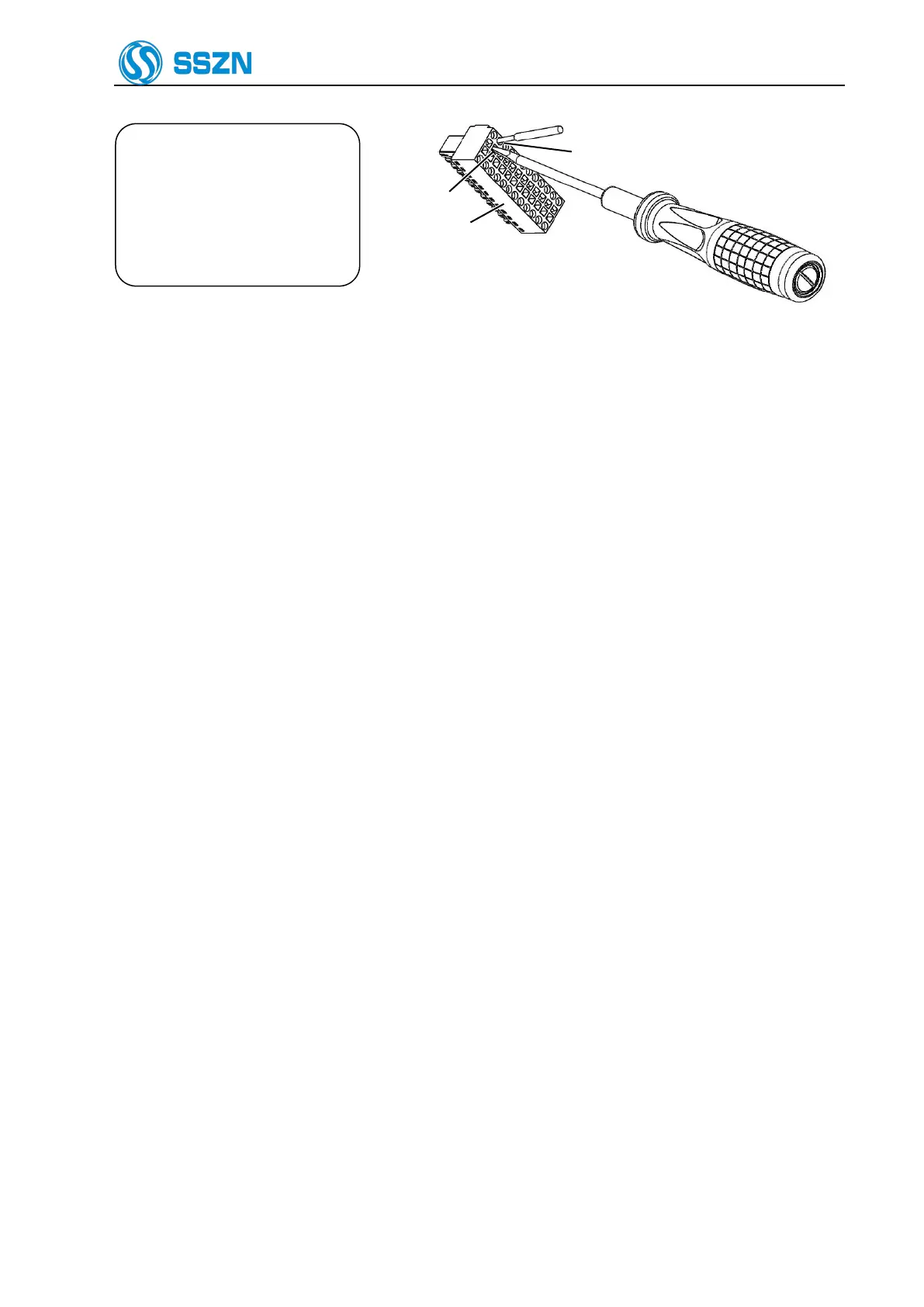
When the wire is inserted to
the end of “part b”, remove
the screwdriver. Then lightly
pull the wire to make sure it is
fixed firmly.
Figure 6- 10 Terminal Block Wiring Diagram
Step 2 When the wire is inserted to the end, remove the screwdriver. Then lightly pull the wire to make
sure it is fixed firmly.



 To Next Page