Shenzhen Sincevision Technology Co.Ltd
www.cnsszn.com
18
/
43
Quick Start Guide of SR Series ©2021 SSZN All Right Reserved
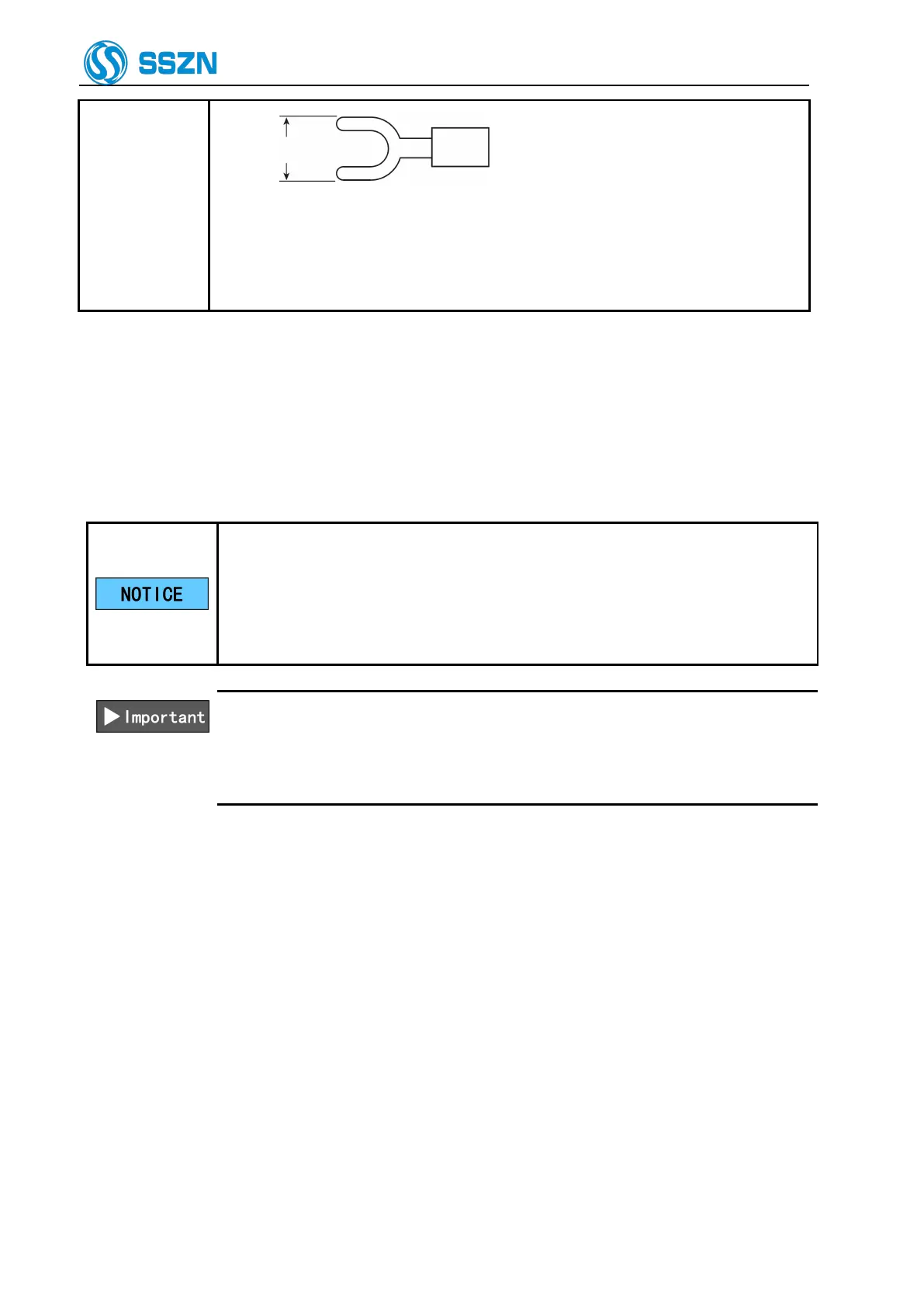
Tighten the screw firmly with a tightening torque of 0.5 to 0.75 [N·m].
The DC24V power supply must be 60W or more(include 2 cameras).
(notice :if only have one controller with one camera ,the power supply must be
30W or more ).
Step1 Connect the 24 V DC power supply to the 24 V power supply terminal of the controller.
6.4 How to Use the Terminal Block
This section explains how to use the terminal block.
IO power supply of controller terminal must share power supply with PLC and
servo driver.
Terminal block wiring should not be operated live, please do not supply power
to the controller, and ensure that the PLC, servo driver are in a power-off state.
Hot plug terminal stage will cause controller damage..
Use a wire between AWG16 and AWG28.
The end of the wire should be processed to the length approx. 8 mm.
Do not solder (pre-solder) the processed end of the wire.
The wire should be inserted all the way into the terminal block.
Step1 Insert the wire into “part b” while pushing in “part a” of the terminal block with a flathead
screwdriver.



 To Next Page