Shenzhen Sincevision Technology Co.Ltd
www.cnsszn.com
21
/
43
Quick Start Guide of SR Series ©2021 SSZN All Right Reserved
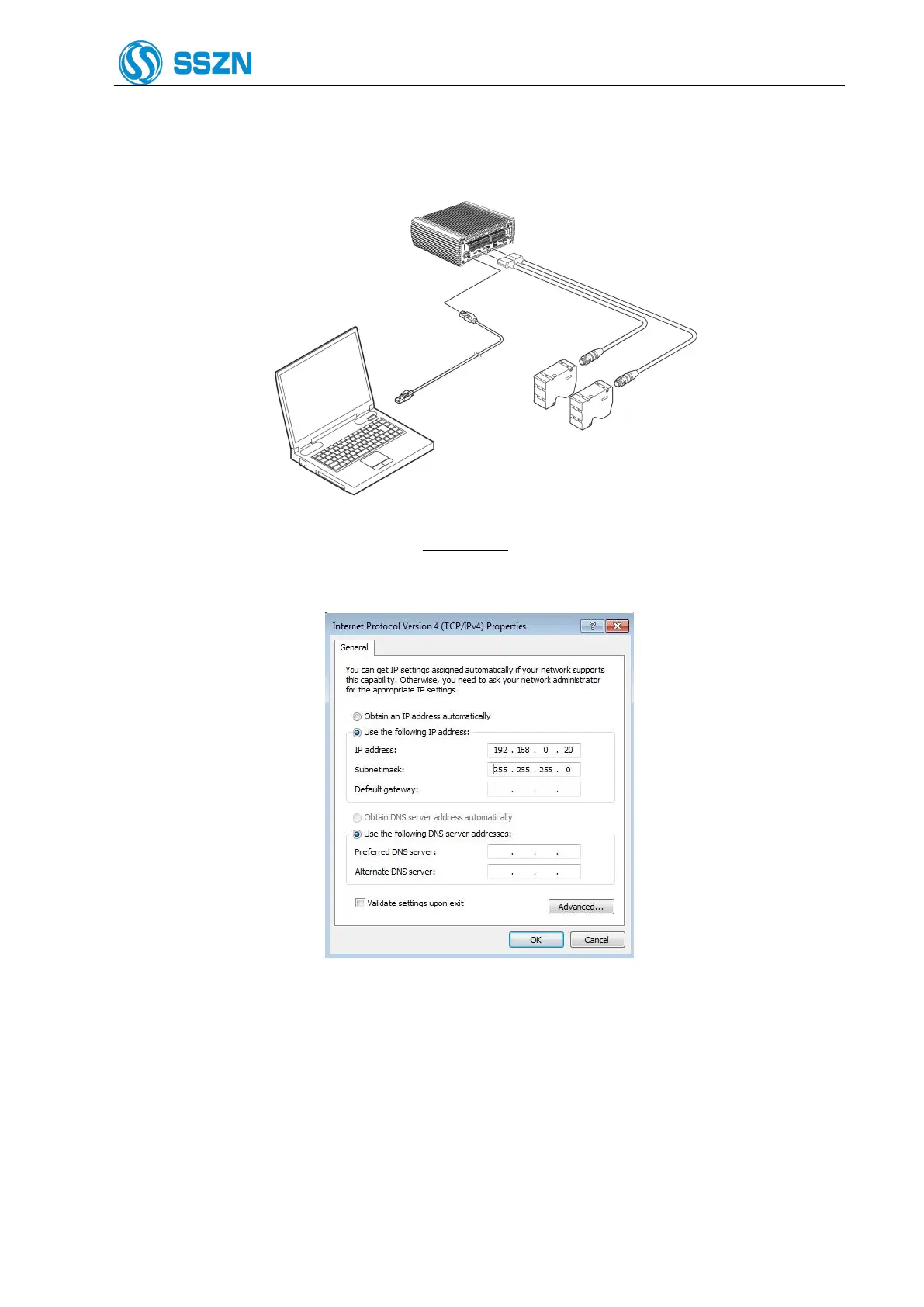
7.2 Connecting the controller and the PC
1. Connect the controller and PC with an Ethernet cable.
Figure 7- 3
2. The controller’s default IP address is 192.168.0.10.
3. Find the network which is connecting the controller. Then, open the network’s TCP/IPv4 properties,
set the IP address refer to the Figure 7-4.
Figure 7- 4
4. Start the EdgeImaging software, in the PC communication configuration window, the controller’s IP
address is shown here.



 To Next Page