3 Getting started
3.1 System requirements
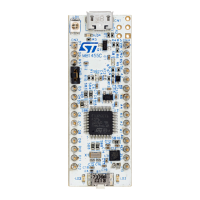
• A micro-USB cable
• A USB port capable of delivering at least 400 mA at 5 V (2 W)
• A safety extra-low voltage (SELV) limited power source to supply the unit through the USB port
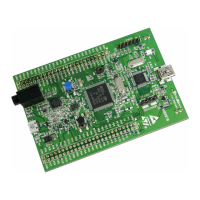
• A mini-USB cable to use the embedded ST-LINK and the STM32 ecosystem development
3.2 How to use the kit in standalone mode
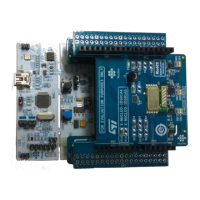
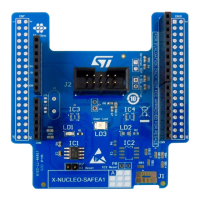
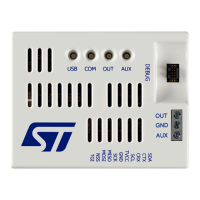
Step 1. Connect the STEVAL-25R3916B main board to the reader expansion board.
Important: It must be used on a clean and non-flammable surface.
Step 2. The kit is delivered with the default jumper configuration. Power it through the micro-USB via a cable
connected to the power source.
Step 3. Supply the unit through a safety extra-low voltage (SELV) limited power source via the USB port.
The source must not exceed 60 V
DC
/8 A/100 V.
When powered up, the microcontroller starts the firmware, which is already downloaded in the flash
memory. This allows demonstrating the ST25R3916B features:
– reader and writer
– card emulation
– peer to peer
– automatic antenna tuning
– USB mode (refer to the next section for further details)
3.3
How to use the kit in USB mode
Step 1. Connect the STEVAL-25R3916B kit to a PC via a micro-USB cable.
Important: It must be used on a clean and non-flammable surface.
The PC USB port must be capable of delivering at least 250 mA at 5 V.
Step 2. To control the board, download the STSW-ST25R010 software and install it.
UM3033
Getting started
UM3033 - Rev 1
page 8/34


 To Next Page