Porting X-CUBE-SBSFU onto another board AN5056
18/49 AN5056 Rev 8
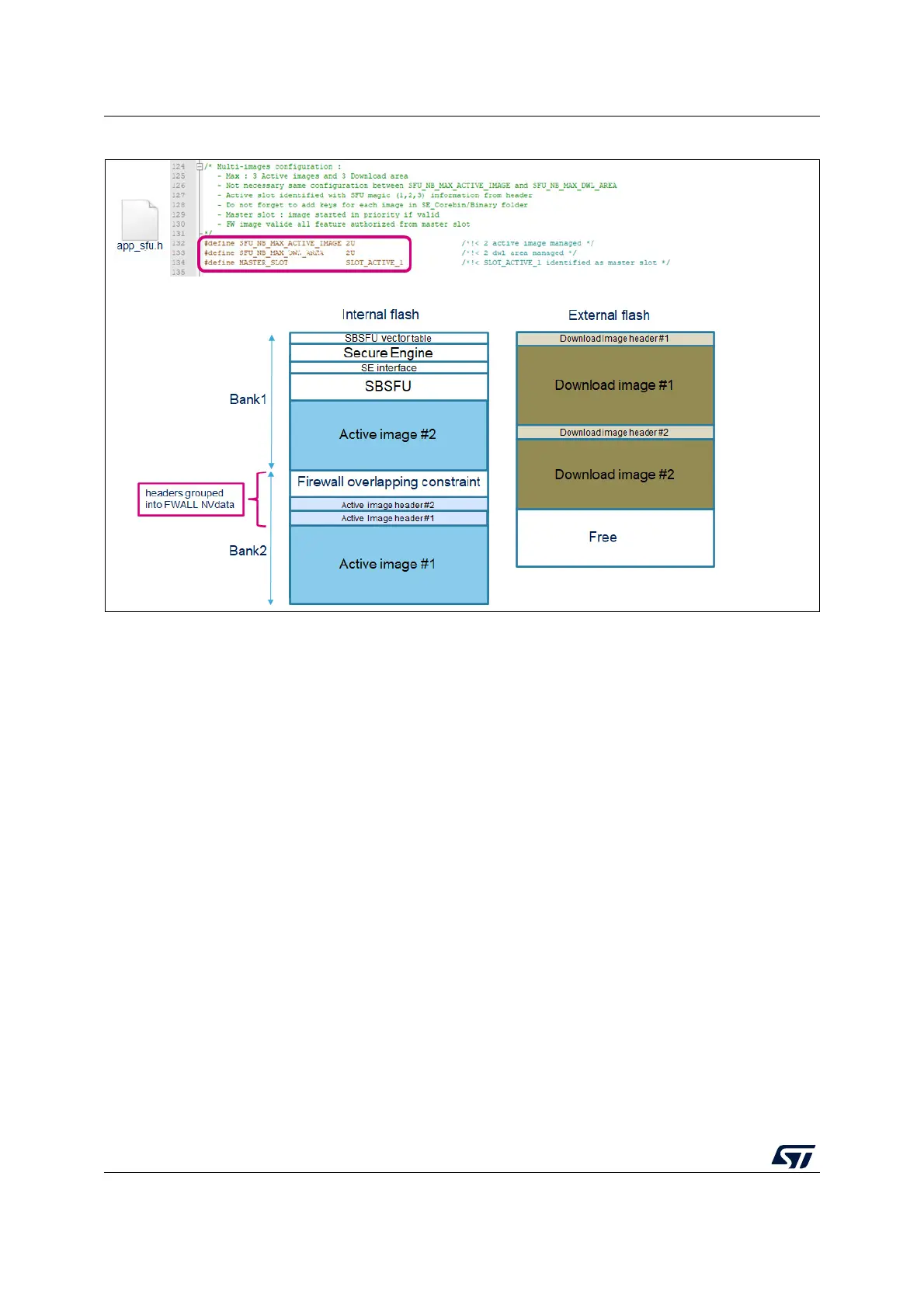
Figure 13. Multiple image configuration
3.3 Dual-core adaptation
For the STM32H7 Series dual-core products, it is mandatory to disable the CM4 boot while
the SBSFU is running (On CM7).
Thus, once the authentication and the integrity of all firmware images are verified by the
SBSFU, the user application starting on CM7 can trigger the boot of CM4.
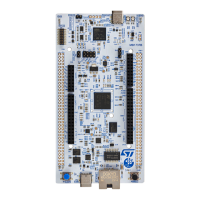
As an example, to port applications provided for NUCLEO-H753ZI on NUCLEO-H755ZI-Q,
the following modifications are needed as shown in
Figure 14:
1. Modify the IDE configuration by adding STM32H755xx and CORE_CM7 defined
symbols.
2. Change the supply configuration from LDO to SMPS in SystemClock_Config() function.
3. Disable the Cortex M4 boot: BCM4 bit from option byte must be unchecked.
4. Add in SFU_LL_SECU_CheckFlashConfiguration() function the control of the BCM4 bit
state.
5. Add in the UserApplication project, the trigger of CM4 boot.



 To Next Page