AN5056 Rev 8 9/49
AN5056 Porting X-CUBE-SBSFU onto another board
48
3 Porting X-CUBE-SBSFU onto another board
X-CUBE-SBSFU supplements the STM32Cube™ software technology, making portability
across different STM32 microcontrollers easy. It comes with a set of examples implemented
on given STM32 boards that are useful starting points to port the X-CUBE-SBSFU onto
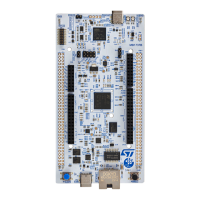
another STM32 board. The NUCLEO-L476RG and NUCLEO-L432KC boards are used as
examples in this document.
3.1 Hardware adaptation
A few changes are needed to adapt X-CUBE-SBSFU to another board:
1. GPIO configuration for UART communication with the host PC (In sfu_low_level.h file)
2. Flash configuration: NUCLEO-L432KC gives an example of a single-bank Flash
interface whereas NUCLEO-L476RG is dual-bank based (In sfu_low_level.c file)
3. Button configuration: NUCLEO-L476RG gives an example based on the push button
whereas NUCLEO-L432KC simulates a virtual button with a GPIO (In app_hw.h file)
4. Tamper GPIO pin configuration (In sfu_low_level_security.h file)
5. DAP - Debug port configuration (In sfu_low_level_security.h file)
6. I
2
C bus configuration for communication with STSAFE-A110
(In stsafea_service_interface.c file of
B-L4S5I-IOT01A\Applications\2_Images_STSAFE\2_Images_SECoreBin).
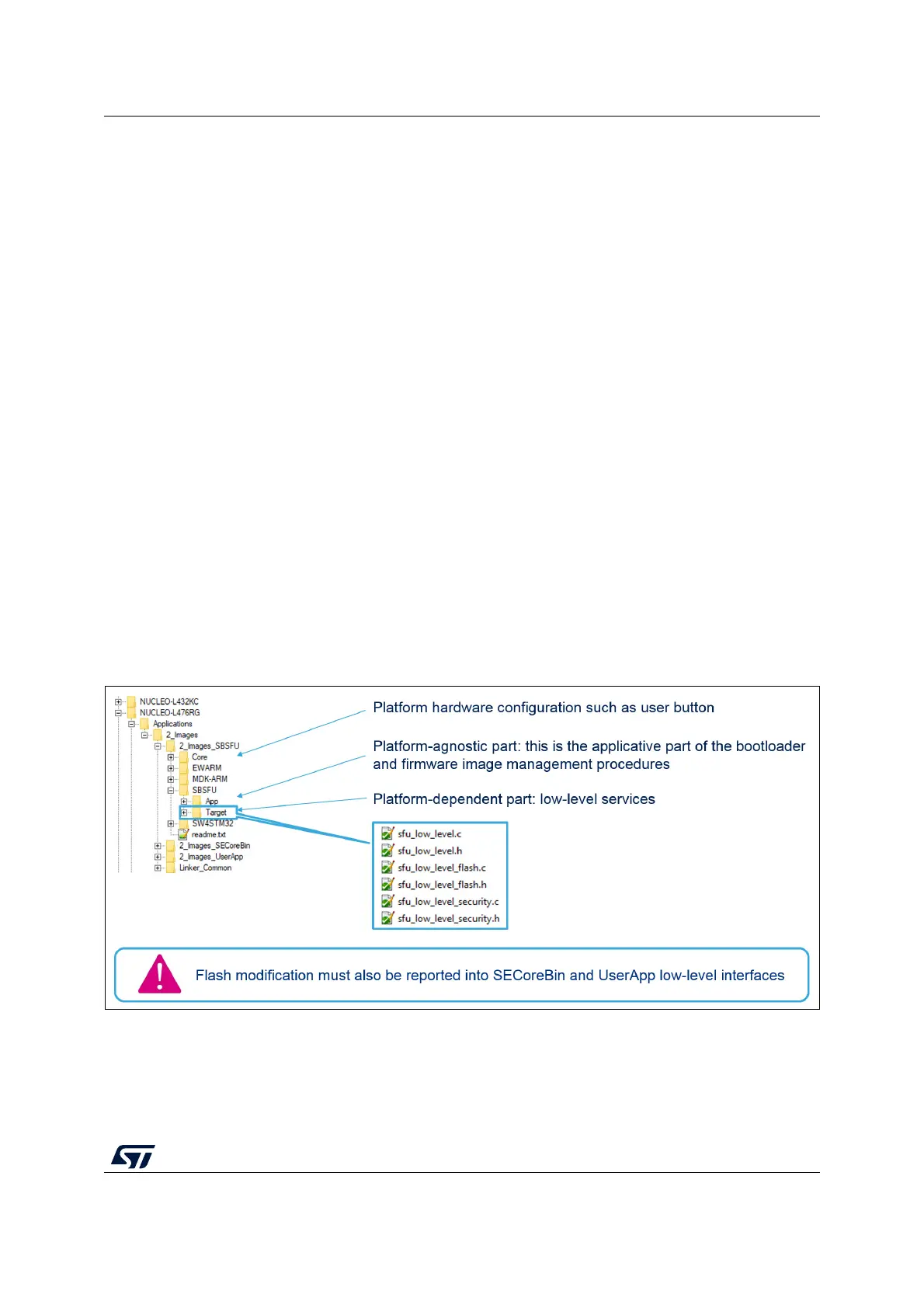
Figure 1 presents the SBSFU project structure together with the location of the files where
porting changes are expected.
Figure 1. SBSFU project structure



 To Next Page