40287-1307
4
18
STACK-ON PRODUCTS CO.
P.O. BOX 489, WAUCONDA, IL 60084
IMPORTANT
Keep your keys in a secure place, away from
children. Keep this record of your serial number in a
secure place separate from your safe. To order a
replacement key set, follow the instructions on the
aached form.
CLEARING THE MEMORY OF ALL
RECORDED FINGERPRINTS
NOTE: Aer you delete all the recorded
ngerprints, your safe will open by pressing the
START buon (2). For security you must record
your ngerprint so the safe will read only the
recorded ngerprints.
When you replace the baeries the recorded
ngerprints will not be erased.
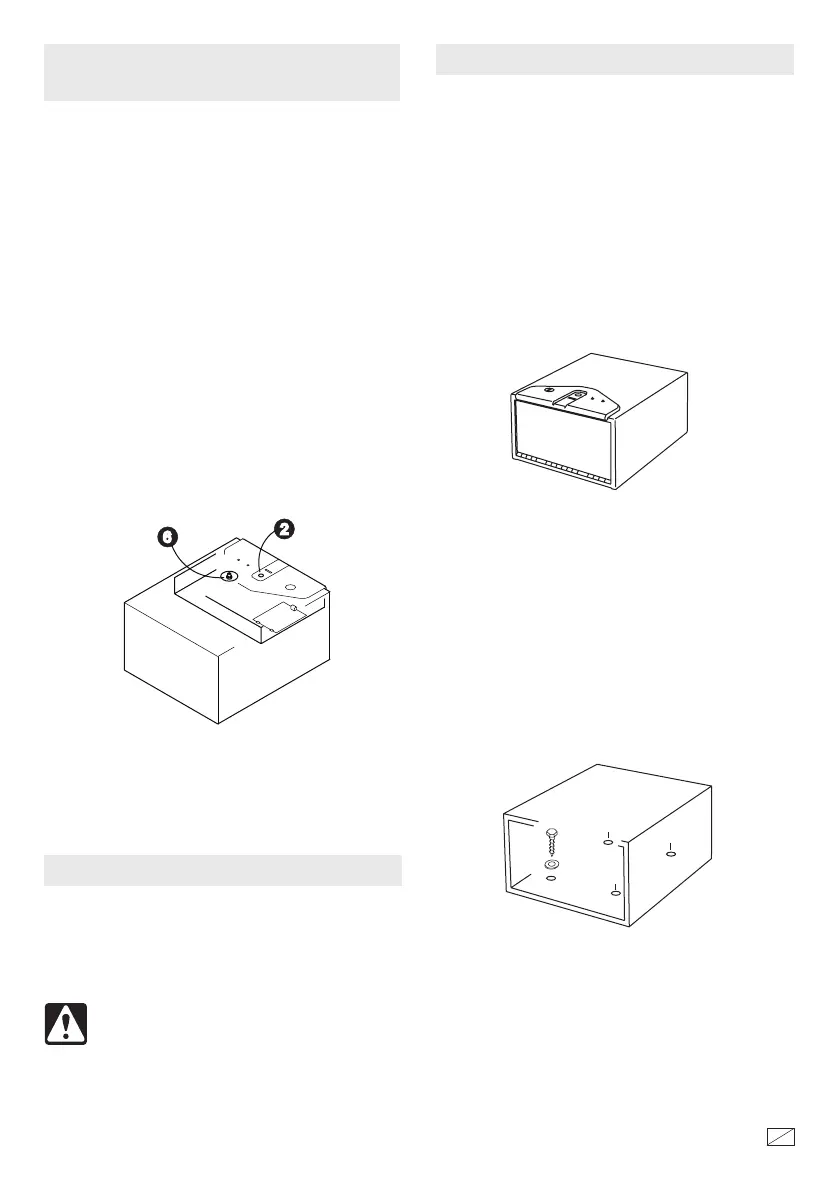
Press and hold the Reset Buon (6) and then press
the START buon (2). When there are 2 “beeps”
and the red light ashes, all the ngerprints have
been deleted.
Reset Button
START button
SECURING THE SAFE
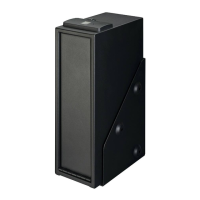
Secure the safe to a shelf using the predrilled
mounting holes in the safe and hardware provided.
Figure 1
Figure 2
e safe must be mounted to a shelf
. For optimal
safety and security, the safe should be installed in
an isolated, dry and secure area.
SELECTING A LOCATION
THE SAFE SHOULD ALWAYS BE KEPT
OUT OF THE REACH OF CHILDREN.
NOTE: is safe must be mounted to a shelf.
Failure to do so will compromise the safety and
security of the safe.
NOTE ON LOCKING THE SAFE: e safe
needs to be in an upright position, as shown in
gure 1, for the locking mechanism to function
properly. Failure to mount the safe in the
corrrect upright position will compromise the
safety and security of the safe.
Place the safe in the desired location and mark the
mounting holes to be used with a pencil. Move the
safe and drill the pilot holes for the screws. For
mounting to a shelf, drill a 3/16” diameter pilot
hole and aach the safe using the 3/4“ screws and
washers. (Figure 2)



 To Next Page