– 10 –
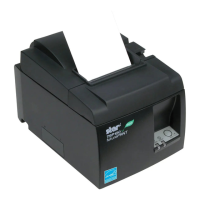
3-3. Loading the Roll Paper
Be sure to use roll paper that matches the printer’s specication.
When using a paper roll with an 57.5 mm width, install the paper roll holder as described on
the following page.
1) Push the cover open lever, and open the print-
er cover.
2) While observing the direction of the roll, set
the paper roll into the hollow, and pull on the
leading edge of the paper toward you.
Note: When using a paper roll with an 57.5 mm
width, install the paper roll holder in the
groove in the printer.
If a paper roll with a 57.5 mm width
has been used, a paper roll with a 79.5
mm width cannot be used. (Changing
from the smaller roll to a larger roll
will cause part of the print head to rub
against the platen and deteriorate.)
3) Push down both sides of the printer cover to
close.
Note: Make sure that the printer cover is se-
curely closed.
4) Tear Bar Model:
Tear off the paper as shown.
Auto Cutter Model:
If the printer cover is closed after turning on
the power, the cutter operates automatically
and the front end of the paper is cut.
Cover open lever
Roll paper
Tear Bar Model
Paper roll holder


 To Next Page











