– 28 –
8. Periodical Cleaning
Printed characters may become partially unclear due to accumulated paper dust and dirt. To
prevent such a problem, paper dust collected in the paper holder and paper transport section
and on the surface of the thermal head must be removed periodically. Such cleaning is rec-
ommended to be carried out once six month or one million lines.
8-1. Cleaning the Thermal Head
To remove blackish dust collected on the surface of the thermal head, wipe it with Isopropyl
alcohol (IPA).
Note: The thermal head is easy to damage, so clean it gently with a soft cloth. Take suf-
cient care not to scratch it when cleaning it.
8-2. Cleaning the Paper Holder
Use a soft cloth to remove paper dust from the paper holder and paper transport section.
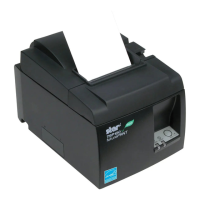
Thermal head
Paper holder


 To Next Page











