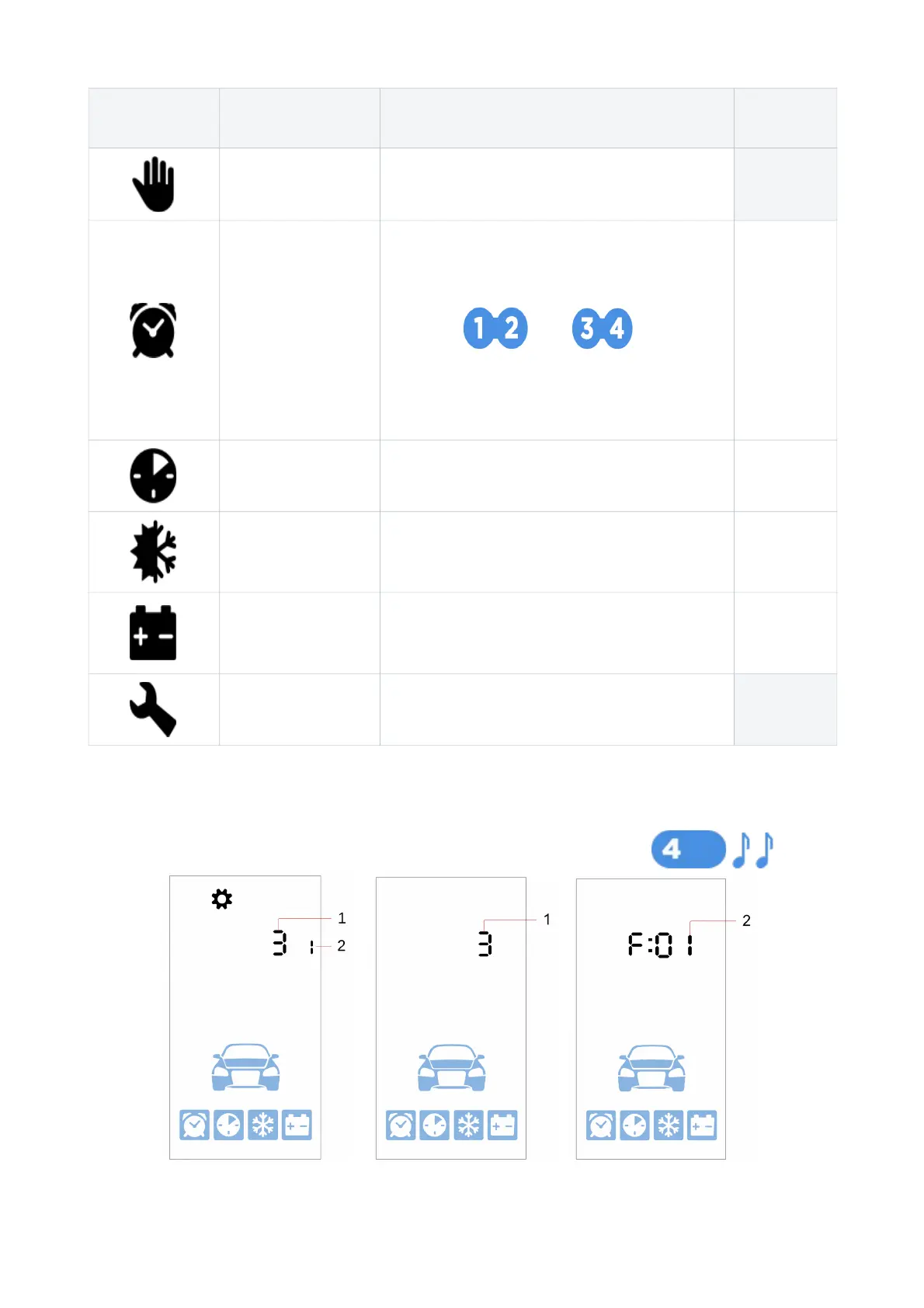
Icons Parameters Description
Tune
step
Hands Free
mode
Enable / disable Hands Free mode —
Automatic
engine and
parking heater
start by timer
Set engine start hour and min.
Engine and parking heater autostart
settings are switched with short pushing
buttons and .
Engine start settings are indicated with
digit 1, parking heater settings – with
digit 2.
1 min
Periodic engine
start
Set engine start periods in hours 1 hour
Automatic
engine start by
temperature
Set engine start temperature in Celsius
degrees
1 ºС
Automatic
engine start by
battery voltage
Set main storage battery voltage limit in
Volts
0,1 V
Service mode Enable / disable service mode —
Settings menu
Operation parameters are set in the Setting menu.
Settings menu is entered and exited with 4 button long push level 2:
18



 To Next Page