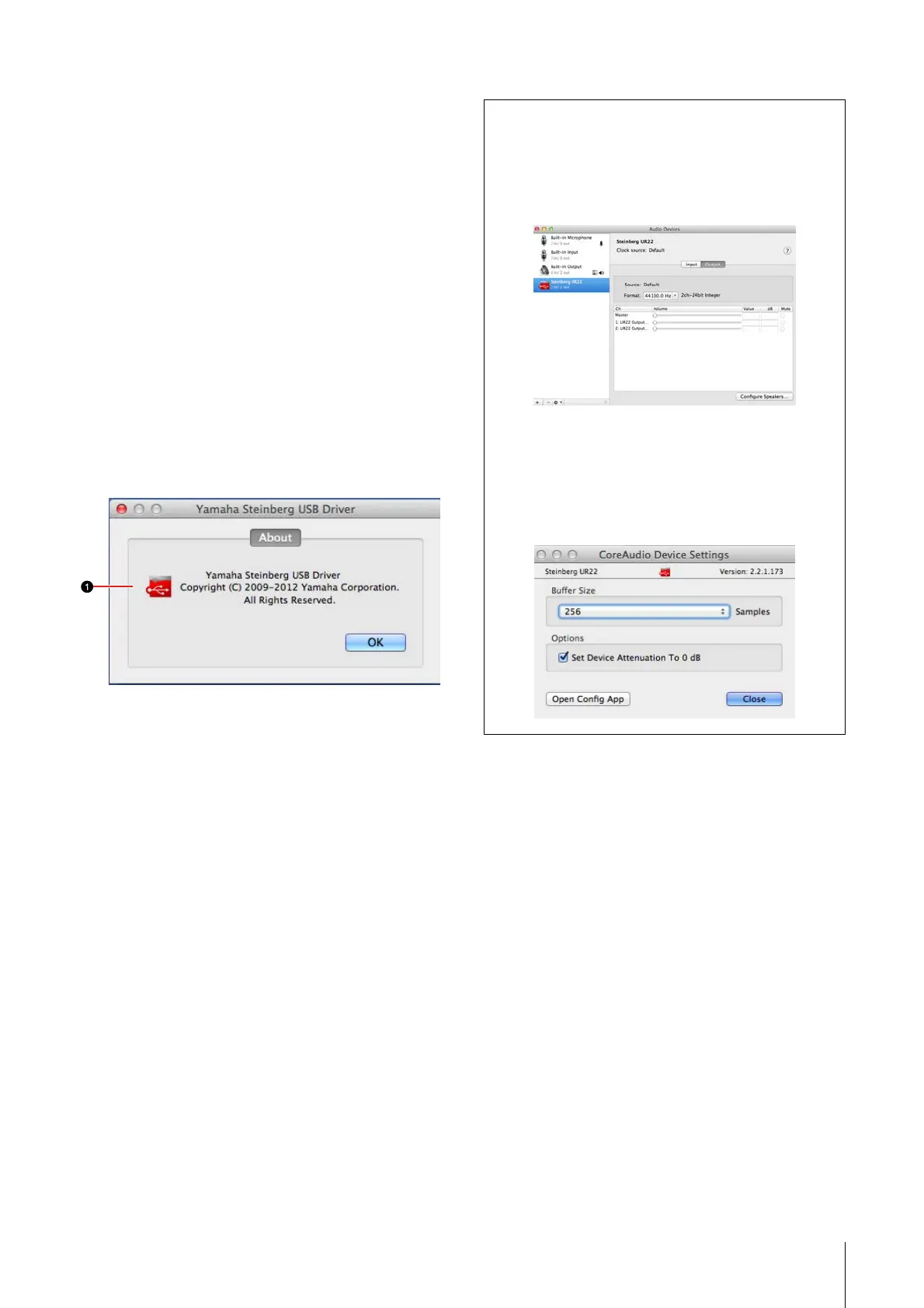
Yamaha Steinberg USB Driver
UR22 Operation Manual 9
1 About
Indicates the version and copyright of the audio
driver. The letters “x.x.x” indicate the version
number.
Mac
How to Open the Window
•“System Preferences” → “Yamaha Steinberg USB”
•From the Cubase series menu, “Devices” →
“Device Setup…” → “Steinberg UR22” → “Control
Panel” → “Open Config App”
About window
This window indicates information about the audio
driver.
1 About
Indicates the version and copyright of the audio
driver. The letters “x.x.x” indicate the version
number.
Tips
How to select the sample rate
Select the sample rate of the device via the
“Audio MIDI Setup.”
How to select the buffer size
Select the buffer size in the buffer size selecting
window, which is opened from an application
such as DAW software.



 To Next Page