Software
UR44C Operation Manual 7
3 Buffer Size
Lets you select the buffer size for the ASIO driver. The
range varies depending on the specified sample rate. The
lower the value of the ASIO buffer size, the lower the value
of audio latency.
4 Input Latency/Output Latency
Indicates the latency (delay time) for the audio input and
output in millisecond units.
About Window
Indicates the version and copyright information of the
audio driver.
Sample Rate Range
44.1 kHz / 48 kHz 32 Samples - 2048 Samples
88.2 kHz / 96 kHz 64 Samples - 4096 Samples
176.4 kHz / 192 kHz 128 Samples - 8192 Samples
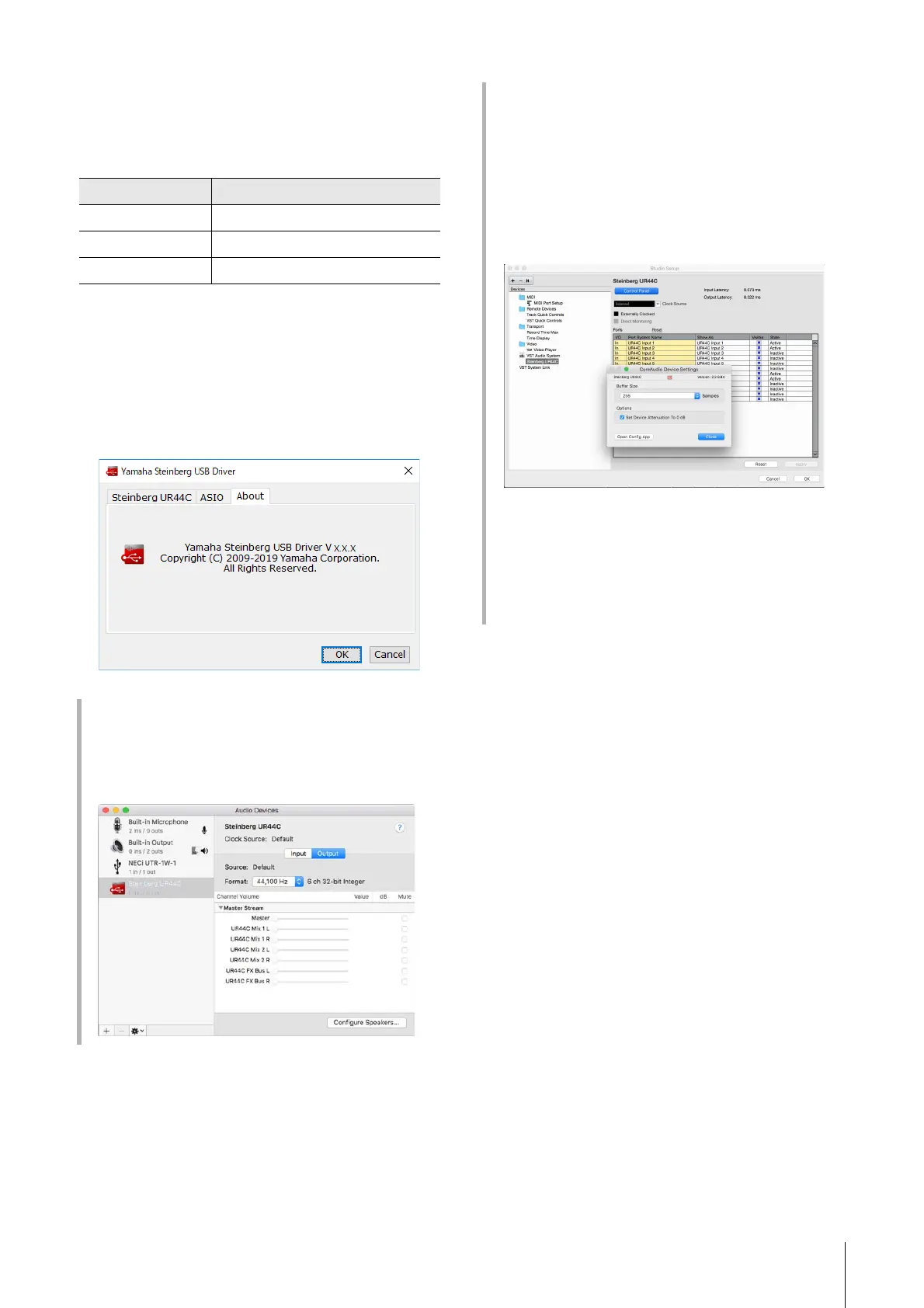
How to Select the Sample Rate (Mac)
You can select the sample rate in the [Audio MIDI
Setup] window. Select the sample rate from the
[Applications] [Utilities] [Audio MIDI Setup]
[Format] menu.
How to Select the Buffer Size (Mac)
You can select the buffer size in the settings window for
each application (DAW software, etc.).
From the Cubase series menu, select [Studio] [Studio
Setup], then click [Control Panel] in [Steinberg UR44C]
or [Steinberg UR44C (High Precision)] in the menu on
the left side of the window.
The method for opening the settings window is different
for each application.
Using with 32-bit Integer processing (Mac)
[Steinberg UR44C] or [Steinberg UR44C (High
Precision)] is shown in the [ASIO Driver] setting on the
Cubase series program. Select [Steinberg UR44C (High
Precision)] when processing at 32-bit integer resolutions
between Cubase and the driver.



 To Next Page