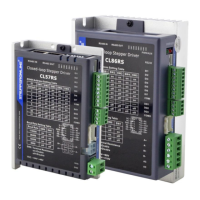
CLRS Series RS485 Closed Loop Stepper Drive User Manual
After the setting is completed, please click to download and save, as follows
(3) Manually run the PR path
As shown in the figure below, the default is the motion parameter of PR0. As long as click Start, the motor will run
according to the path of PR0. If click PR1 in step 4, the motor will be forced to switch to the path of PR1. Click step
3 to stop motor.



 To Next Page