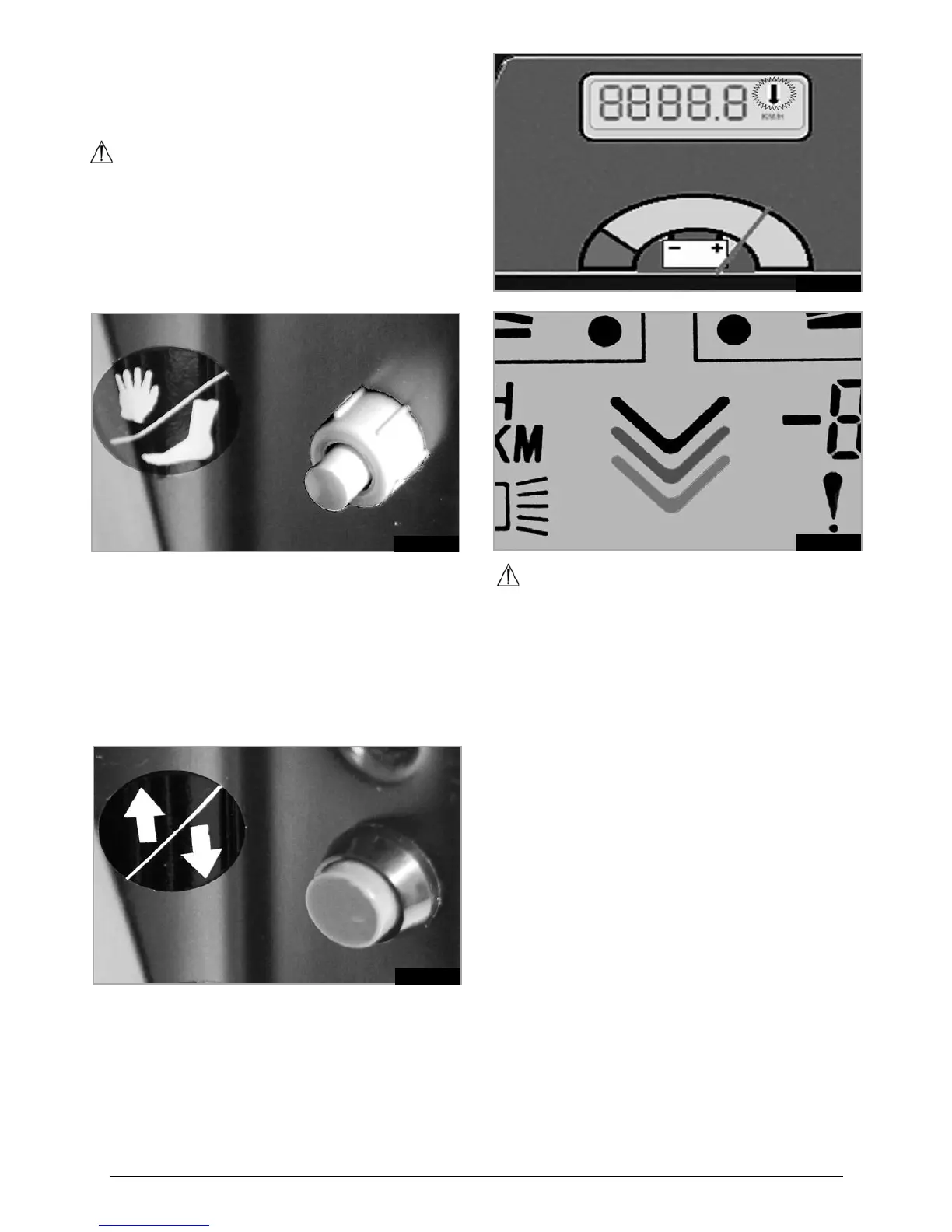
7.12 THROTTLE SELECT SWITCH
This switch is used to select between the foot control and
any handlebar control.
NOTE: A latching, (push On-push Off), type switch is
used for this function, (Fig.7.12.1).
WARNING!
When the scooter is turned off, the control that was •
selected at the time of switching off will still be
selected when the scooter is turned back on again.
Use caution when first starting off after a break in •
driving.
Keep any luggage/bags, clear of fouling the foot •
control at all times.
Fig.7.12.1
7.13 DIRECTIONAL SWITCH
This switch is used to select between the forward or
reverse direction of travel, (Fig.7.13.1).
The directional switch is always used with any non-
wigwag throttle, ie. foot control and twist grip throttle.
When reverse is selected a warning flashing arrow
appears on the LCD display of the Elite
2
XS -RS,
(Fig.7.13.2), or scrolling arrows appear on the LCD
display of the Elite
2
Plus, (Fig.7.13.3).
Fig.7.13.1
Fig.7.13.2
Fig.7.13.3
WARNING!
When the scooter is turned off, the direction that was •
selected at the time of switching off will still be
selected when the scooter is turned back on again.
Use caution when first starting off after a break in •
driving.
Use caution when reversing.•
Always stop the scooter before switching between •
forwards and reverse.
Do not reverse downhill on an uneven surface.•
Do not reverse and turn on any uneven surface.•
Never reverse around a blind corner.•
Always give way to people on foot.•
If your head/neck movement is restricted when reversing:
Use your mirrors.•
Select the lowest usable speed setting.•
Do not make any sudden manoeuvres.•
Listen out for any audible clues, (children shouting, •
running etc).
Be prepared to stop immediately.•



 To Next Page