Getting started UM0718
10/31 Doc ID 15846 Rev 1
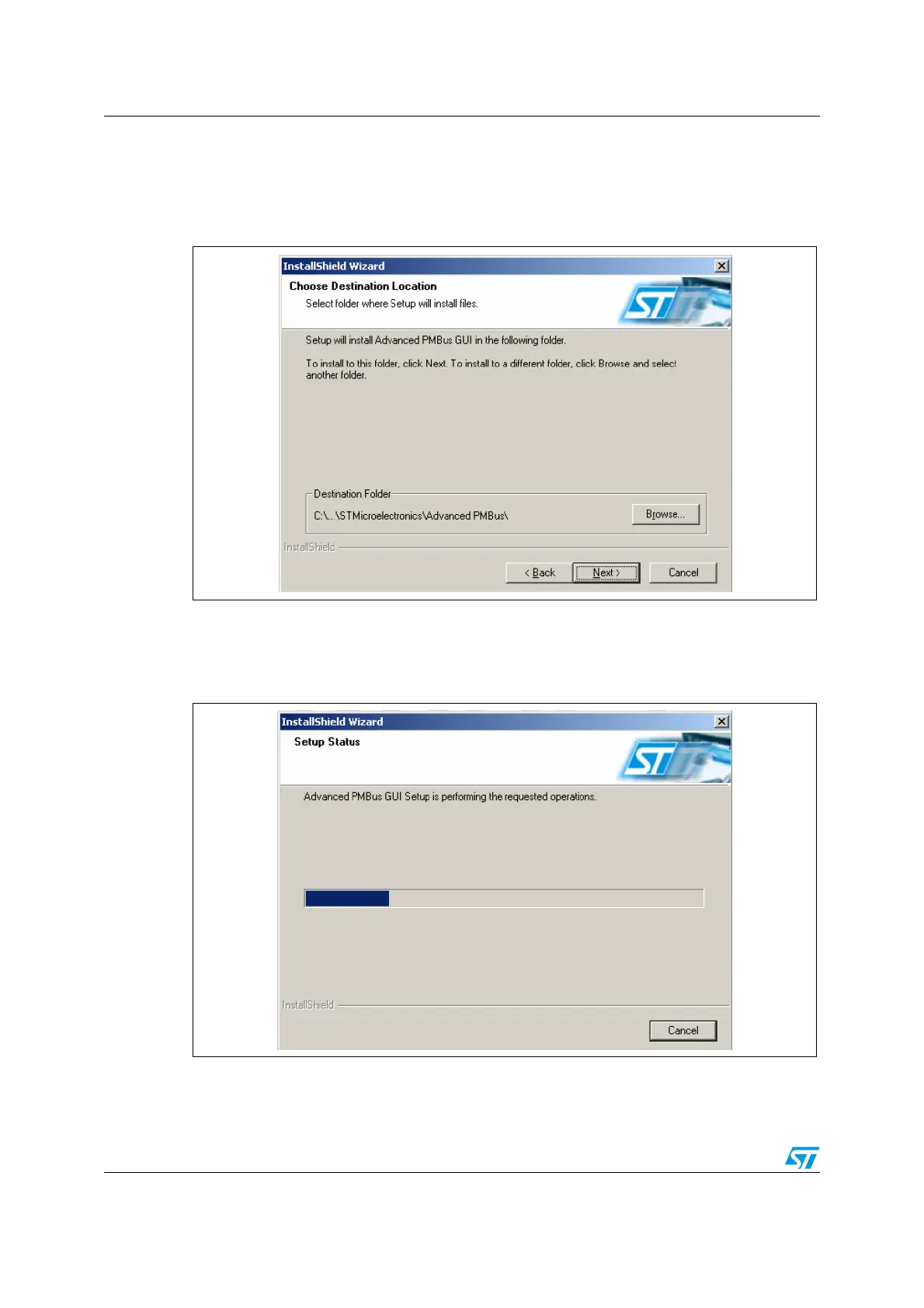
Step 4:
Please select the folder in which to install the software. By default it installs the software in
the following path: C:\Program Files\STMicroelectronics\.
Figure 6. PMBus GUI installation step 4 - installation path window
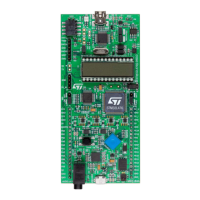
Step 5:
After selecting the folder and clicking the “Next” button, the software starts installing.
Figure 7. PMBus GUI installation step 5 - setup status window



 To Next Page