Advanced PMBus GUI description UM0718
26/31 Doc ID 15846 Rev 1
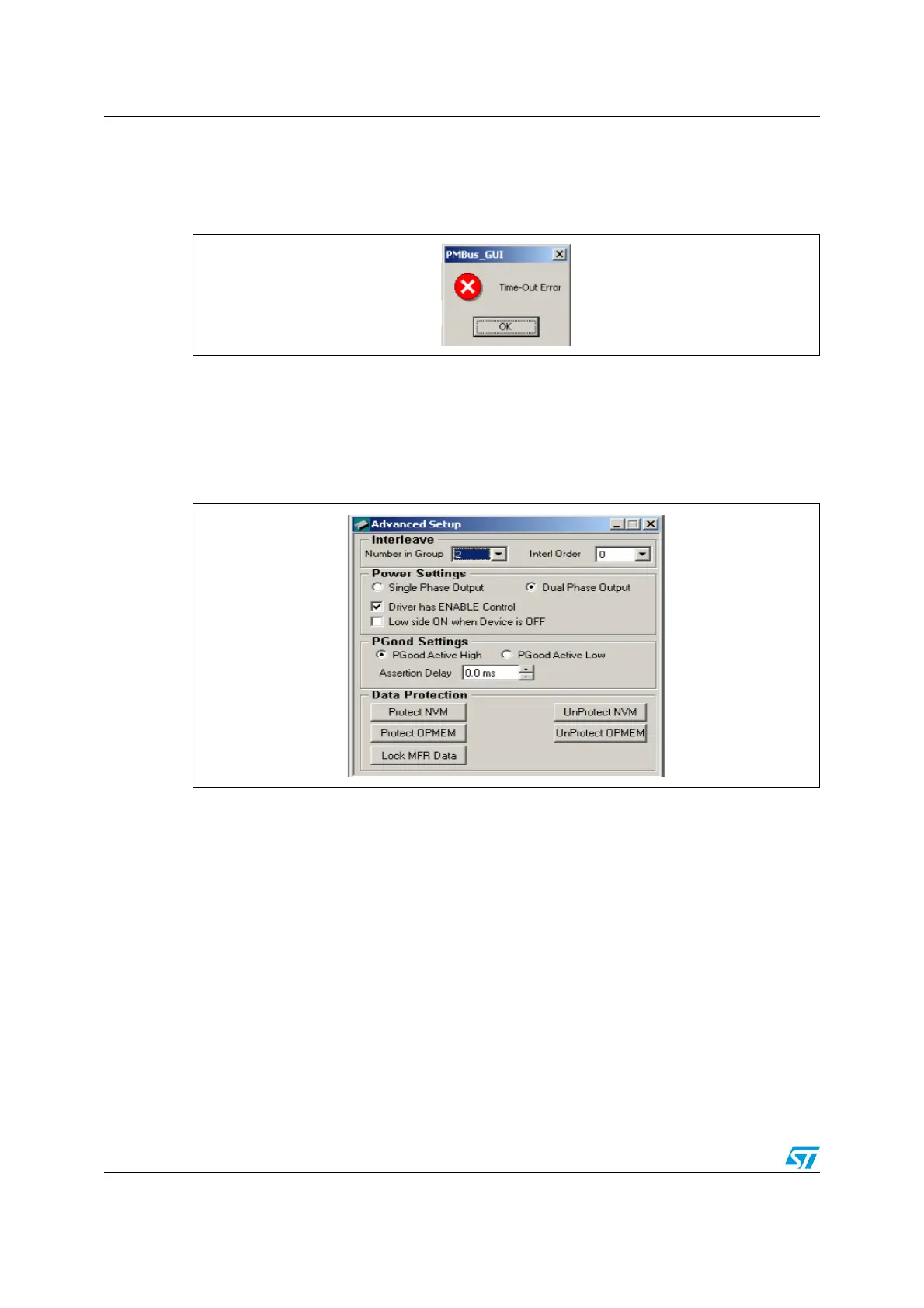
In the case of an error occurring in PMBus communication, such as the slave device is busy
or doesn’t respond within the time limit mentioned in PMBus 1.1 specs, the GUI then shows
the error message ‘Time-Out Error’.
Figure 29. Time-out error message
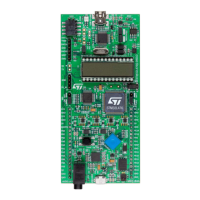
3.8 Advanced setup window
The advanced setup window can be opened by either clicking on the advanced setup
window icon or by following Operation-> Advanced Setup Window.
Figure 30. Advanced setup window



 To Next Page