32
9. SE5000CS – Configuration System
▪ Tap the icon and the message “Determining the Tacho Type” is displayed whilst Optimo² confirms
an SE5000 tachograph is connected. This enables configuration of KRM tachographs to parameters
of different vehicle types.
▪ A valid workshop card must be inserted, and PIN authenticated to reconfigure all activated
tachographs.
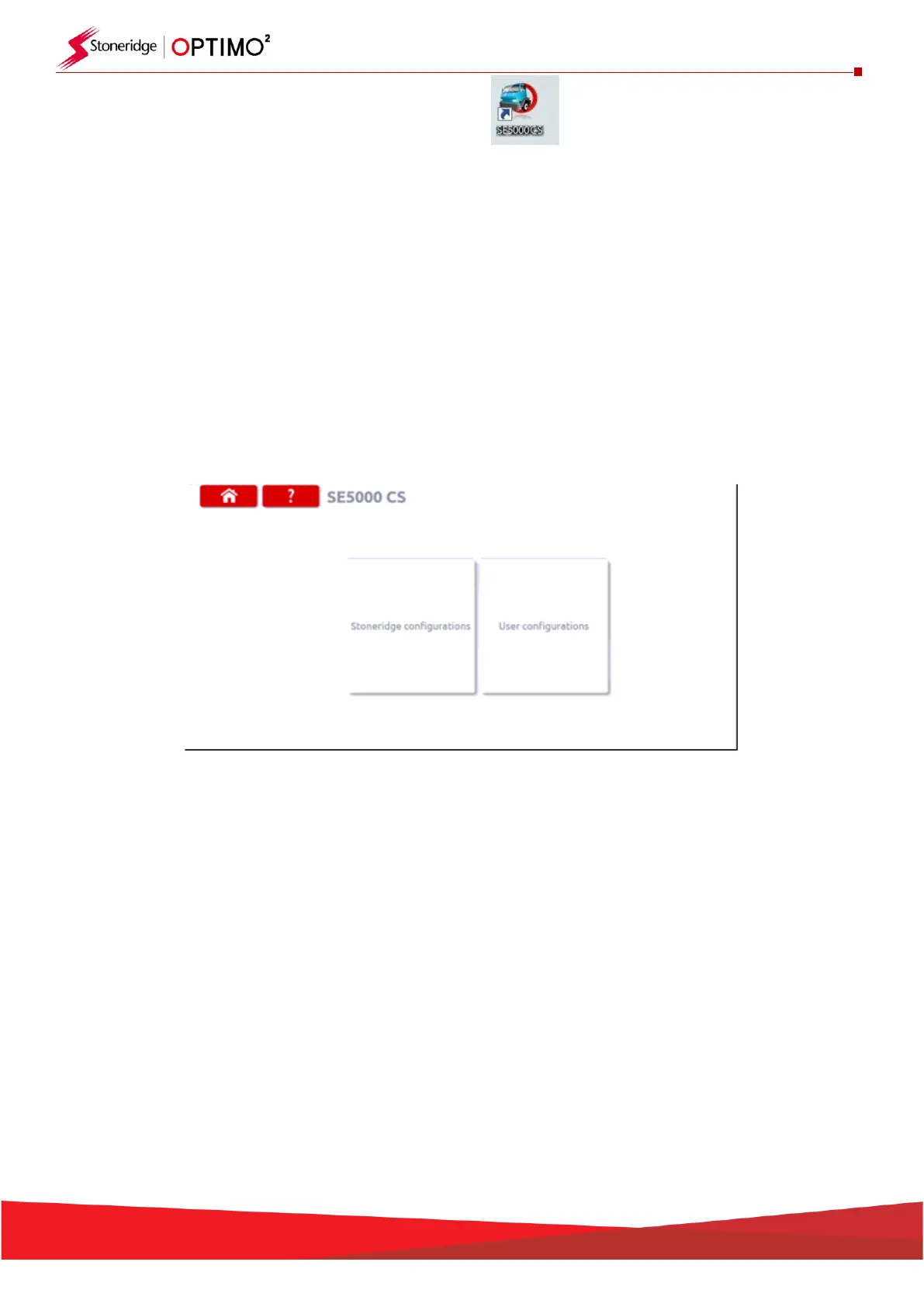
▪ You are now presented with two choices as shown below. By selecting ‘Stoneridge Configurations’
you will access the Stoneridge library of configuration files which is continuously updated.
▪ By selecting ‘User Configuration’, you will be able to save, in Optimo, a vehicle configuration you
have created and this can be recalled for use again and shared with other Optimo users


 To Next Page