42
13. Rolling Road Brake
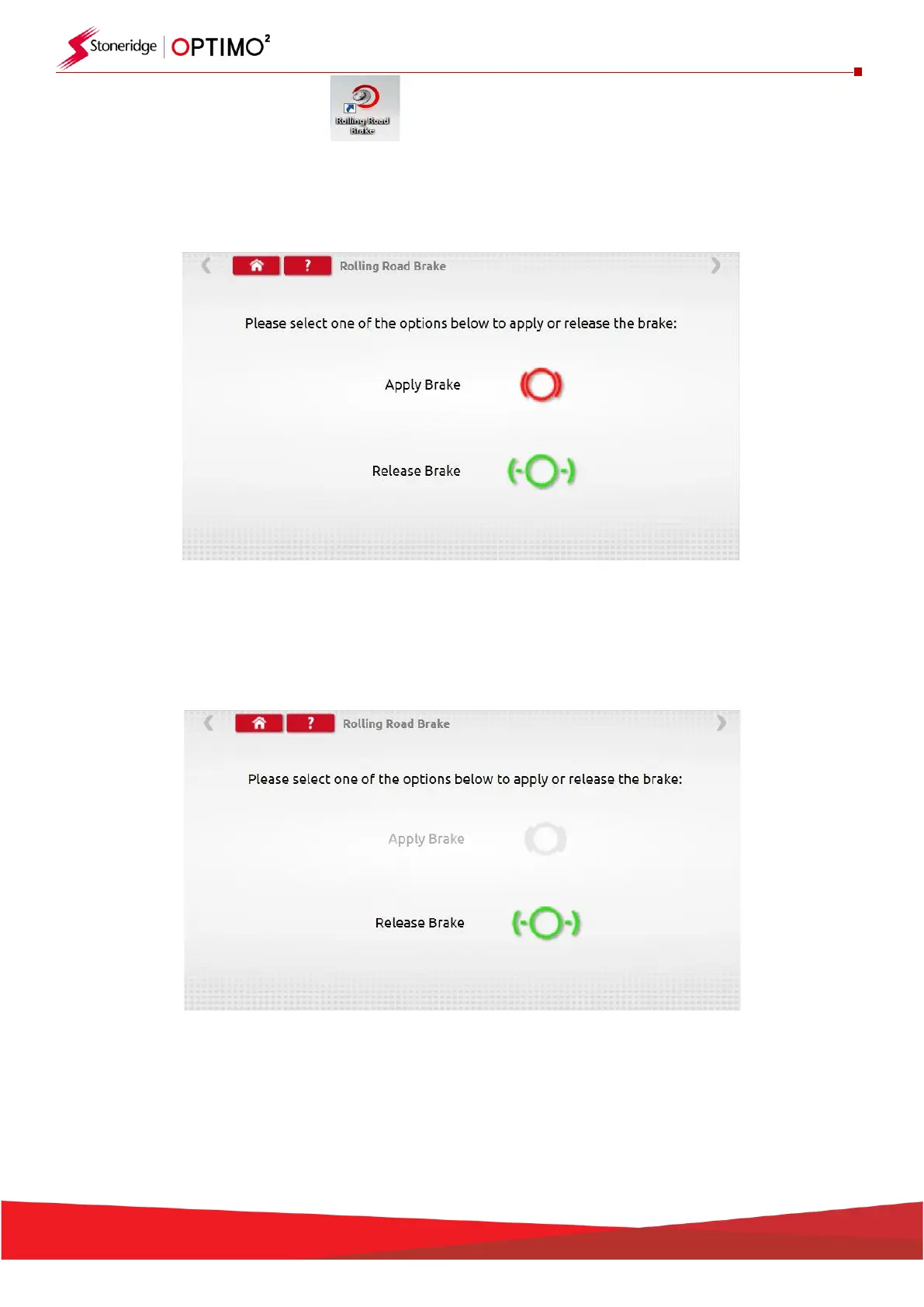
▪ If your Rolling Road is connected wirelessly to Optimo² the Rolling Road Brake icon will appear.
▪ Tapping the icon enables a user to Apply or Release the Rolling Road brake via Optimo².
▪ Initially both buttons will be active as the system does not know what state the brakes are currently
set to.
▪ If you tap the Apply Brake button, it will apply the brakes to the rollers and that button will then be
inactive leaving only the Release Brake option, and vice versa.


 To Next Page