Stonex R180 – User Manual 22
f. Web Internet Connection
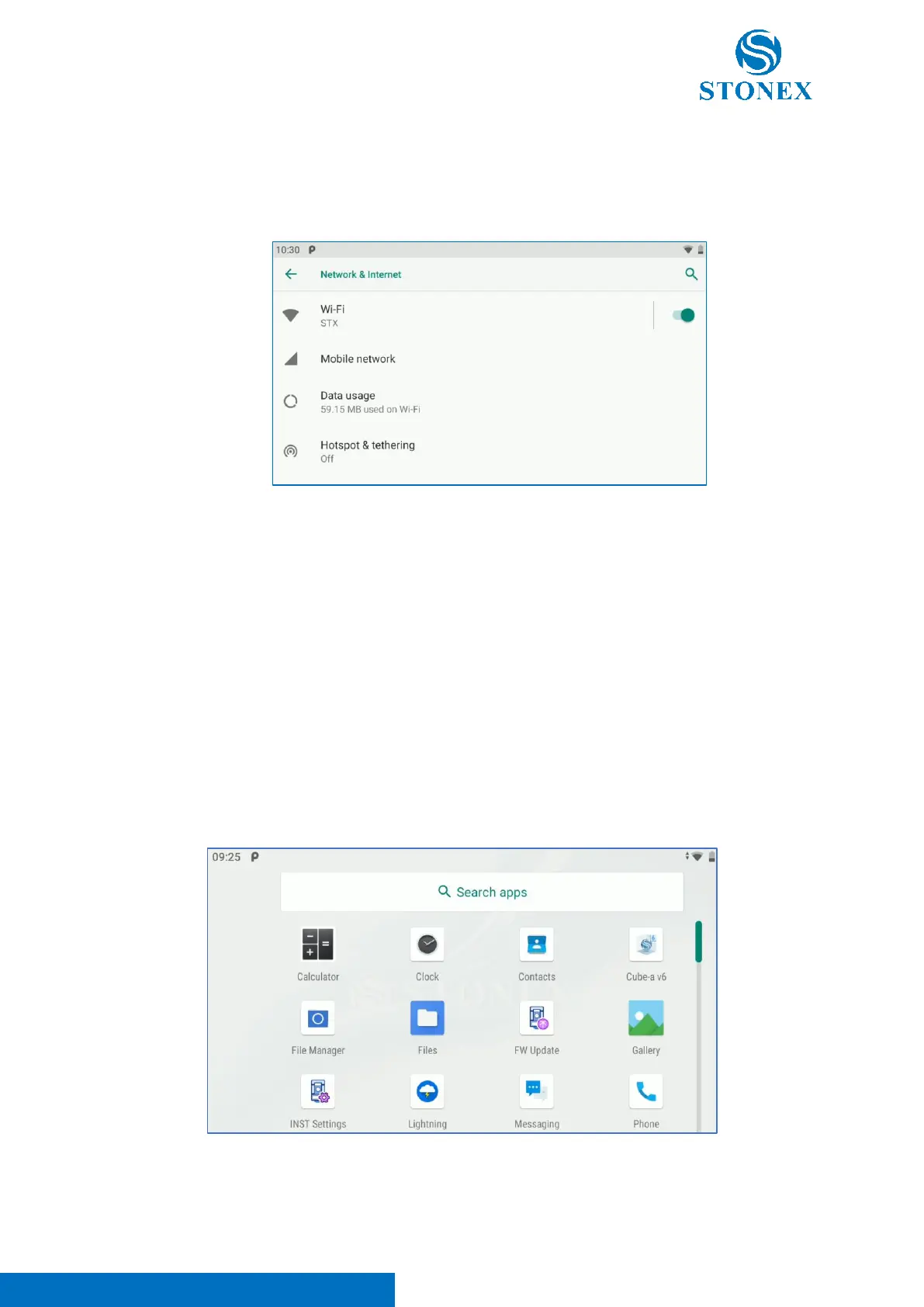
Enter in Settings -> Network & Internet to connect the instrument to Web Internet. It’s possible
to choose between “Mobile Network” if a SIM card is inserted in the instrument or “Wi-Fi” to
connect the device to a Wi-Fi network.
Click on Wi-Fi -> Add network to search the Wi-Fi networks available in the surrounding area.
Select your Wi-Fi network and insert the password to enable the connection.
4.2. Android App
R180 has some pre-installed applications usable to manage Android Operative System and some other
ones designed for total station management.
These applications can be divided in two different categories:
- Android Default App
- R180 Technical App



 To Next Page