Stonex R180 – User Manual 32
4.3. Android Data Exchange Mode
Android Operative System offers to the user different Data Exchange modes from which to choose. These
methods can be divided in two categories:
- External Devices
- Wireless
External Devices
R180 is configured to transfer data via an external device using:
- USB Key
- Cable
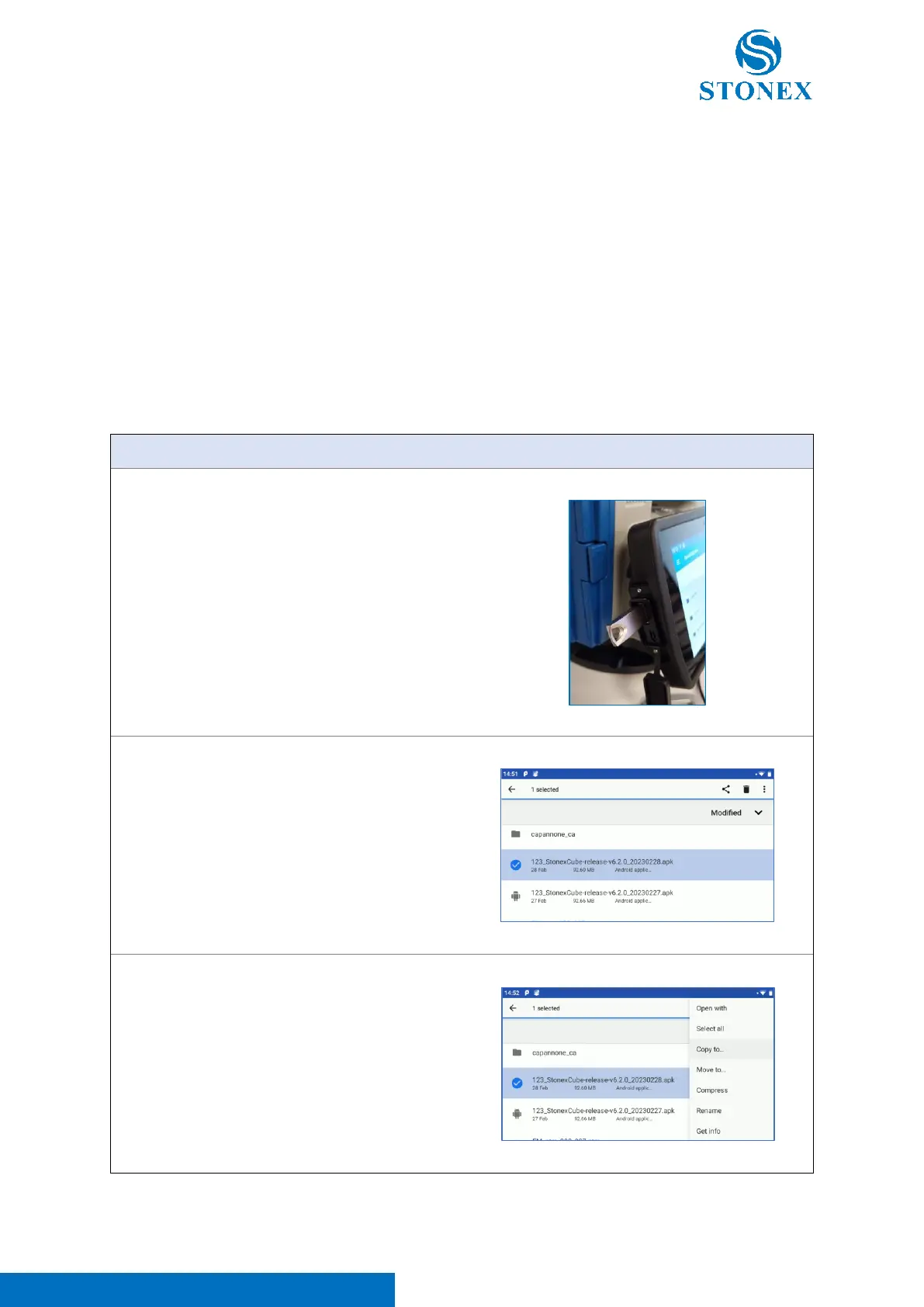
a. Insert the USB key in the total station
b. Press and hold the file to copy it on USB
key from R180 internal memory (Note. If
you don’t see R180 internal memory,
click on the three dots and select “Show
internal memory”).
c. Click on the three dots and select “Copy
to”.



 To Next Page