Stonex R180 – User Manual 31
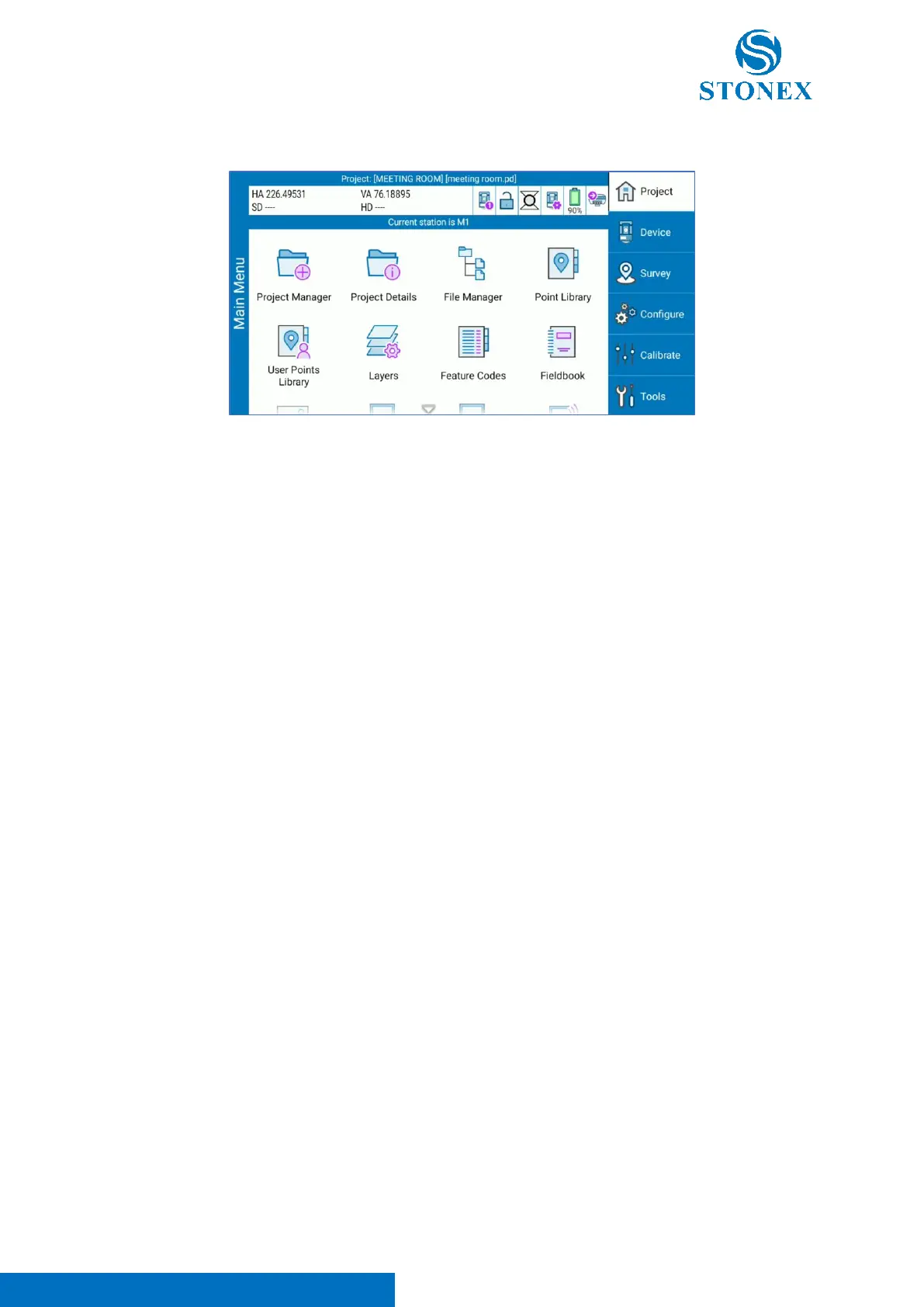
If the angle readings are visible in the upper status bar, the station is correctly connected to the software.
Note. If after pressing “Connect”, the angles are not visible close and re-open Cube-a. If the problem
persists, turn on/turn off the total station and re-open Cube-a.
R180/Cube-a initialization
Each time the user opens Cube-a after R180 turning on, he needs to wait about 1 minute for instrument
initialization. This operation is automatically executed by Cube-a and it’s necessary to ensure proper
operation of the total station. When the station produces a sound like a ticking sound, it means that the
initialization of the instrument is almost finished. After this step, the angle readings appear on Cube-a
screen and the user can start to work.
Note 1. The initialization is necessary each time the user opens Cube-a after R180 turning on. If the user
exit and re-enter in Cube-a after initialization, this procedure is not necessary, because already
performed.
Note 2. If the initialization failed, enter in “TS Command Service” and click on “Re – Enable Service” (see
TS Command Service). After the tick sound, re-open Cube-a. If the angles are visible the initialization is
completed, unless restart R180 and repeat the procedure above.
If the problem persists, contact your local dealer.
See Cube-a user manual for more details and information about the software.



 To Next Page