Stonex R180 – User Manual 28
b. INST Settings
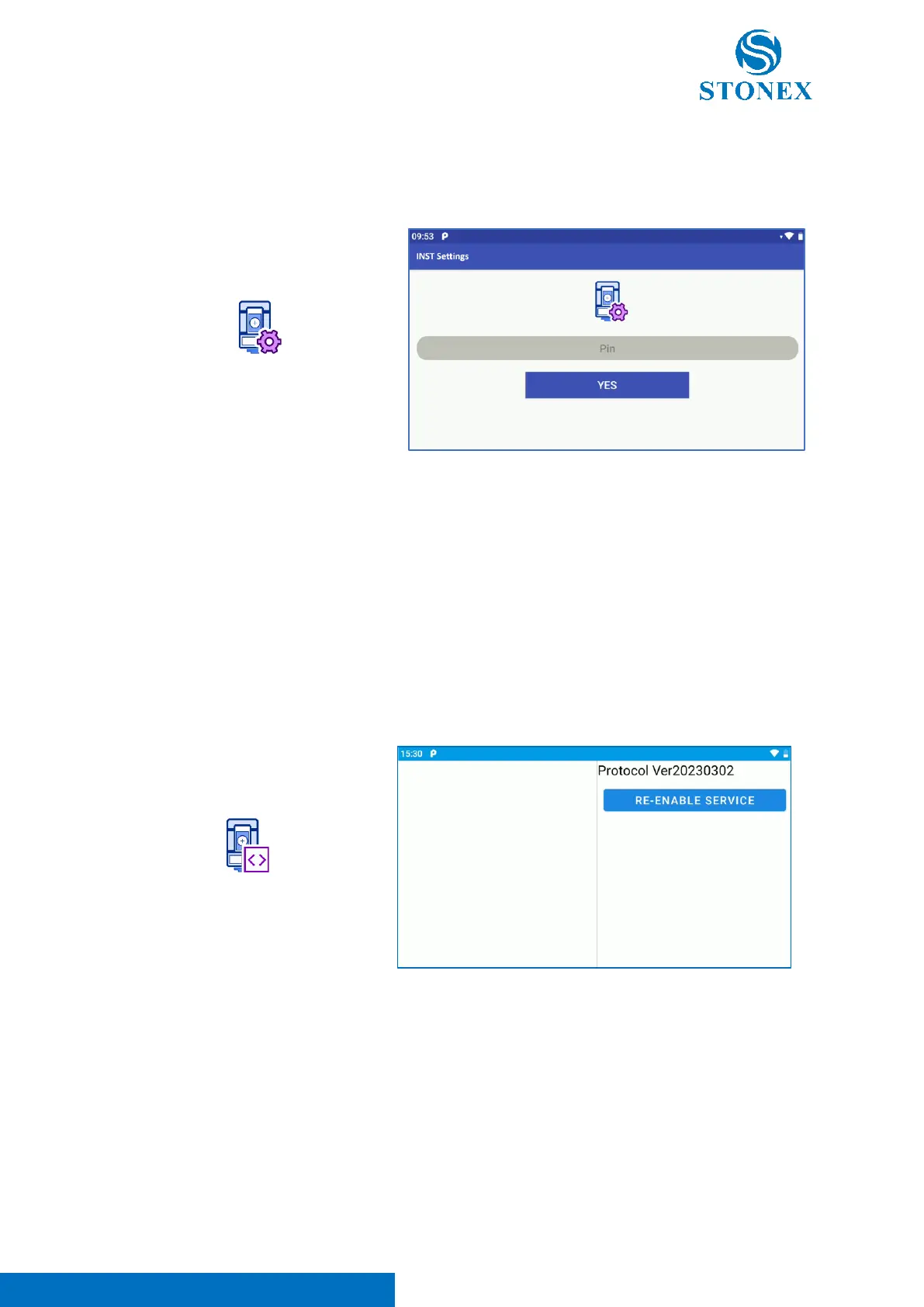
“INST Settings” app is dedicated to service, debug and calibration procedures. Clicking on the icon, the
user can enter in the application.
The access to the app is protected by a password.
Note. The use of this application is restricted to expert and professional users. For any doubts or
questions refer to your local dealer or contact Stonex Technical Support.
c. TS Command Service
“TS Command Service” app is necessary to guarantee the right communication between the instrument
HW and the software (Cube-a). Clicking on the icon the following screen appears.
Entering in the application, it’s possible to read the app version (eg. Ver20230302 in the picture above)
and if necessary, re-enable the connection between the software and the hardware clicking on “Re-
enable Service”. When the communication is correctly setted, the commands send by Cube-a to the
hardware are visible in the left part of the screen, as visible in the photo below.



 To Next Page