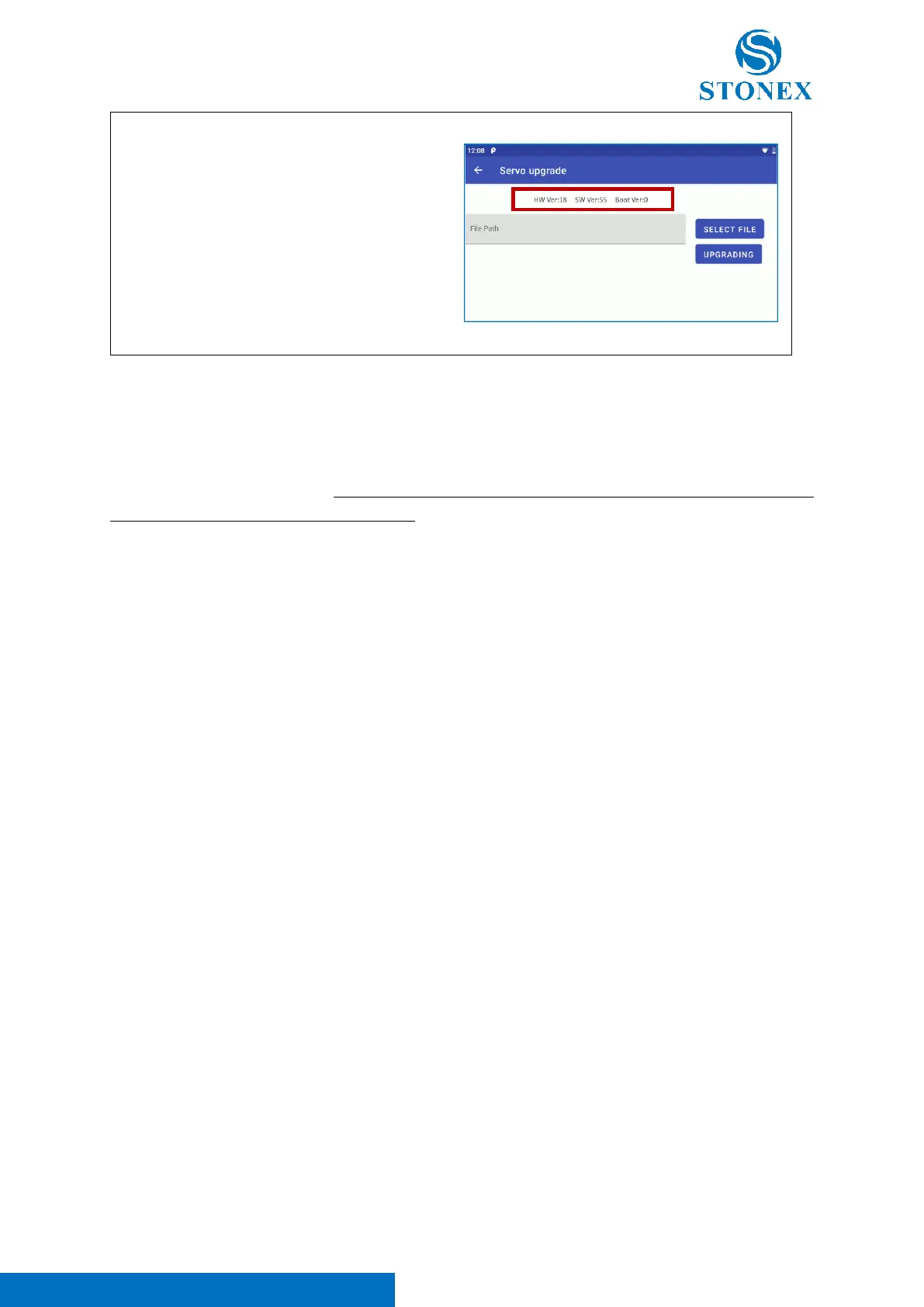
e. A pop-up message informed the user about
the success of the update. Contemporary
the information included in the red square
in the right image, is updated in accordance
with the new FW file.
Note 1. Check that the battery level is at least 70% before FW updating.
Note 2. FW update procedure may require some minutes for some components. During FW update is
not possible to use the stations, don’t exit from “FW Update” application, don’t turn off the instrument
or remove the battery during this procedure.
Note 3. After FW updating, restart the instrument.
Note 4. Don’t connect any cable when updating.
Note 5. When “FW Update” app is opened (also in background), the instrument is in a particular
condition on which its not possible to use it with Cube-a. This configuration was added to avoid possible
problems during FW updating due to external softwares. To restore the correct communication between
the total station and Cube-a, it is necessary to close or exit from “FW Update” application. For this reason,
remember to close or exit the "FW Update" application each time you access it and after each FW
update operation.



 To Next Page