Stonex R180 – User Manual 25
4.2.2. R180 Technical App
This group contains the applications necessary to manage R180 total station in all its functions (Note.
These apps are necessary for instrument use, configuration, update and management, please don’t
unistall them). There are five pre-installed applications on the total station: FW Update, INST Settings,
TS Connector, TS Command Service and Cube-a. Below their description.
a. FW Update
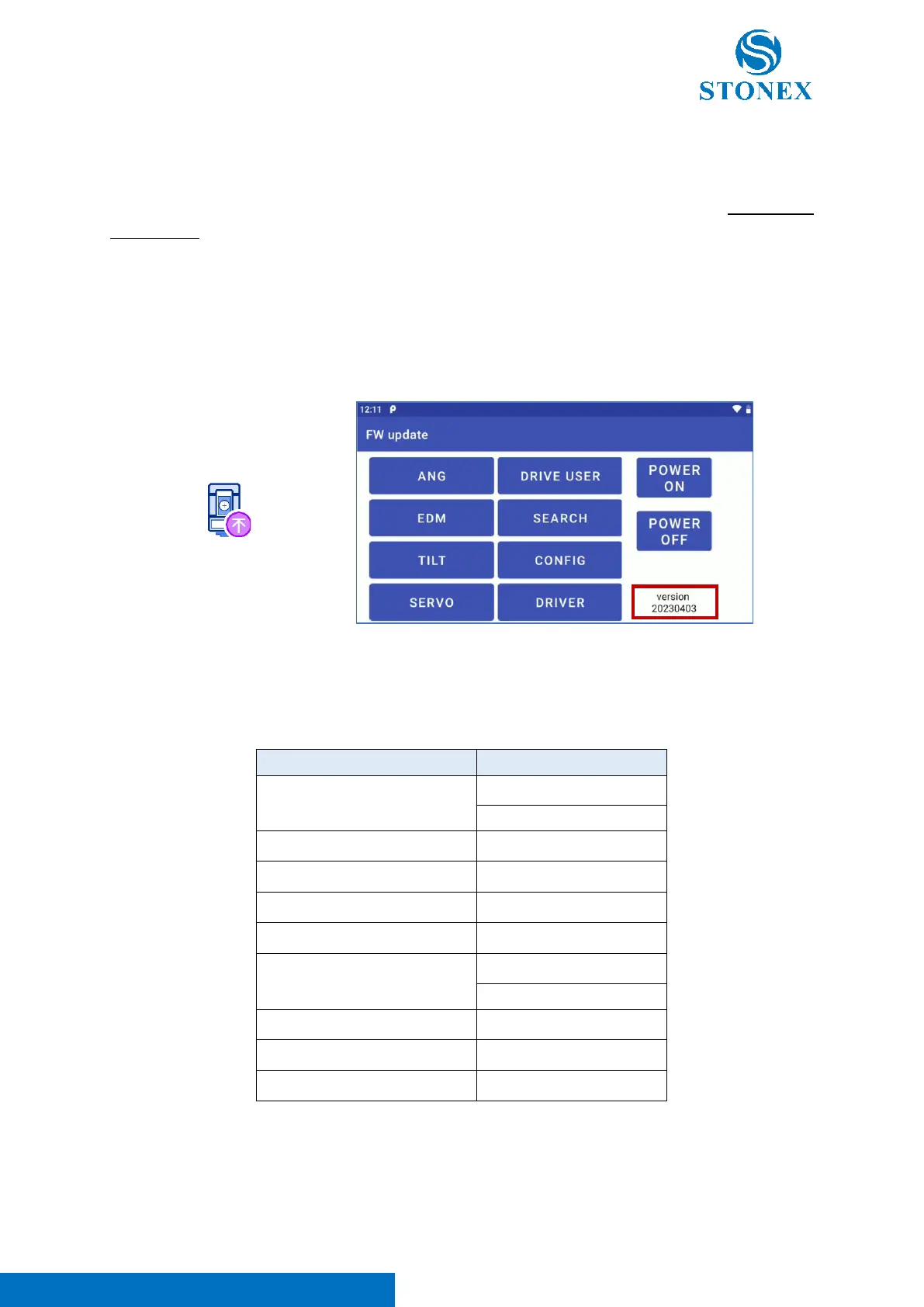
“FW Update” app is dedicated to R180 FW update. Clicking on the icon, the user can enter in the
application, as visible in the image below (application version squared in red in the image below).
As visible in the image above, there are several sections dedicated to FW update. Each one is configured
to update the FW of a specific sensor or technology of R180. In the table below there is a resume about
R180 internal FW.
The procedure for updating different total station FW is the same one for each section. Here below the
description of the procedure for FW updating (in the example, update of “Servo” FW):



 To Next Page